The best digital photo frame to give in 2026
Aura's Carver Mat, Aspen and Walden compared with the Skylight Frame 2: screen sizes, subscriptions, touchscreens and the details that matter when the frame is for a grandparent.
Culturera may earn a commission if you buy through the links on this page. As an Amazon Associate I earn from qualifying purchases. The selection is ours alone.
At a glance
- Best overallAura Carver MatAmazon
- Best for portraitsAura AspenAmazon
- BiggestAura WaldenAmazon
- Best touchscreenSkylight Frame 2Amazon
For most families, the digital photo frame to give this year is the Aura Carver Mat: a 10-inch frame with a white mat that looks like a printed photo, no subscription, and an app that lets the whole family send pictures from their phones. Choose the Skylight Frame 2 for a grandparent who likes to swipe and tap, or a bigger Aura for a living room. We have not tested these frames; this guide compares what the makers publish and how each one works.
Prices are the makers' list prices on November 22, 2026. Frames are heavily discounted around Black Friday, often by $40 or more.
What should you check before buying a digital photo frame?
How photos get there. The best frames connect to Wi-Fi and receive photos from an app on the phones of everyone you invite. The person who receives the frame should not have to do anything.
Subscriptions. Some frames charge a yearly fee for features such as video or web access. Aura frames have no subscription. Skylight's Plus plan is $39 a year, and Nixplay's is $29.99.
The mat and the screen. A white mat around the screen makes a frame look like a printed photo on a shelf. Resolution matters more on bigger frames; at 15 inches, look for at least 1600 × 1200.
Touch or no touch. A touchscreen lets the person swipe back to a photo or delete one. Aura frames are controlled by swiping the top edge and from the app, which keeps fingerprints off the picture.
Wi-Fi and power. These frames have no battery: they stay plugged in, so the spot needs an outlet within reach of the cable. They also need a Wi-Fi network at the recipient's home. Aura frames use the 2.4 GHz band, which every home router provides. A relative with no internet at home needs a different kind of frame, one that reads photos from a memory card.
Who will send the photos. A connected frame is only as good as the family behind it. Before buying, decide who will add photos every week or two. A frame that shows the same 30 pictures for a year gets unplugged.
Which one is for you?

Best overall
1. Aura Carver Mat
Best for: Grandparents and any family photo sharer
A frame that looks like a printed photo, with no subscription and the easiest app for the whole family.
See it at AmazonCheck the current price at the store.
The Aura Carver Mat ($179 list) has a 10.1-inch, 1280 × 800 landscape screen inside a frame with a white mat, so the photo sits in a border like a print. Family members install the free Aura app, join the frame and add photos and short videos; there is no subscription and no fee. It adjusts brightness to the room and pairs photos that look good side by side.
Aura says storage is unlimited and free on all its frames: photos are kept in Aura's cloud, and any number of people can contribute. The app can also link an album from iCloud or Google Photos, so that new pictures added to the album appear on the frame without anyone opening the Aura app. Videos are limited to 30 seconds each, and Live Photos from an iPhone play as short moving clips without sound. A phone or tablet with the Aura app is needed to set the frame up.
Who it's for: a grandparent or relative who wants to see the family's photos without touching a phone. Keep in mind: it is landscape only, and it needs Wi-Fi. On Amazon US the black mat version is sold by Aura itself.

Best for portraits
2. Aura Aspen
Best for: A desk or a shelf, in portrait or landscape
A 12-inch frame with a sharper screen that stands vertically or horizontally.
See it at AmazonCheck the current price at the store.
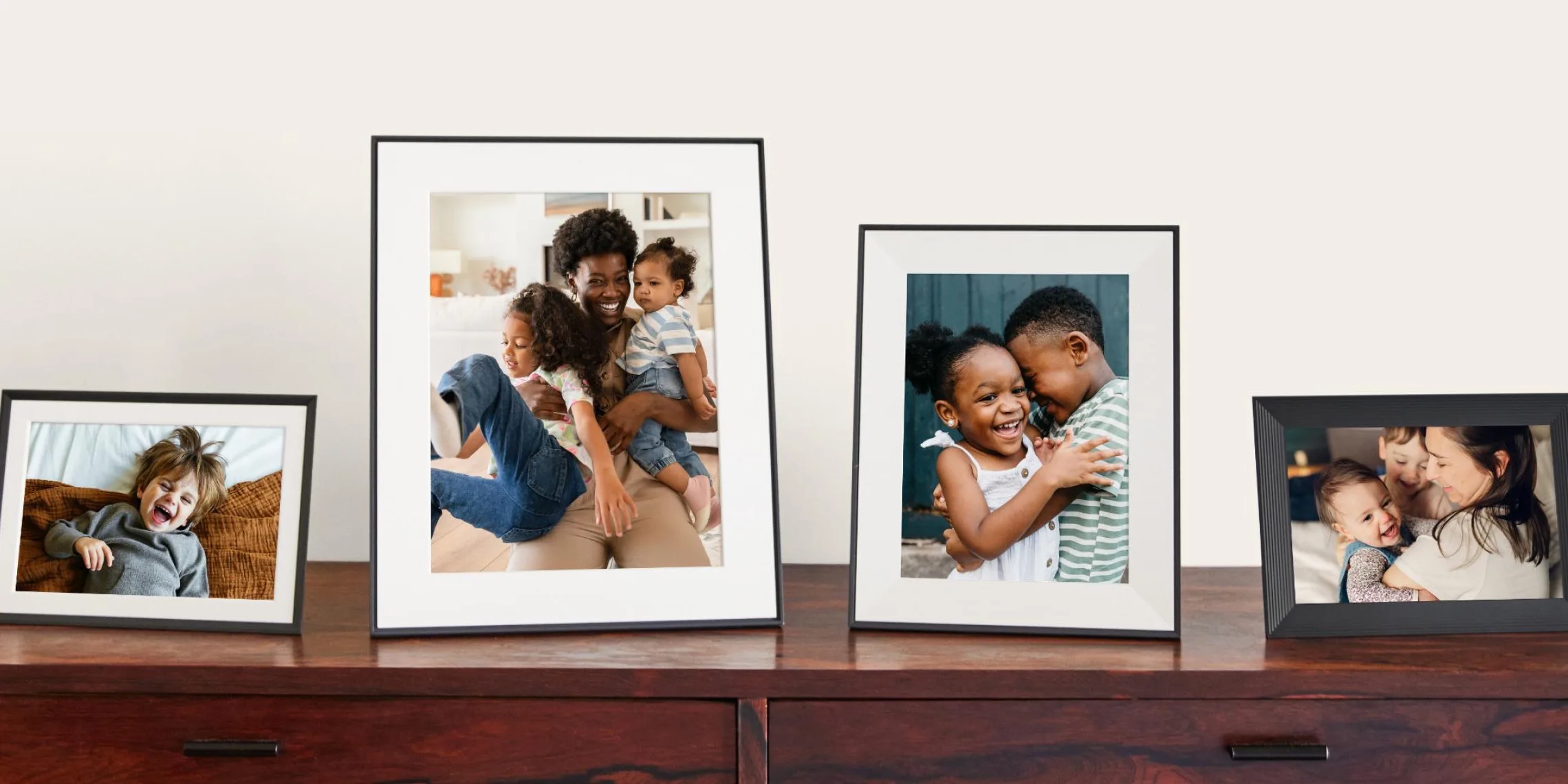
The Aura Aspen ($229 list) has a 12-inch screen with a 1600 × 1200 resolution, sharper than the Carver, and it can stand in portrait or landscape, which suits families with lots of vertical phone photos. It has the same app and no subscription.
Orientation matters more than it seems. Most phone photos are vertical, and a landscape-only frame like the Aura Carver Mat shows them either with borders at the sides or two at a time, side by side. A frame that can stand vertically, like the Aura Aspen, shows a vertical photo across the whole screen. Look at the person's camera roll, or your own, before choosing.
Who it's for: someone with a desk or bookshelf who wants a bigger, sharper frame. Keep in mind: it costs $50 more than the Carver Mat. On Amazon US it is sold by Aura itself.
Biggest
3. Aura Walden
Best for: A living room or a hallway
A 15-inch frame with a wide mat that reads like framed art across a room.
See it at AmazonCheck the current price at the store.
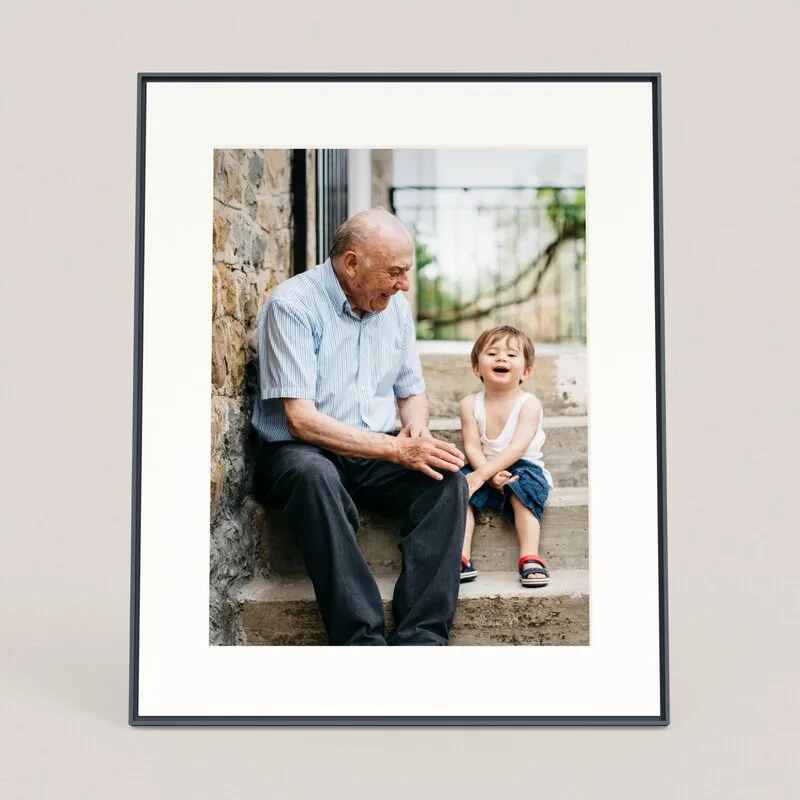
The Aura Walden ($299 list) is the largest frame here, with a 15-inch, 1600 × 1200 screen and a wide mat. It is meant to be seen from across a room, on a mantelpiece or a hallway console, and it also works in portrait or landscape.
Who it's for: a family that wants a centerpiece rather than a desk frame. Keep in mind: at this size, low-resolution old photos look soft; it shines with recent phone pictures. On Amazon US it is sold by Aura itself.
Best touchscreen
4. Skylight Frame 2
Best for: Someone who likes to tap and swipe
A sharp 10-inch touchscreen with swappable frames and photos by email or app.
See it at AmazonCheck the current price at the store.
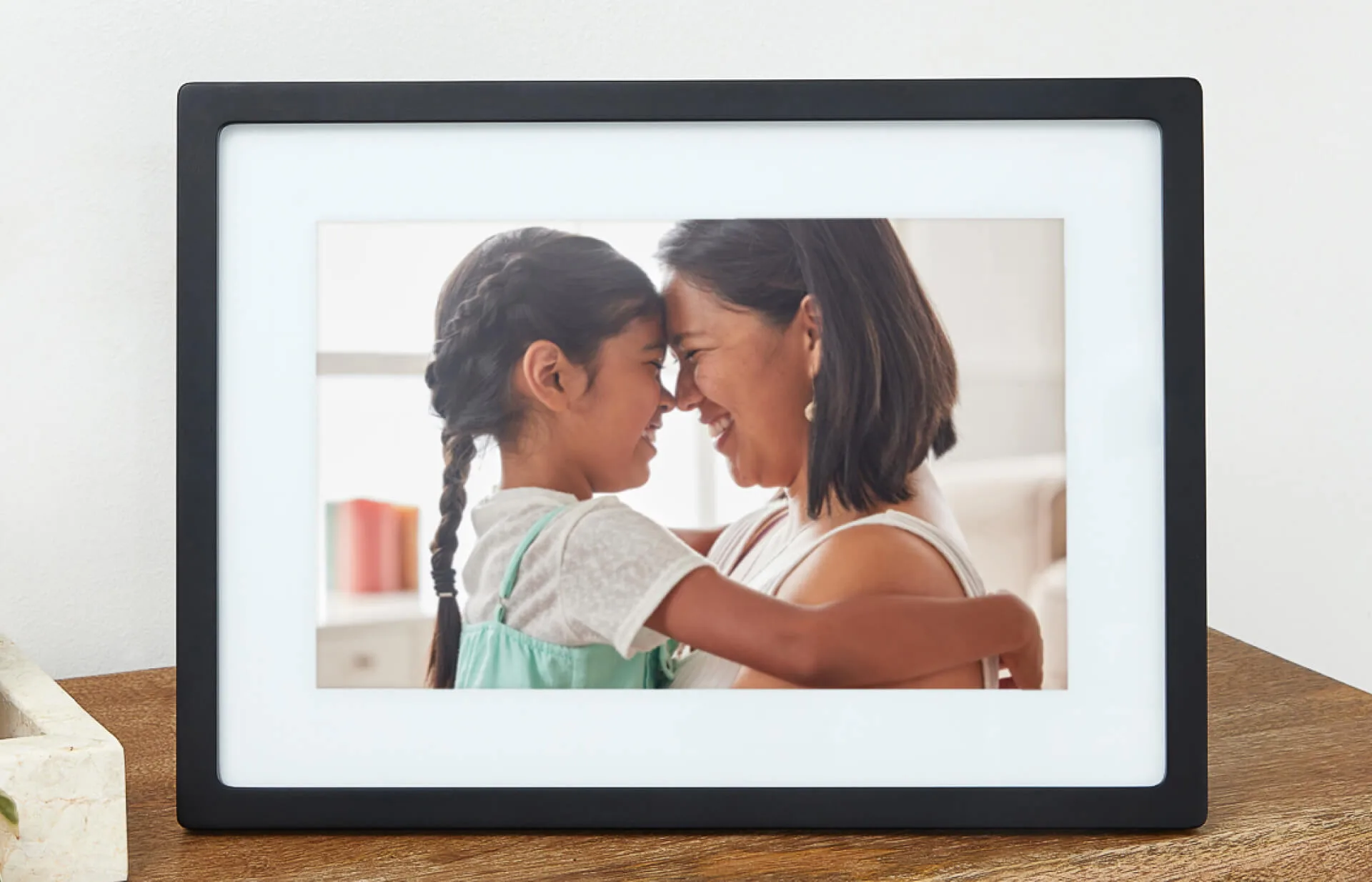
The Skylight Frame 2 ($189.99 list) has a 10-inch, 1920 × 1200 anti-glare touchscreen, the sharpest of the 10-inch frames here, and 16 GB of storage for up to 16,000 photos. Family members can send photos from the free app or by email, without creating an account. Its snap-on frames can be swapped to match a room, and a Gift Mode lets you load photos before the box is opened.
Each Skylight frame has its own email address. Anyone who knows it can send photos as attachments from any phone or computer, with no app, which helps with relatives who will not install one. The free service covers sending photos by app and email. Skylight Plus adds video, captions, albums, remote control of the frame's settings and a cloud backup, according to Skylight's support pages.
Who it's for: a grandparent comfortable with a tablet who wants to swipe back to favorites. Keep in mind: videos, captions and web access need Skylight Plus at $39 a year. On Amazon US it is sold by Skylight itself.
What about Nixplay and cheaper frames?
Nixplay's 10.1-inch touchscreen frame ($189.99 list) is a long-standing alternative that works across Europe and the US, with a Nixplay Plus plan at $29.99 a year. Cheaper frames running the free Frameo app cost under $100 and work well for basic sharing, though their screens and build are simpler.
Frameo is an app used by frames from many brands. Its free version sends up to 10 photos at a time and videos of up to 15 seconds, according to Frameo. The optional Frameo+ plan, $1.99 a month or $16.99 a year in the United States, raises that to 100 photos per send and 2-minute videos and adds a cloud backup. Without it, photos are stored only on the frame itself.
Do digital photo frames need a subscription?
Not for the basic job of showing photos sent from a phone. Aura includes everything, video too, in the price of the frame. Skylight and Nixplay show photos for free and charge a yearly fee for video and extras: $39 for Skylight Plus and $29.99 for Nixplay Plus. Frameo frames work for free with short videos. Over five years, a Skylight Frame 2 with Plus costs about $385, against $179 for an Aura Carver Mat, so count the plan in the price if the family will send videos.
How do you set up a frame as a gift?
Aura has a gift mode. In the Aura app, add a new frame and say it is for someone else; then scan the code on the box, without opening it, write a message, add photos and videos, and invite other relatives to add theirs. When the recipient plugs the frame in and connects it to Wi-Fi, the photos are already there. Skylight's Gift Mode works in a similar way.
For a recipient who is not comfortable with phones, ask someone who lives nearby to be there on the first day: connecting a frame to Wi-Fi takes about five minutes with the app, and after that it needs nothing. Write the Wi-Fi name and password on a card and tape it inside the box.
Where should you put the frame?
Put it where the person sits or passes every day: next to an armchair, on the kitchen counter, on a hallway table. Avoid a spot facing a window, because direct sun washes out any screen and reflects on the glass. Aura frames dim with the room and turn off in the dark, so they can stay in a bedroom. Hide the cable behind furniture; a white cable against a white wall almost disappears.
Which photos work best?
Photos of people, taken close, work better than landscapes: on a 10-inch screen seen from across a room, a face is readable and a mountain range is not. Recent phone photos have far more resolution than any frame needs. Scans of old prints look good on 10-inch frames and softer on 15-inch ones. Send a few photos often, not hundreds once; the pleasure of the gift is seeing something new.
Are the photos private?
Only people invited to the frame can send photos to an Aura frame, and the owner can remove a contributor or a photo from the app at any time. With frames that accept email, like Skylight, anyone who has the address can send a picture, so share it only with family. Photos sent to cloud-connected frames are stored on the maker's servers; read the maker's privacy policy if that matters to the family.
Which one at each price?
Under $200: the Aura Carver Mat, $179, with no subscription; or the Skylight Frame 2, $189.99, for a touchscreen.
Around $230: the Aura Aspen, $229, larger and sharper, for vertical photos.
Around $300: the Aura Walden, $299, a 15-inch frame for a living room.
Before you order
Set the frame up before you give it: connect it to your Wi-Fi, add a first batch of photos and invite family members, then let the recipient connect it to their own network. Ask someone at the recipient's home for the Wi-Fi password in advance.
Amazon US usually extends its return window for gifts bought during the holidays; check the exact dates on the listing before you buy.
How to get it right
Pick by where it will sit and who will use it. For most families, the Aura Carver Mat; for vertical photos on a desk, the Aspen; for a living room, the Walden; for someone who wants a touchscreen, the Skylight Frame 2.