A first drawing tablet: pen tablet or pen display, with eight Huion picks from $45
A pen tablet costs less and teaches you to draw while looking at the screen; a pen display lets you draw on the picture itself. How to choose, and eight Huion models.
Culturera may earn a commission if you buy through the links on this page. As an Amazon Associate I earn from qualifying purchases. The selection is ours alone.
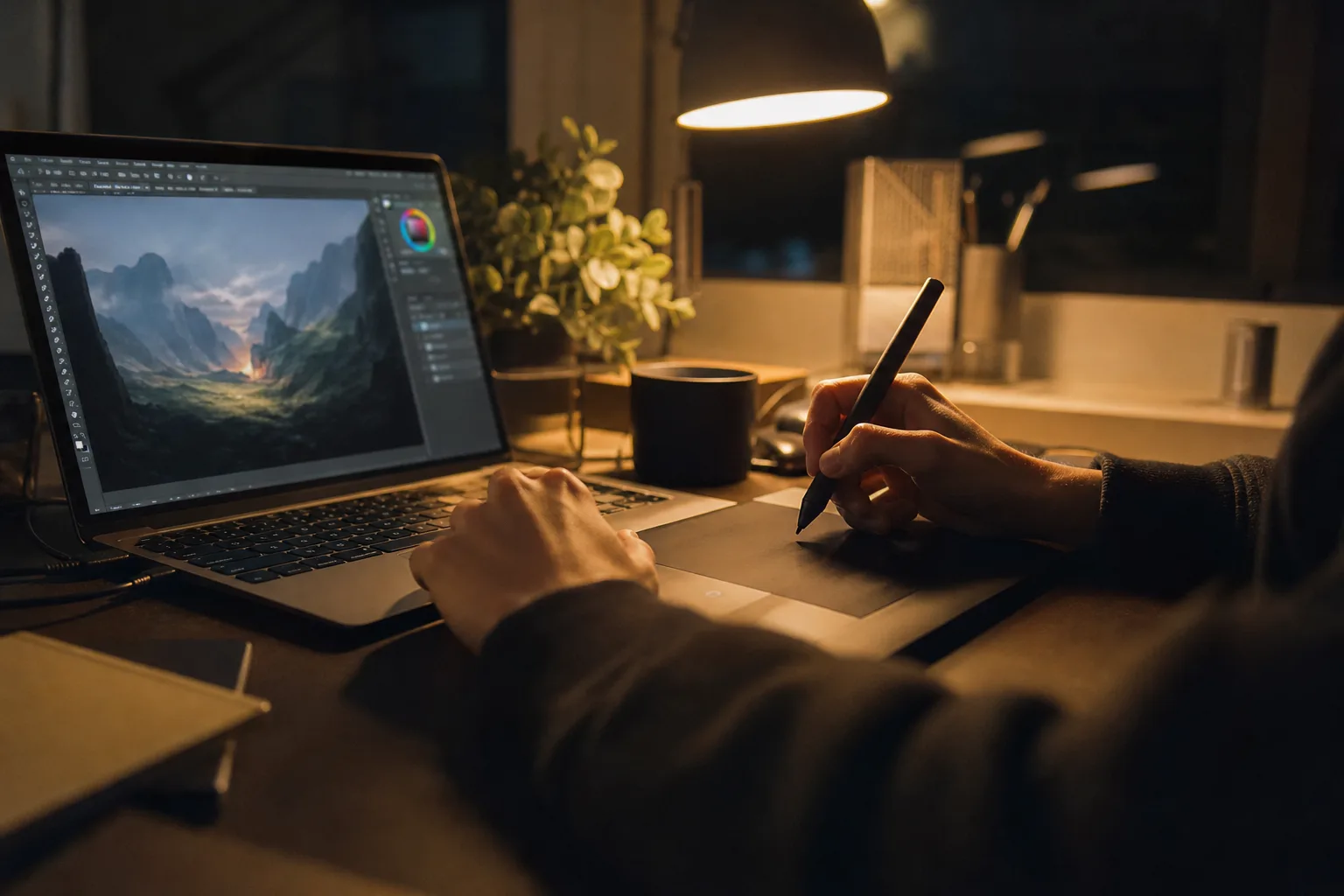
Digital drawing starts with one decision: draw on a blank surface while you watch the computer screen, or draw directly on a screen. The first is a pen tablet, the second a pen display, and the price gap between them is large. Huion is a Chinese maker of both that sells direct through a US store, at prices well below the best-known brand in the category. We have not tested these tablets. The eight picks below are chosen from the specifications Huion publishes.
Prices are the store's prices in Nov 2026 and change often around sales. Every pick except the Slate 11 connects to a Windows or macOS computer, uses a battery-free pen that never needs charging, and works with free drawing programs such as Krita as well as paid ones.
Before you buy: four things to decide
Pen tablet or pen display. A pen tablet has no screen: you draw on it and watch the cursor on your monitor. It takes a week or two to get used to, then feels natural, and it is far cheaper. A pen display is a screen you draw on, closer to paper, but it needs desk space, cables and a bigger budget.
Size. On a pen tablet, small (about 6 by 4 inches) suits small hand movements and laptops; medium (8 to 10 inches wide) suits most people and larger monitors. On a pen display, 13 inches is portable and 16 inches gives room to work without turning your head.
Pressure and tilt. All these pens read at least 8,192 levels of pressure, which is more than anyone can feel. Tilt support matters more: it lets brushes change shape as you angle the pen, like a real pencil.
Connections. Pen tablets plug in with one USB-C cable, and some also work over Bluetooth. Pen displays need a video signal: check whether your computer has a USB-C port with DisplayPort, or use the included HDMI cable.
1. Best first pen tablet: Huion Inspiroy 2 S
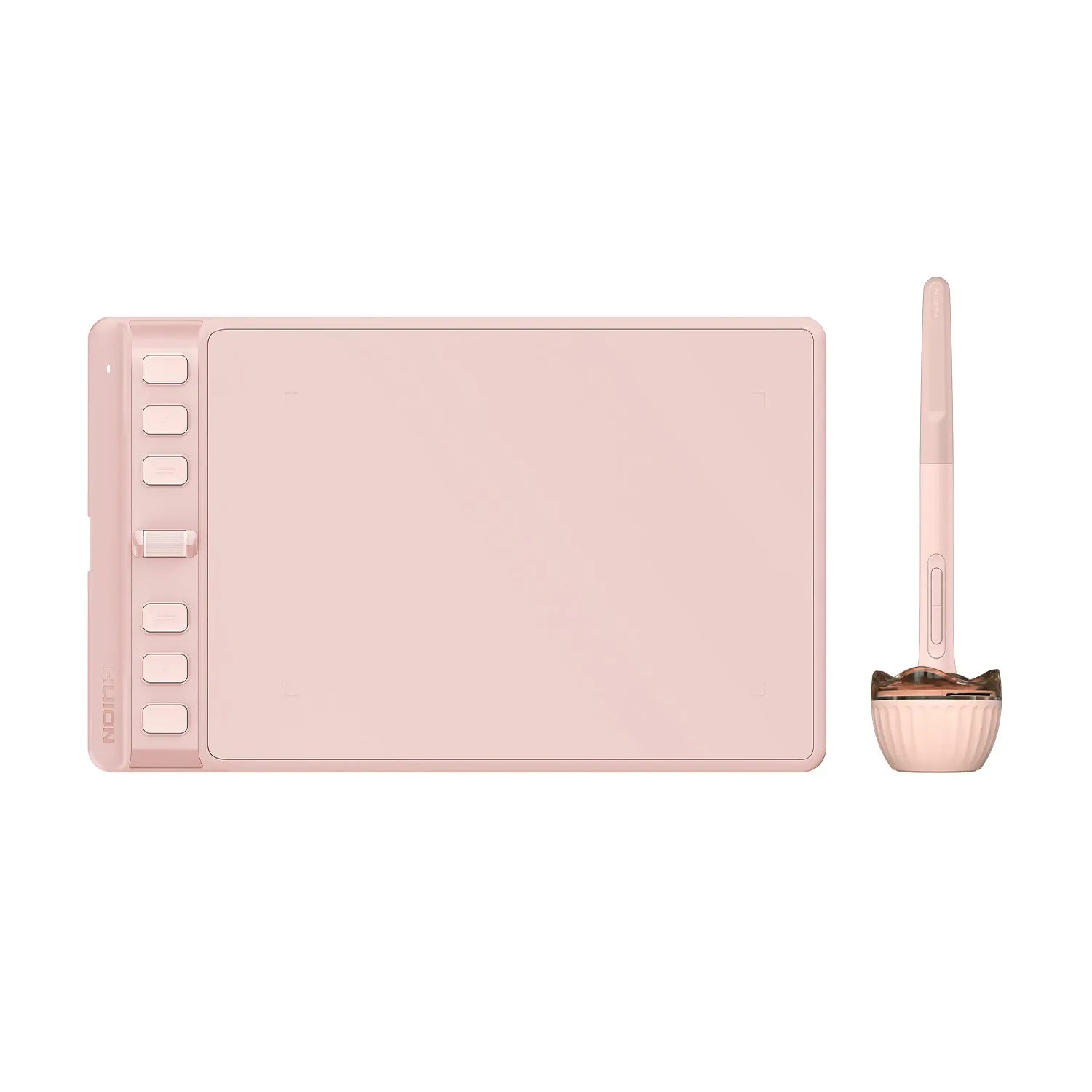
The Huion Inspiroy 2 S costs $44.99 (list $49.99). Its drawing area is 6.3 by 3.9 inches, with six programmable keys and a scroll wheel down one side. The battery-free pen reads 8,192 pressure levels, and the tablet also works with Android phones and Chromebooks. It comes in black or pink.
Who it's for: trying digital drawing for little money, or a child's first tablet. Keep in mind: the small area means small strokes; on a large monitor, the next size up is more comfortable.
2. Best all-round pen tablet: Huion Inspiroy 2 M
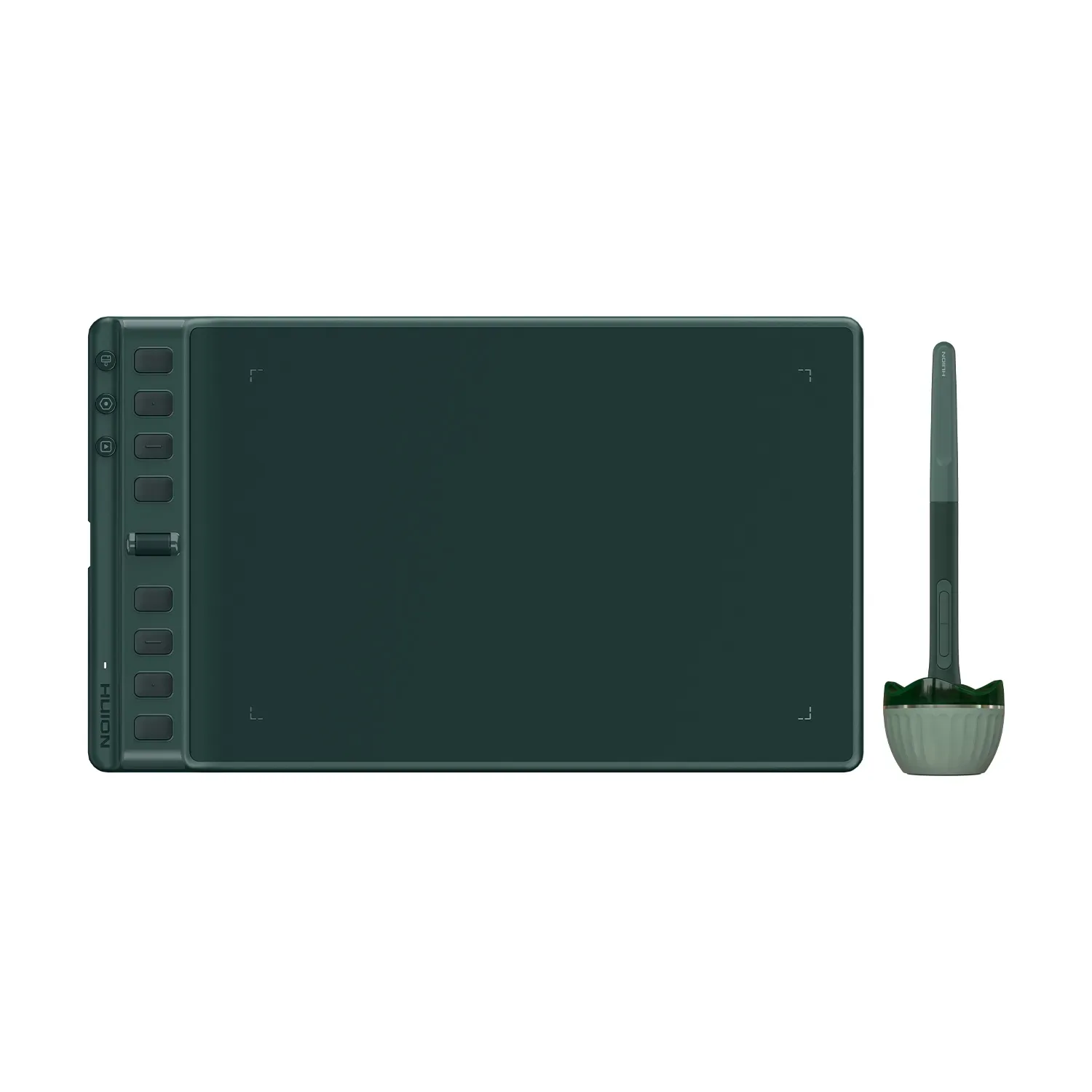
The Huion Inspiroy 2 M ($59.49, list $69.99) has an 8.7-by-5.4-inch area, eight keys that switch among three groups of shortcuts, a scroll wheel and tilt support up to 60 degrees. It is under 0.4 inches thick and weighs 15 ounces.
Who it's for: most beginners with a laptop or a desktop monitor. Keep in mind: it is wired only; for a cable-free desk, look at the next two picks.
3. Best wireless pen tablet: Huion Inspiroy Frego M
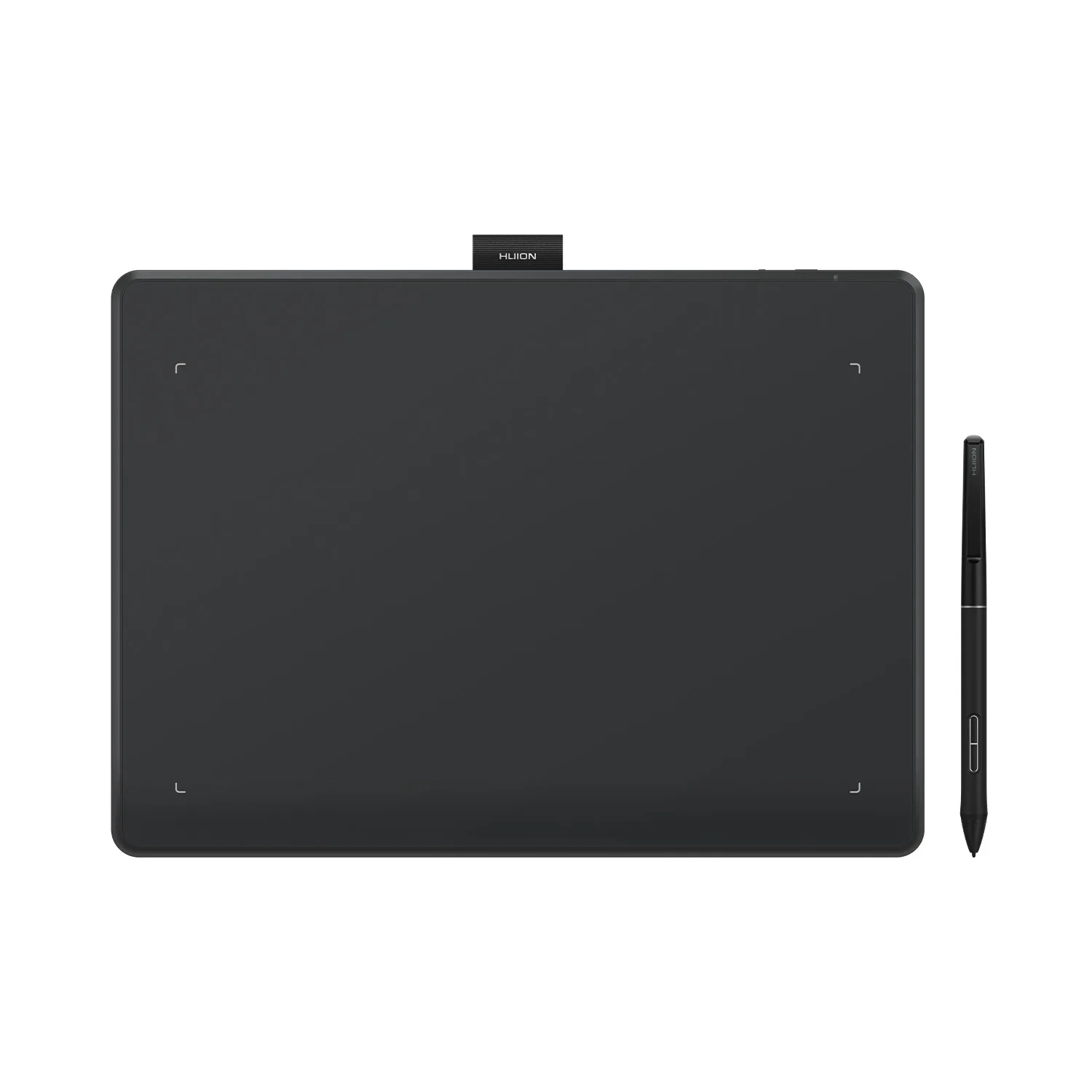
The Huion Inspiroy Frego M ($79.99, list $99.99) drops the buttons for a clean 10-by-6.25-inch surface and adds Bluetooth 5.0, with a battery rated for about 24 hours. It works with Windows, macOS, ChromeOS, Android and iOS, and has tilt support.
Who it's for: people who use keyboard shortcuts anyway, and anyone drawing on an iPad or phone. Keep in mind: with no keys, you depend on the keyboard or the app for undo and brush size.
4. Best pen tablet with dials: Huion Inspiroy Dial 2 V2
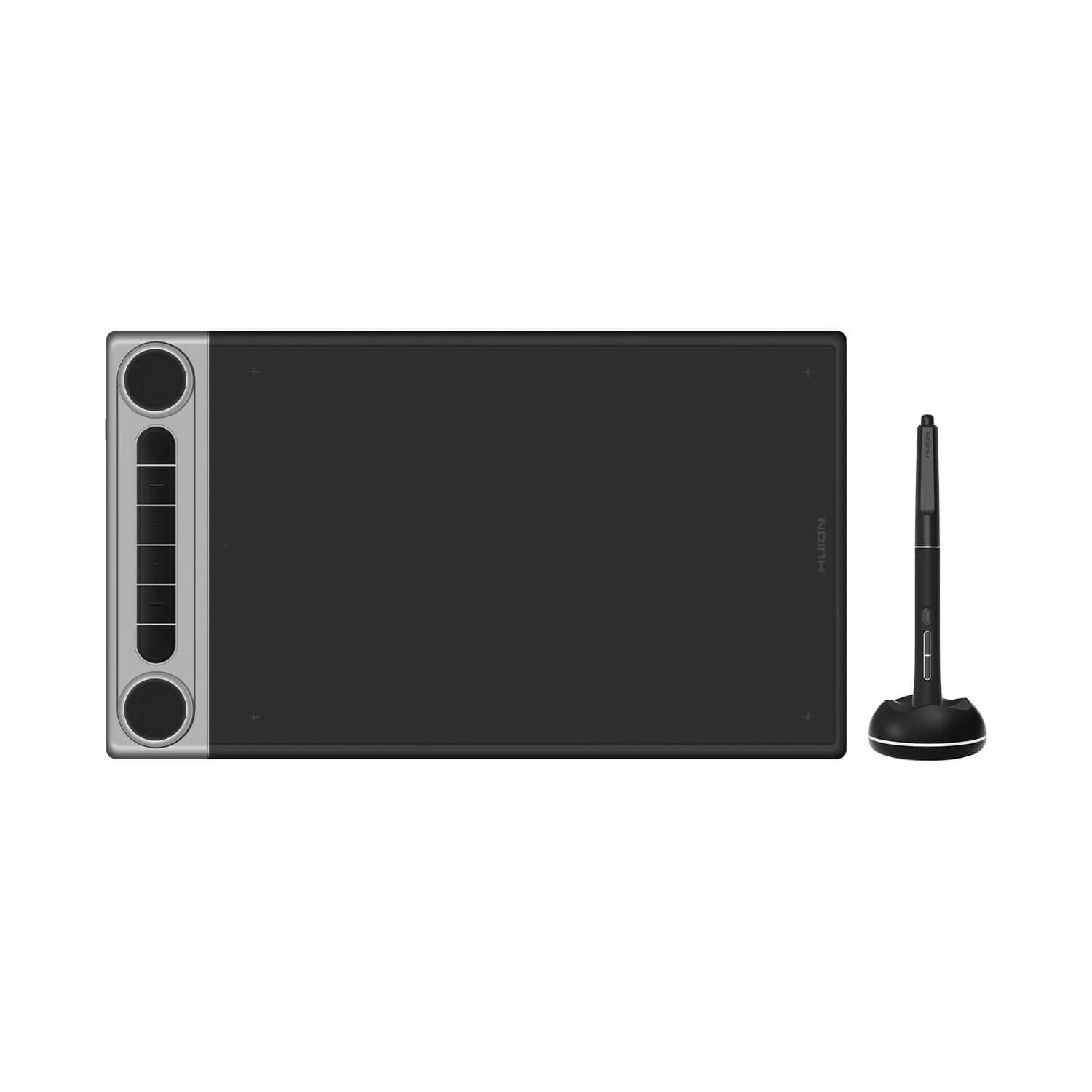
The Huion Inspiroy Dial 2 V2 ($143, list $159) has a 10.5-by-6.56-inch area, two dials for zoom, brush size or canvas rotation, and six keys. Its newer PW600 pen reads 16,384 pressure levels and starts drawing at 2 grams of force. It connects by USB-C or Bluetooth, with about 16 hours of battery.
Who it's for: someone who already knows they will draw for hours and wants fewer trips to the keyboard. Keep in mind: for $100 more, a small pen display is an option.
5. Best first pen display: Huion Kamvas 13 (Gen 3)
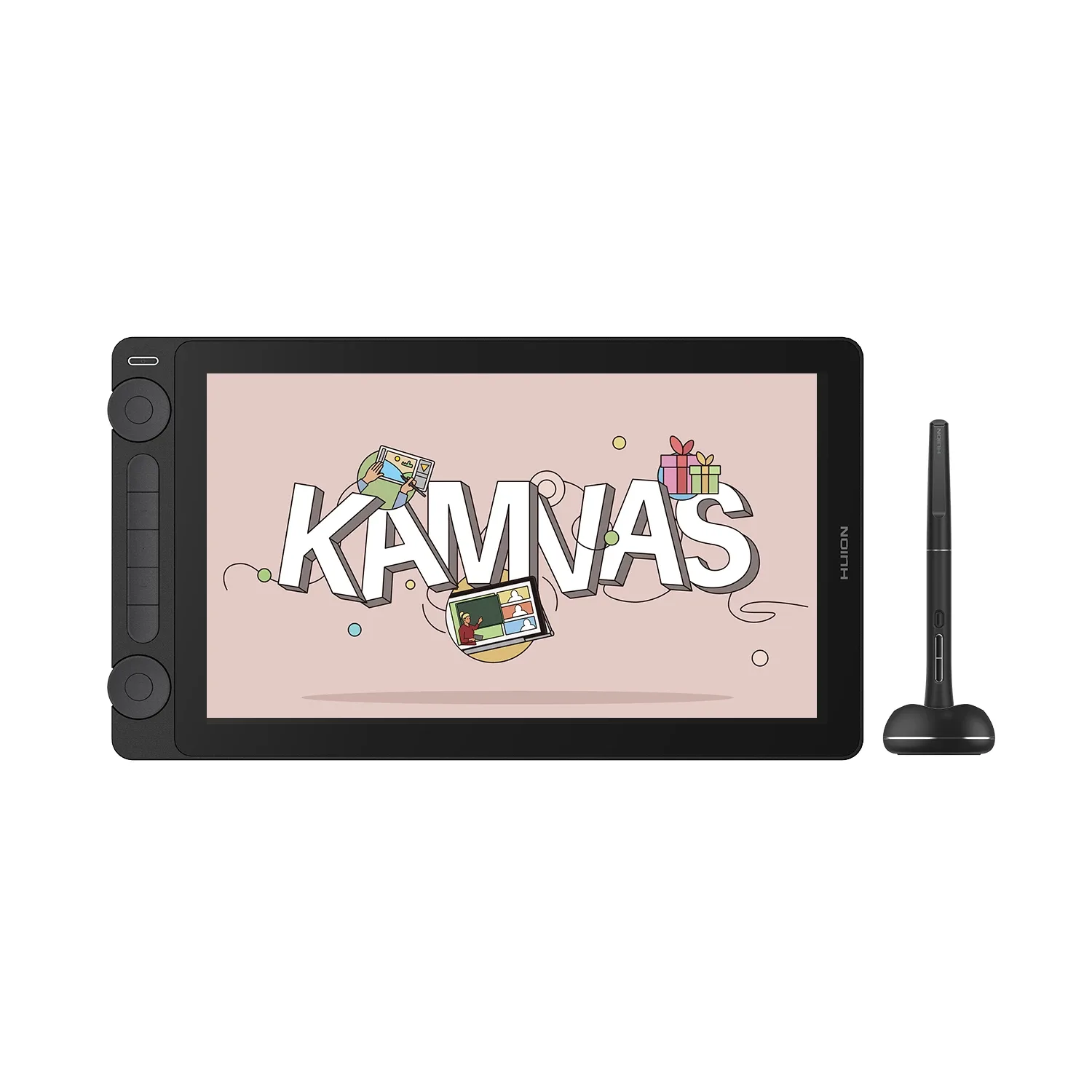
The Huion Kamvas 13 (Gen 3) costs $249. Its 13.3-inch Full HD screen covers 99% of sRGB and has etched, laminated glass that reduces glare and parallax. It adds two dials and five keys, the PW600L pen with 16,384 pressure levels and tilt, and it connects through the included 3-in-1 cable (HDMI plus USB) or a full-featured USB-C port. A foldable stand is optional.
Who it's for: a first pen display that can travel with a laptop. Keep in mind: at 1080p on 13 inches, small text and interface elements are tiny; plan to raise the scaling in your software.
6. Best pen display for most people: Huion Kamvas 16 (Gen 3)
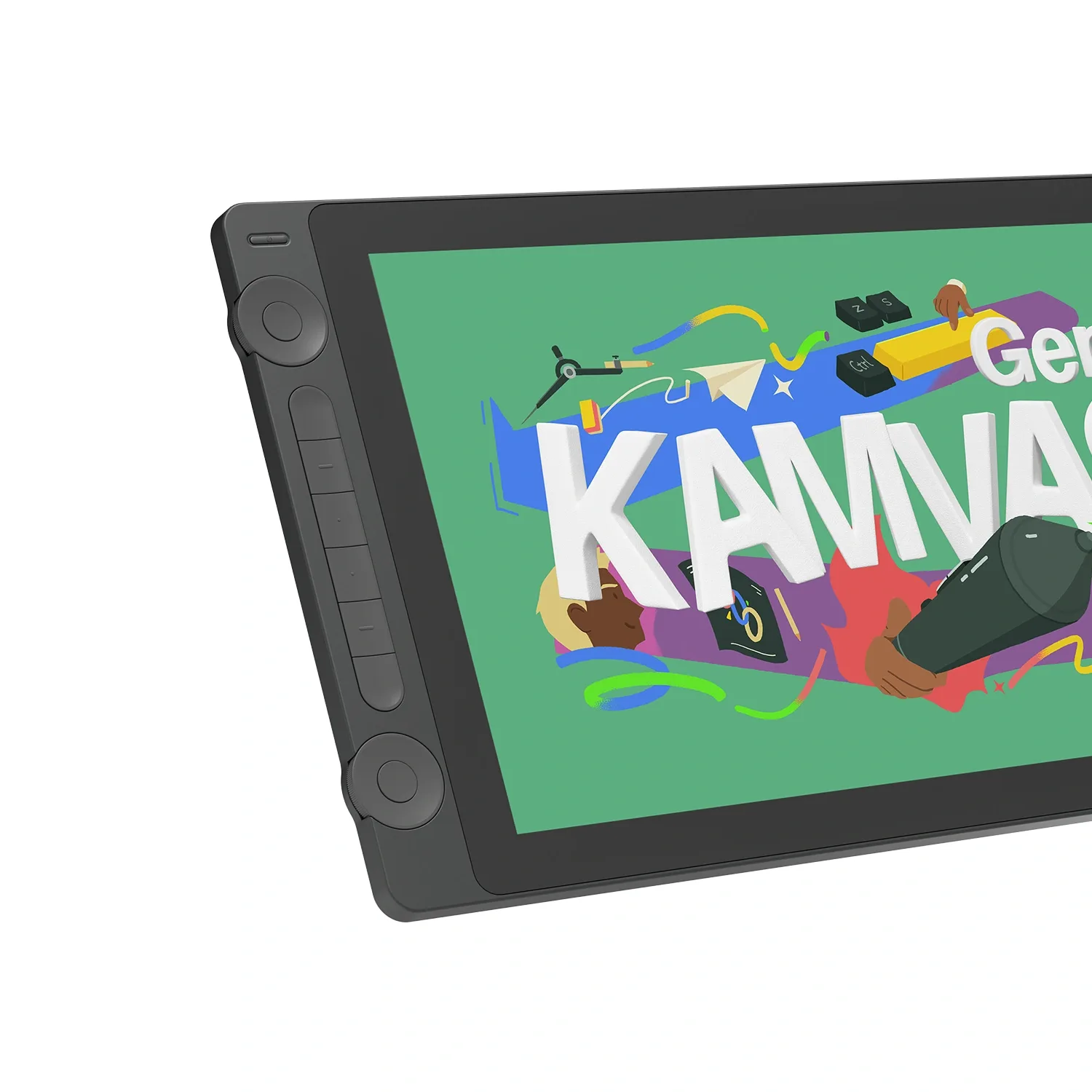
The Huion Kamvas 16 (Gen 3) ($499) moves up to a 15.8-inch 2.5K screen (2560 by 1440), so lines and menus look sharper. It covers 99% of sRGB and 90% of Adobe RGB, has two dials and six keys, uses the same pen as the Kamvas 13 and includes a foldable stand in the box.
Who it's for: students and hobbyists who will use it on a desk for years. Keep in mind: it weighs 2.6 pounds and needs a spot on the desk; it is not a lap tablet.
7. Best value 16-inch display: Huion Kamvas Pro 16 V2
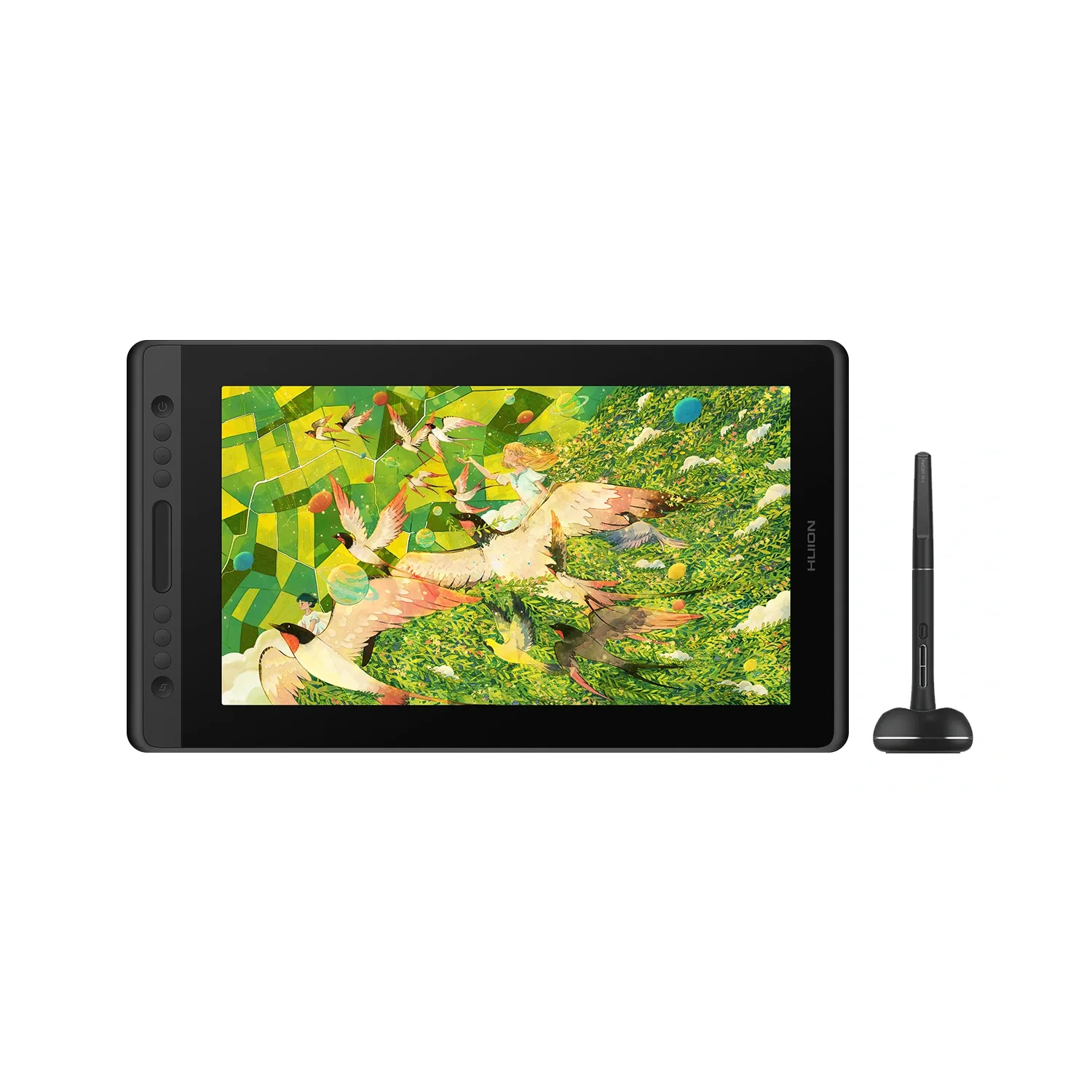
If the Kamvas 16's price is a stretch, the Huion Kamvas Pro 16 V2 ($339, list $399) offers a 15.6-inch Full HD screen with 99% sRGB, etched laminated glass, a metal back, six keys and a touch bar, and a 16,384-level pen with tilt. A foldable stand is included.
Who it's for: a large drawing surface on a budget. Keep in mind: Full HD on 15.6 inches is noticeably less sharp than the Kamvas 16's 2.5K, and it does not list Android support.
8. Best without a computer: Huion Kamvas Slate 11
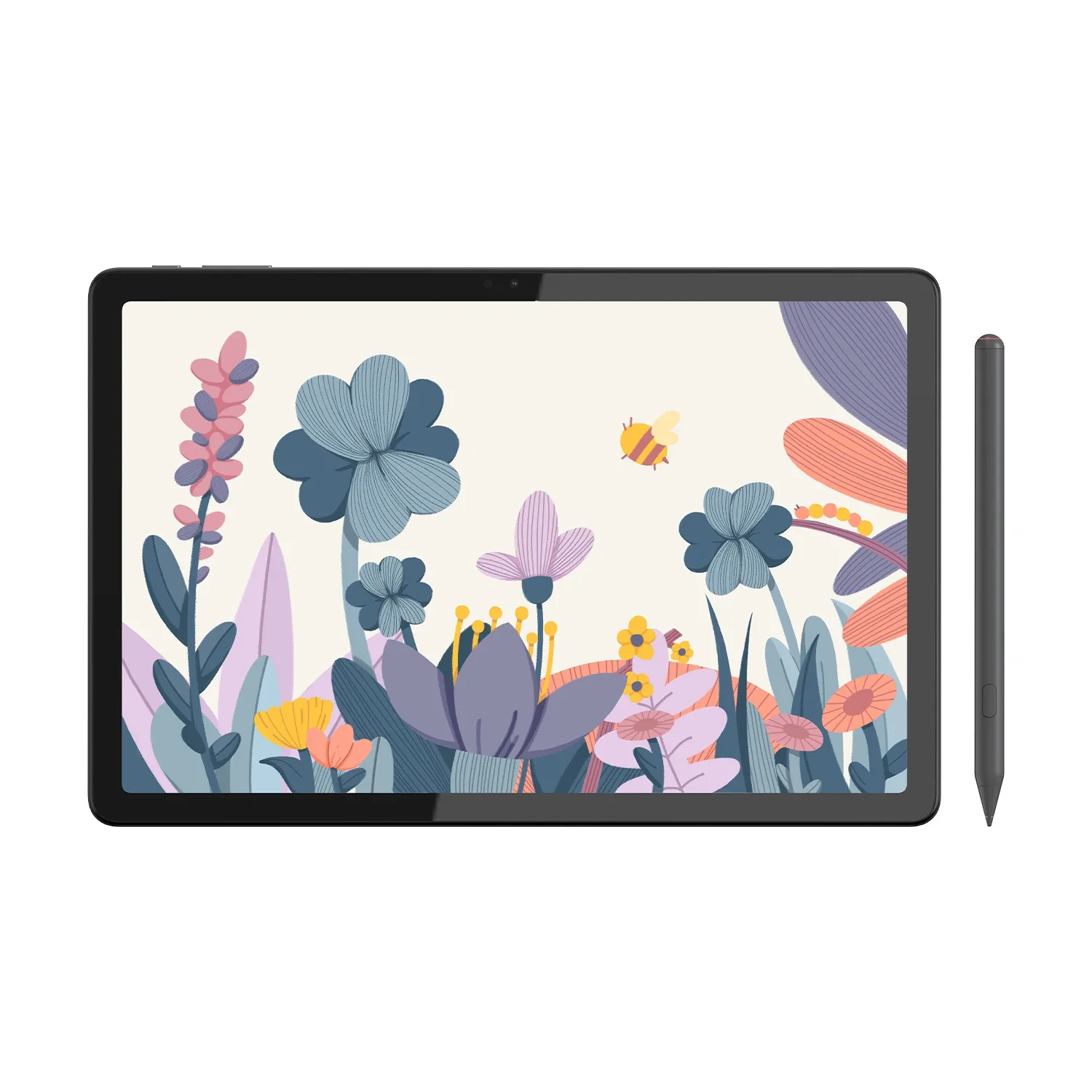
The Huion Kamvas Slate 11 ($329) is an Android 14 tablet, not an accessory: an 11-inch 1920-by-1200 screen at 90 Hz, 8 GB of RAM, 128 GB of storage with a microSD slot, and drawing apps preinstalled. The included H-Pencil reads 4,096 pressure levels with tilt, and a leather case doubles as a stand.
Who it's for: kids and beginners who should not need a computer to start. Keep in mind: its active pen and mid-range chip are a step below the pens and computers that drive the other picks; serious work still belongs on a PC.
By budget
Under $100: the Inspiroy 2 S, the Inspiroy 2 M or the Frego M. $100 to $350: the Dial 2 V2, the Kamvas 13, the Slate 11 and the Kamvas Pro 16 V2. Around $500: the Kamvas 16.
Before you order
Huion's US store ships pen tablets and displays from a US warehouse and also delivers to Canada, Mexico, much of South America, Europe and Asia. You can request a return within 30 days of purchase, or within seven days of delivery if the parcel arrived later than that; returns that are not for a defect carry an 8% restocking fee and you pay the shipping back. Tablets have a one-year warranty, which you can extend by a year at checkout.
How to get it right
If you are not sure you will keep drawing, start with a medium pen tablet. If you already draw every week and hate looking away from your hand, go straight to a pen display.