A first podcast microphone: USB or XLR, and seven picks from $99 to $399
Searches for podcast microphones more than doubled this year. Start with your room and your computer, then pick from these seven, plus the arm that holds them.
Culturera may earn a commission if you buy through the links on this page. As an Amazon Associate I earn from qualifying purchases. The selection is ours alone.
Google says searches for "podcast microphone" rose 115% in 2026, and it is easy to see why: a show, a video channel or even a weekly call with distant family sounds better with a real microphone than with a laptop's. The catch is that the microphone that impresses on YouTube is not always the one that suits a first-timer's room and computer. We have not tested these microphones. The seven below are chosen from the specifications their makers publish, matched to the setups they fit best.
Prices are the makers' list prices on November 19, 2026, from their own US stores. Amazon prices change often and are frequently lower in the weeks before Christmas, so check the listing before you buy.
Before you buy: four questions
USB or XLR? A USB microphone plugs straight into a computer, tablet or phone and is ready in a minute. An XLR microphone is the studio standard: it needs an audio interface or a mixer between it and the computer, which costs more and takes more space, but lets you change either part later. Several microphones here have both outputs, so you can start with USB and grow into XLR.
Dynamic or condenser? Dynamic microphones pick up mostly what is right in front of them, which suits untreated rooms with hard walls, traffic or a fridge humming in the next room. Condensers capture more detail and more of the room. In a typical apartment, a dynamic microphone a few inches from your mouth is the forgiving choice.
One voice or two? Two USB microphones on one computer are fiddly to record at once. If two people will sit at the same table, the cleaner path is two XLR microphones into an interface with two microphone inputs, such as Focusrite's Scarlett 2i2. The Scarlett Solo below has only one.
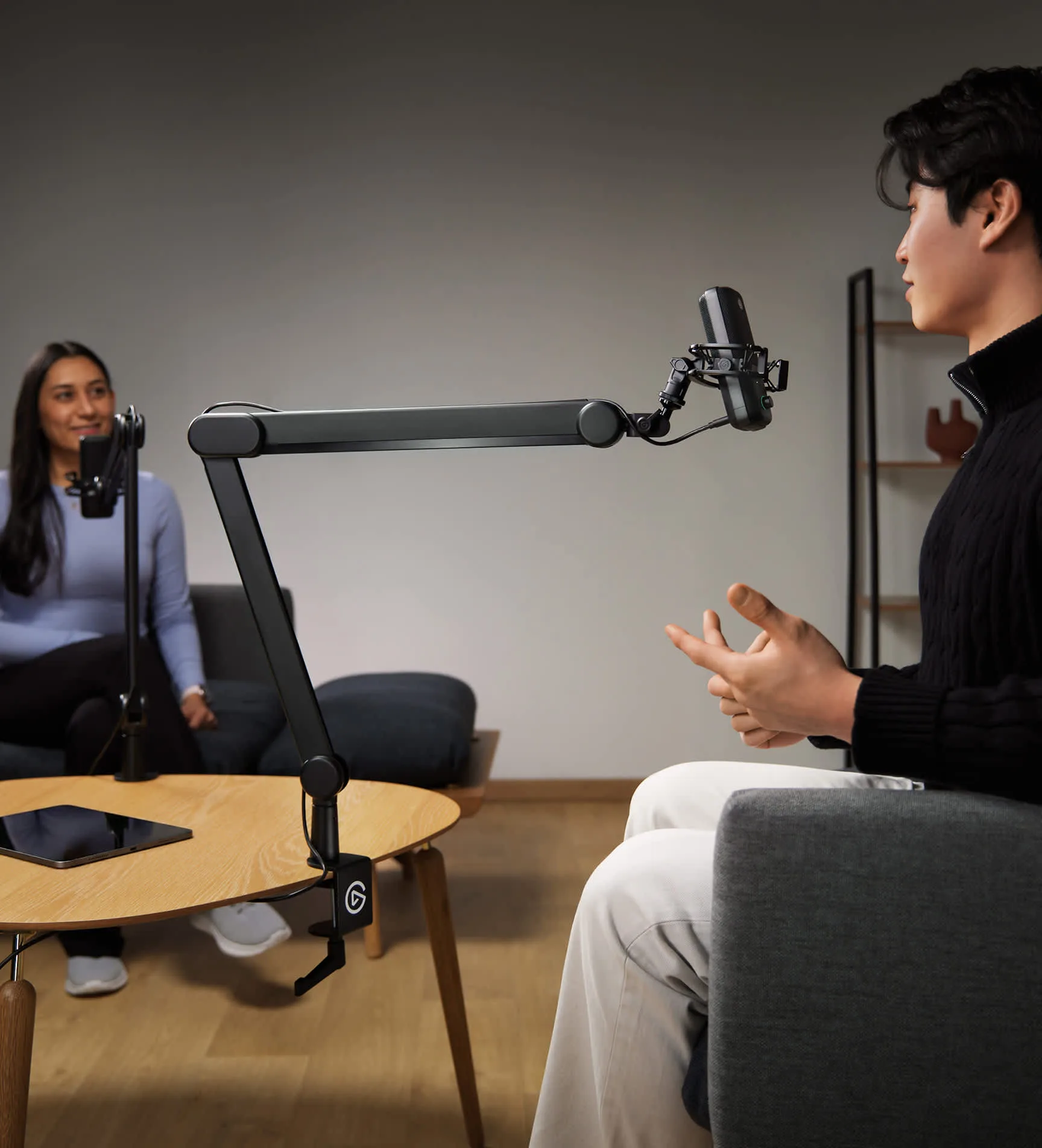
Where will it sit? Most podcast microphones sound best a hand's width from your mouth. That is awkward on a short desk stand, which is why so many people end up buying a boom arm. Budget for one from the start.
1. Best overall: RØDE PodMic USB
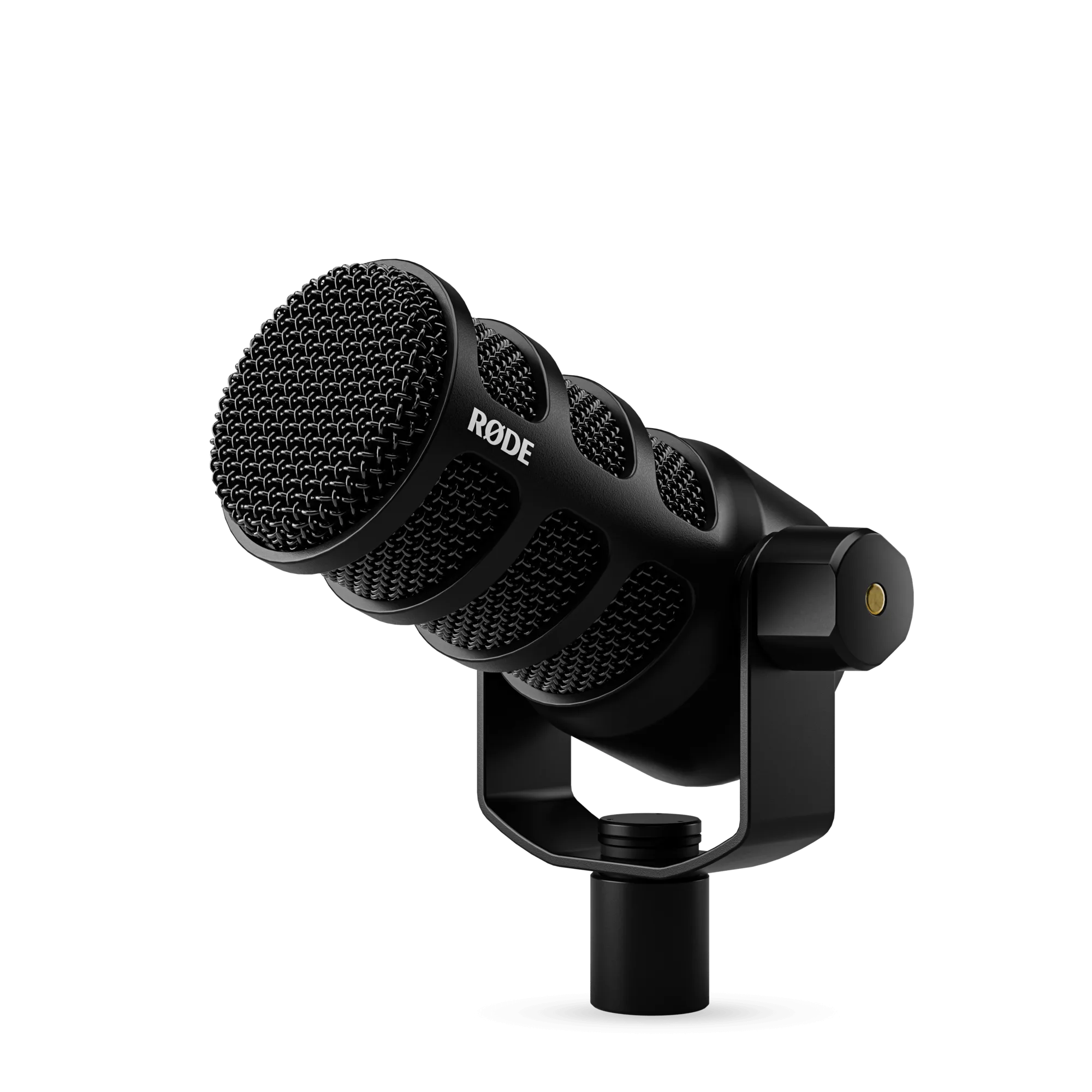
The RØDE PodMic USB ($209) is a dynamic broadcast microphone with both a USB-C and an XLR output, so it works on day one with a laptop and still fits a mixer or interface later. Over USB, its built-in processing from APHEX adds a compressor, noise gate and high-pass filter, set up through RØDE's free apps. It has an internal pop filter and shock mount, a swing mount to angle it, a headphone output with its own volume knob for hearing yourself without delay, and an all-metal body that weighs about 900 grams.
Who it's for: most first-time podcasters who want one microphone that will not need replacing. Keep in mind: its weight wants a sturdy arm; a cheap clamp arm may sag.
2. Best for video and one-cable setups: Shure MV7+
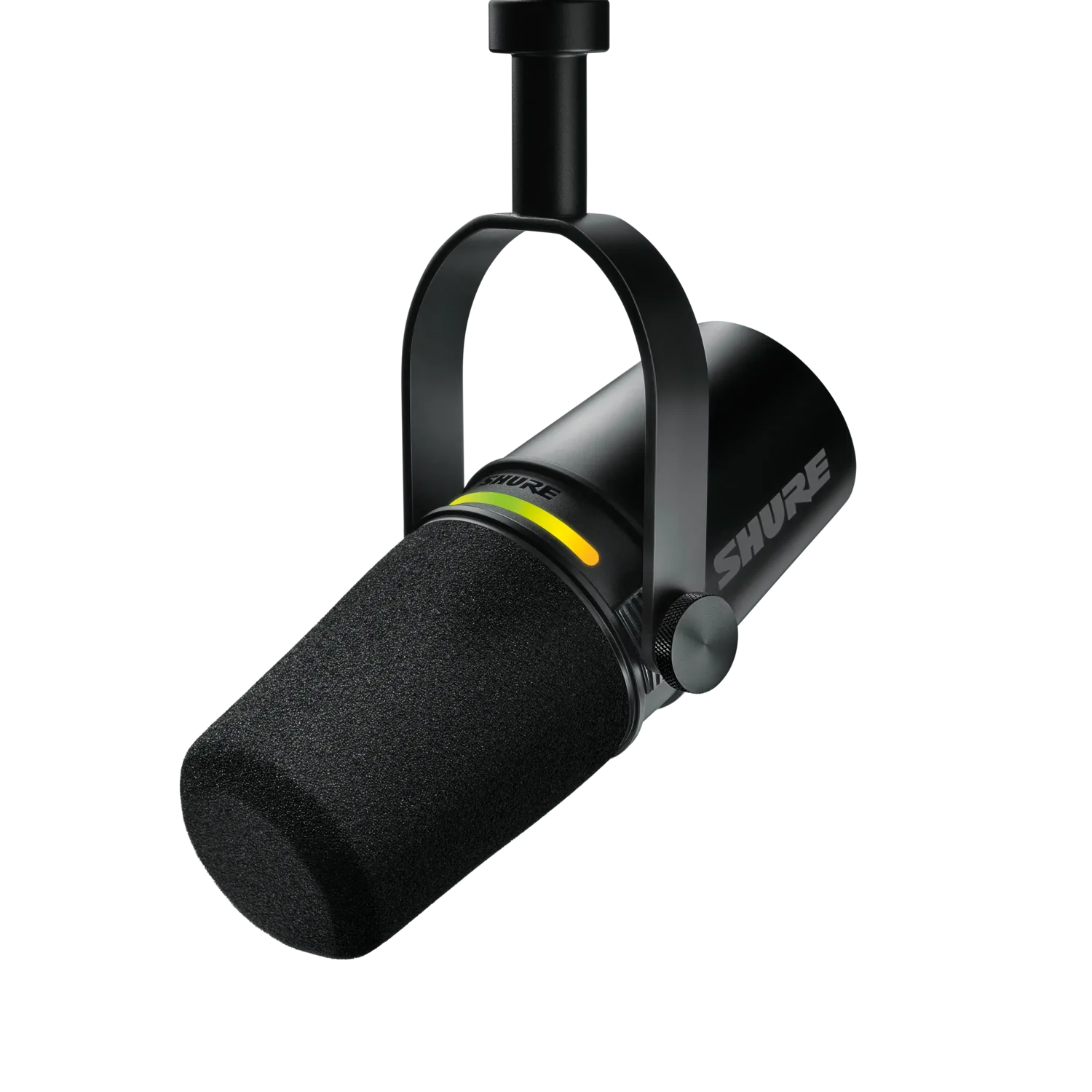
The Shure MV7+ (list price $279; Shure's own store had the black model at $255 on November 19) is a cardioid dynamic microphone with USB-C and XLR outputs. Its selling point is software inside the mic: Auto Level Mode adjusts the gain as you move closer or lean back, a real-time denoiser and a digital pop filter clean up the signal, and the back is a touch panel that shows your level and mutes with a tap. Its color can be set in Shure's free MOTIV Mix app, which matters more than it sounds on camera.
Who it's for: someone recording video podcasts or streams who does not want to learn gain settings. Keep in mind: the box holds the microphone and a USB-C cable, not a stand. Shure sells a version with a desk stand for a little more.
3. Best for a quiet room: Elgato Wave:3 MK.2
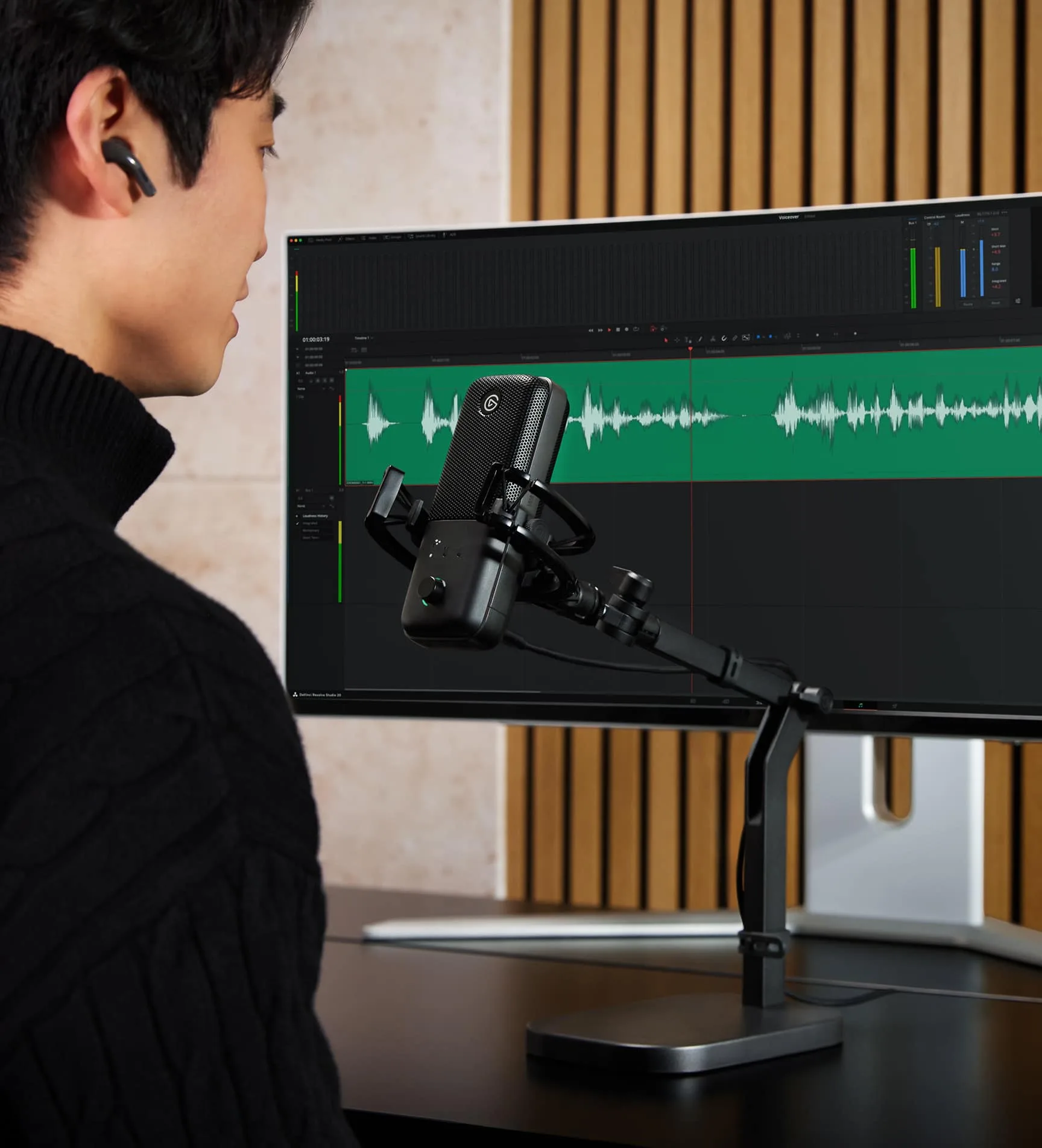
The Elgato Wave:3 MK.2 ($149.99) is the condenser here: a 16 mm cardioid capsule recording at 24-bit, 48 kHz over USB-C, with a desk stand and a 2.5-meter cable in the box. Elgato's Clipguard feature keeps a sudden laugh or shout from distorting, Auto Gain sets your level, and the free Wave Link app lets you mix the microphone with game or music audio for streams. A dial on the front controls gain and headphone volume.
Who it's for: solo hosts and streamers in a quiet, furnished room who want a clear, detailed voice. Keep in mind: USB only, and Elgato lists Windows 11 or macOS 14.2 or newer as requirements. In an echoey room, a dynamic microphone is the safer bet.
4. Best value studio starter: RØDE PodMic with a Focusrite Scarlett Solo
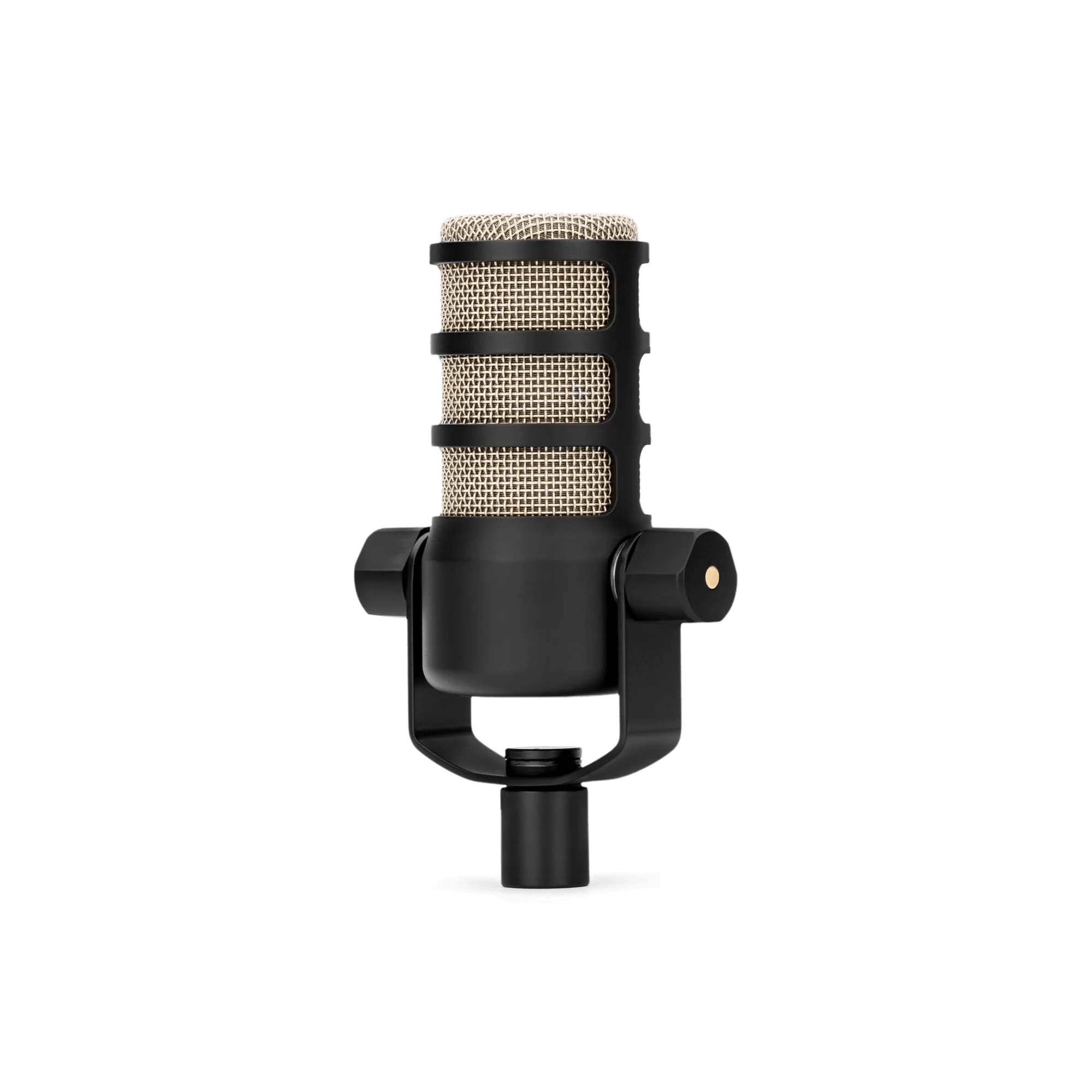
The original RØDE PodMic ($99) is the XLR-only ancestor of the PodMic USB: a dynamic microphone with a tight cardioid pattern, an internal pop filter and shock mount, the same swing mount and an all-metal build. It has no USB port and no processing, so it needs an audio interface.
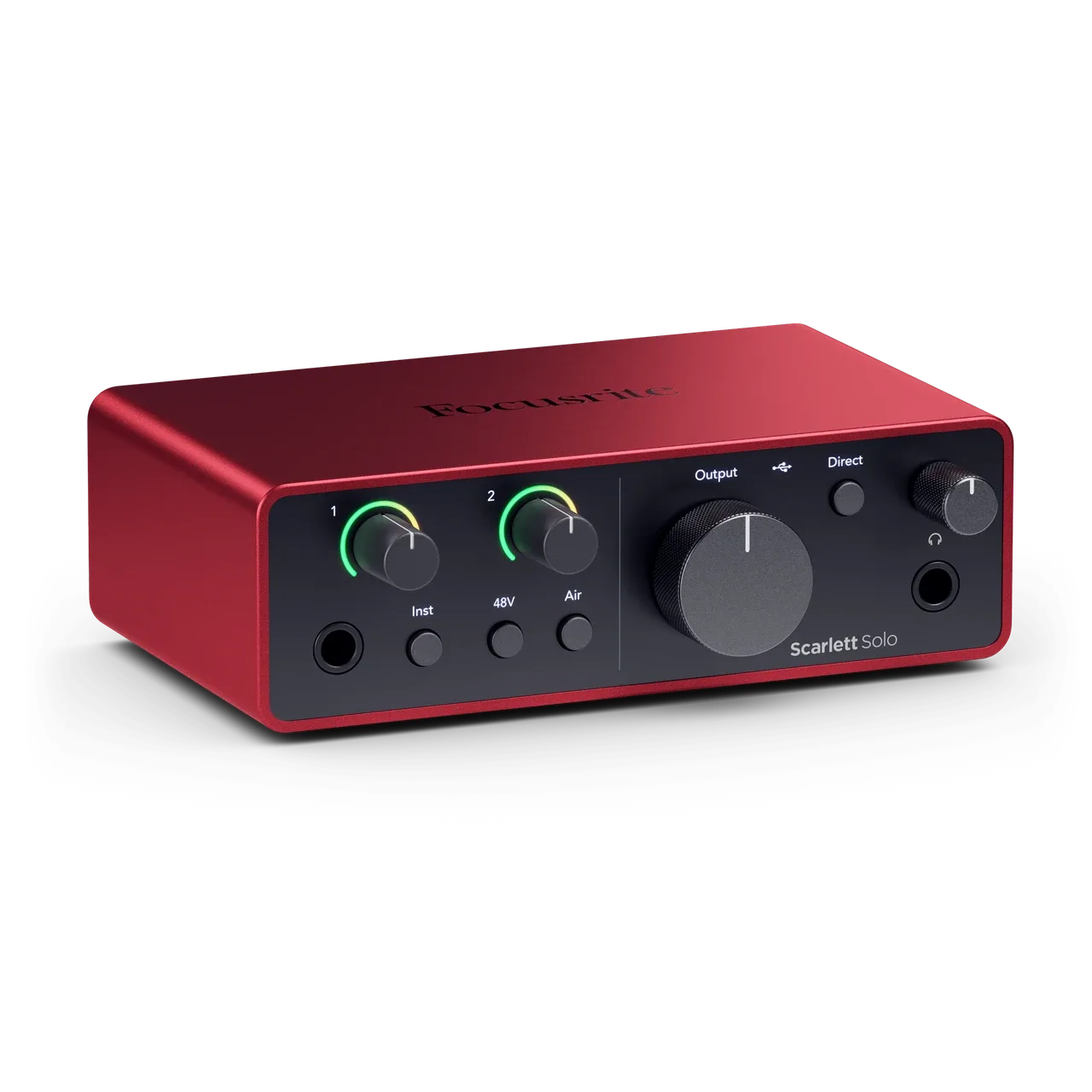
The Focusrite Scarlett Solo ($169.99) is that interface: a USB-C box with one microphone input offering up to 69 dB of gain, an instrument input for a guitar, a headphone output and Focusrite's Air setting, which brightens a voice. Together the pair costs about $269, roughly the price of a Shure MV7+, and each piece can be upgraded on its own later.
Who it's for: anyone who expects to add a guitar, a second interface or a better microphone later. Keep in mind: two boxes, two cables and a gain knob to learn. For two hosts you would need a two-input interface instead.
5. The classic: Shure SM7B
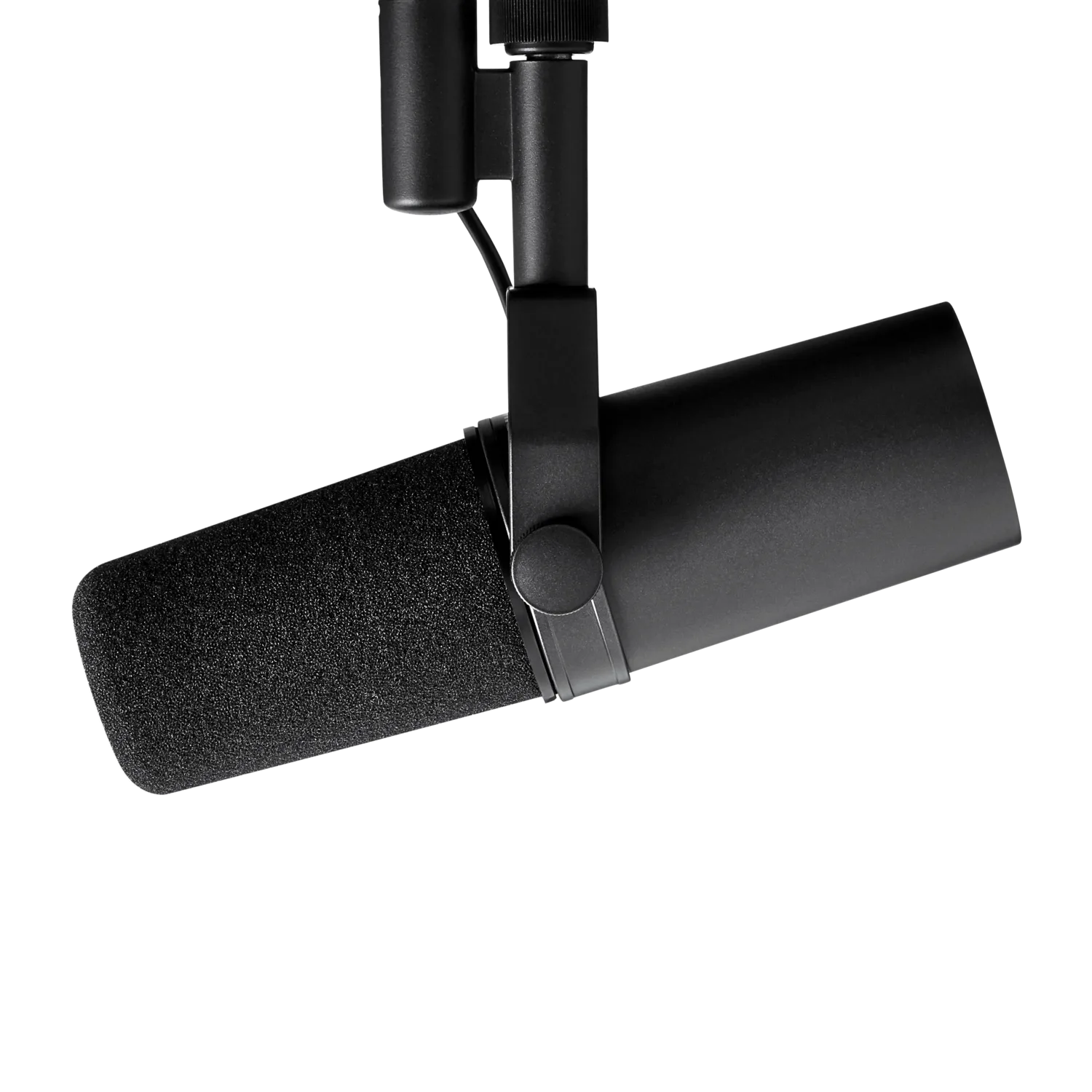
The Shure SM7B (list price $399; $369 on Shure's store on November 19) is the microphone you have seen in radio studios and on the biggest video podcasts. It is a dynamic, XLR-only microphone known for a smooth, warm voice and for rejecting room noise. It is also quiet: its sensitivity is -59 dBV/Pa, and Shure recommends a preamp with at least 60 dB of clean gain. The Scarlett Solo's 69 dB clears that on paper; many cheaper interfaces do not, which is why SM7B owners often add an inline booster.
Who it's for: a host who is committed and wants the reference sound. Keep in mind: with an interface it approaches $570. For a first show, the PodMic USB or MV7+ gets you most of the way for less than half.
6. The accessory that matters most: RØDE PSA1+ boom arm
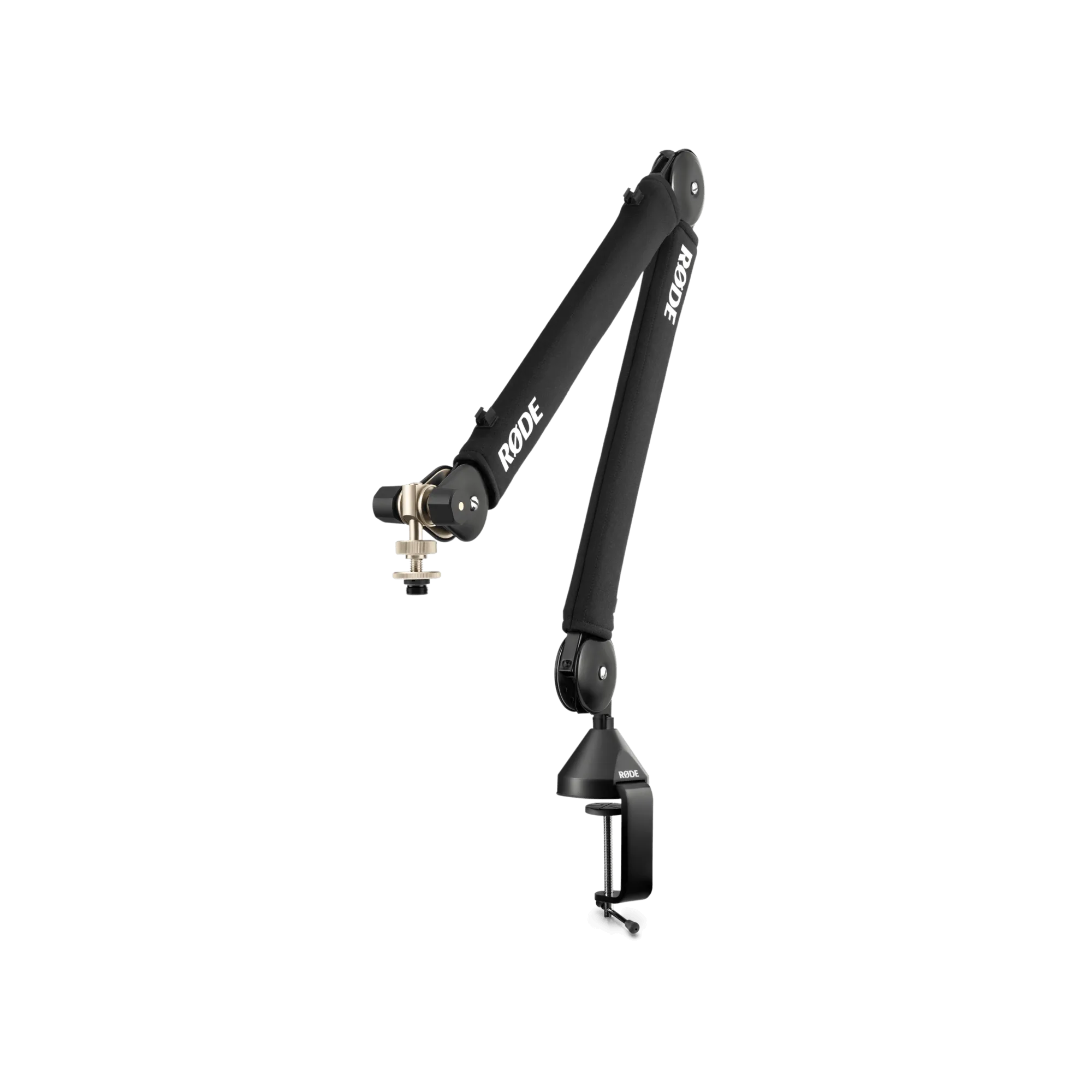
The RØDE PSA1+ ($139) clamps to a desk and holds a microphone of between 94 grams and 1.2 kilograms, which covers every microphone here, including the hefty PodMic USB. Its springs are damped so it moves without squeaks or twangs reaching the recording, it rotates 360 degrees, and channels inside the arm hide USB and XLR cables. It comes with both a desk clamp and a threaded mount for a permanent hole, in black, white and six colors.
Who it's for: anyone buying a dynamic microphone, since those need to sit close to the mouth. Keep in mind: check that your desk edge is free and thick enough for a clamp before ordering.
Your first recording: five habits
Get close. With a dynamic microphone, keep your mouth about a hand's width away, and speak across the top of it rather than straight into it to soften pops on P and B sounds.
Set the level once. Speak as loudly as you will when you laugh or get excited, and turn the gain down until that peak stays clear of the red. Then leave it alone.
Wear headphones. Wired headphones plugged into the microphone or interface let you hear what the recording hears, without delay. Speakers will leak into the microphone.
Soften the room. Rugs, curtains, a sofa and a full bookshelf do more for an echoey room than any setting. A closet full of clothes is a famously good emergency booth.
Record a test. Ten seconds, played back on headphones and on a phone speaker, will tell you more than any review.
By budget
Under $150: the PodMic ($99, plus an interface) or the Wave:3 MK.2 ($149.99). Around $200 to $280: the PodMic USB ($209), the PodMic and Scarlett Solo pair (about $269) or the MV7+. The big spend is the SM7B, which only makes sense with an interface that has the gain to drive it.
Before you order
Check what is in the box. The MV7+ and the PodMics come without a desk stand, so set aside money for an arm or stand. XLR microphones also need an XLR cable if the interface does not include one. Look for "Ships from and sold by Amazon" on the listing: popular microphones also appear from third-party sellers, sometimes above the maker's price. Listings we checked on November 19 offered free returns until January 31, 2027, which gives some slack if the microphone does not suit your room; keep the box.
How to get it right
Buy for the room, not for the video: in an ordinary apartment, a dynamic microphone close to your mouth beats an expensive condenser across the desk.