An ergonomic home desk: chairs, arms and posture, with eight picks from Sihoo and Humanscale
Back and neck pain at a home desk usually comes from three heights: the seat, the keyboard and the screen. Fix those first, then choose from these eight.
Culturera may earn a commission if you buy through the links on this page. As an Amazon Associate I earn from qualifying purchases. The selection is ours alone.
A kitchen chair and a laptop work for an afternoon. After a few months of eight-hour days, they show up in your lower back, shoulders and neck. An ergonomic setup is less about one expensive chair than about getting three heights right: where you sit, where your hands rest and where your eyes land. This guide pairs Sihoo, a maker of mesh office chairs that sells direct in the United States and Canada, with Humanscale, a New York company known for office chairs, monitor arms and keyboard systems. We have not tested these products. The eight picks below are chosen from the specifications each store publishes.
Prices are each store's sale prices in Nov 2026 and they change often. Sihoo's chairs were discounted well below list; Humanscale's prices had no discount.
Before you buy: set three heights
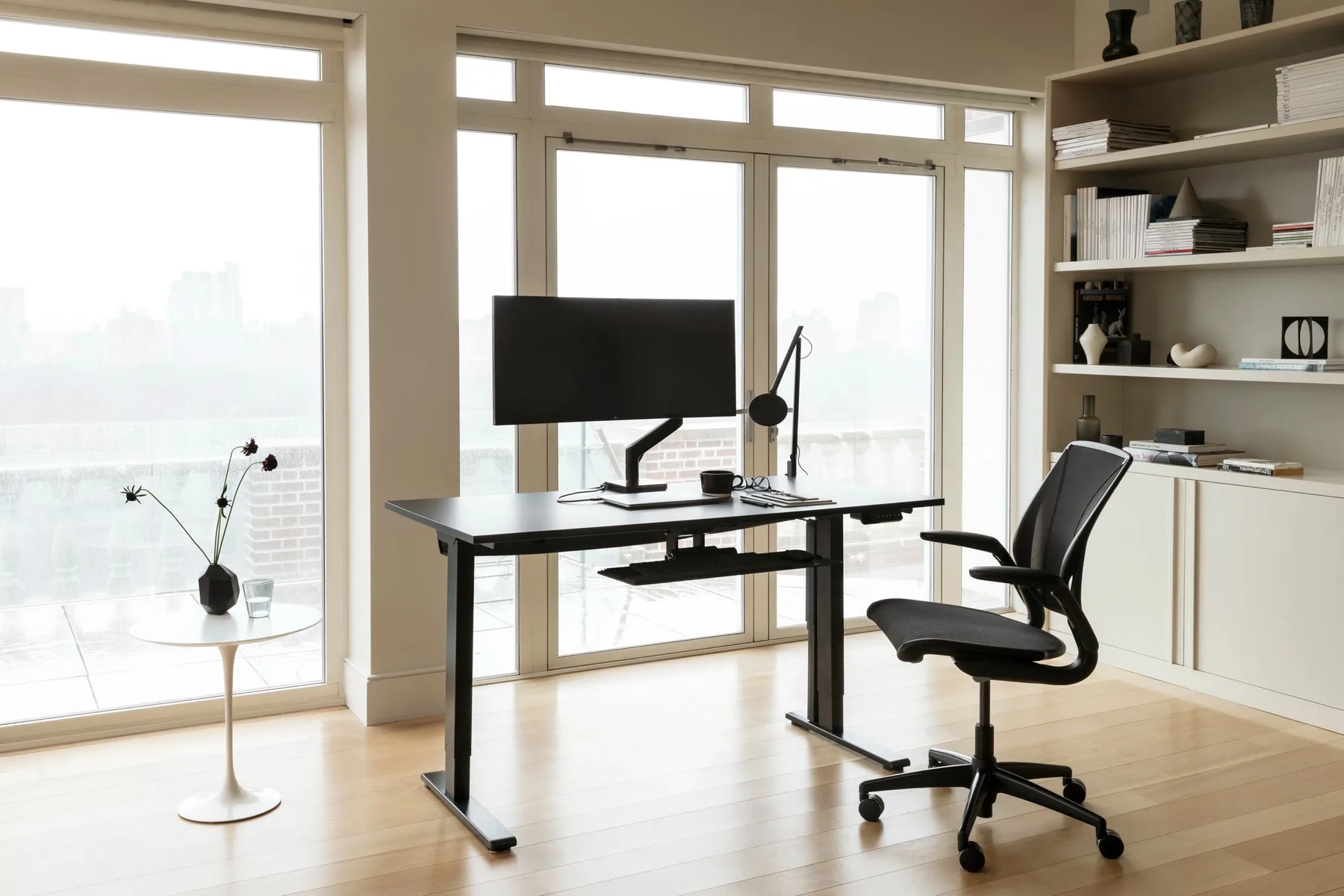
The seat. Sit with your feet flat on the floor and your thighs roughly level, knees at about a right angle. If your desk is too high to do that, raise the seat and put a footrest under your feet rather than reaching up.
The hands. With your shoulders relaxed, your elbows should sit at about 90 degrees and your wrists should be straight while you type. Armrests that drop low enough to sit under the desk let you pull in close.
The screen. The top of the screen should be at or slightly below eye level, about an arm's length away. A laptop on a desk is almost always too low; raise it and use a separate keyboard, or add a monitor on an arm.
Then look at adjustment: a chair needs height-adjustable lumbar support or a backrest that shapes itself to you, armrests that move up and down, and a recline you can lock or tension. The rest is comfort and taste.
1. Best chair under $200: Sihoo M18
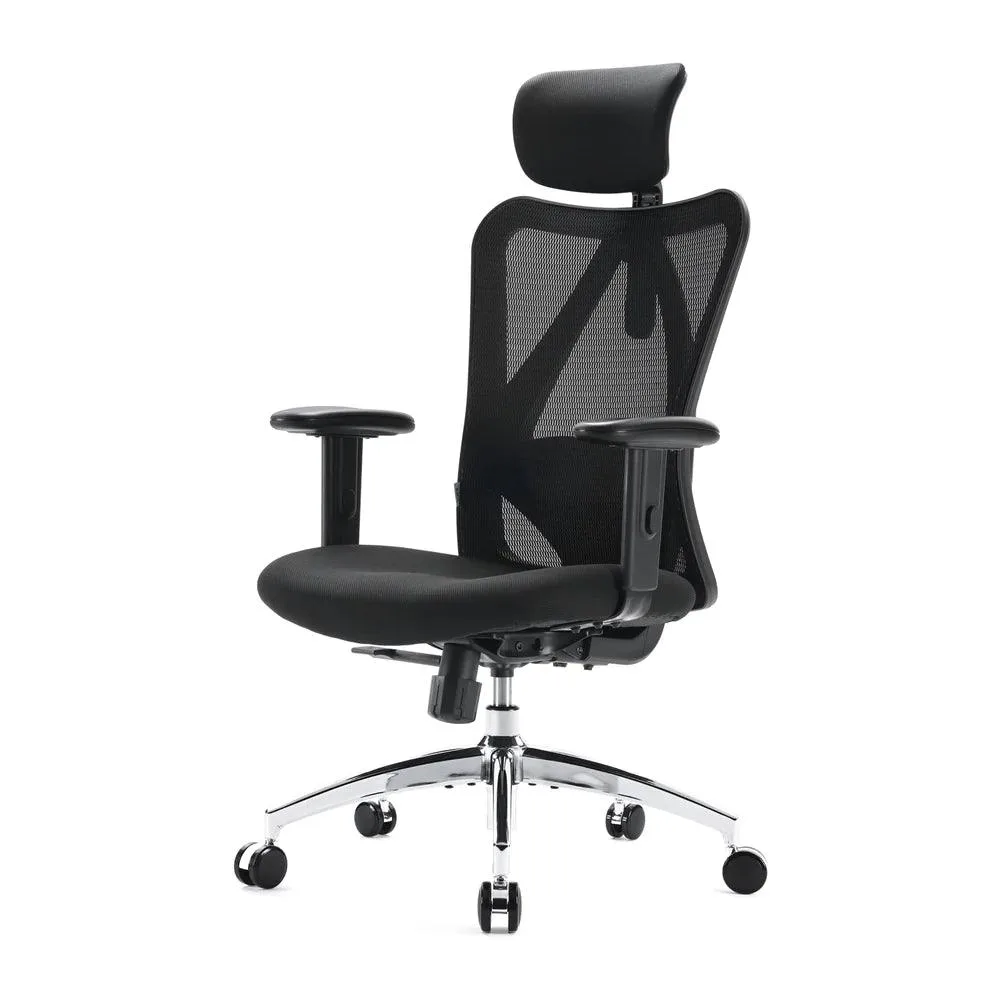
The Sihoo M18 costs $169.99 (list $289.99). It has a breathable mesh back, a cushioned seat, a headrest, height-adjustable armrests and lumbar support that adjusts in two directions. It reclines to 126 degrees, carries up to 330 pounds and is BIFMA certified.
Who it's for: a first proper desk chair, or anyone who prefers a padded seat to mesh. Keep in mind: the armrests only move up and down, so they can get in the way at a narrow desk.
2. Best all-mesh chair under $250: Sihoo M57
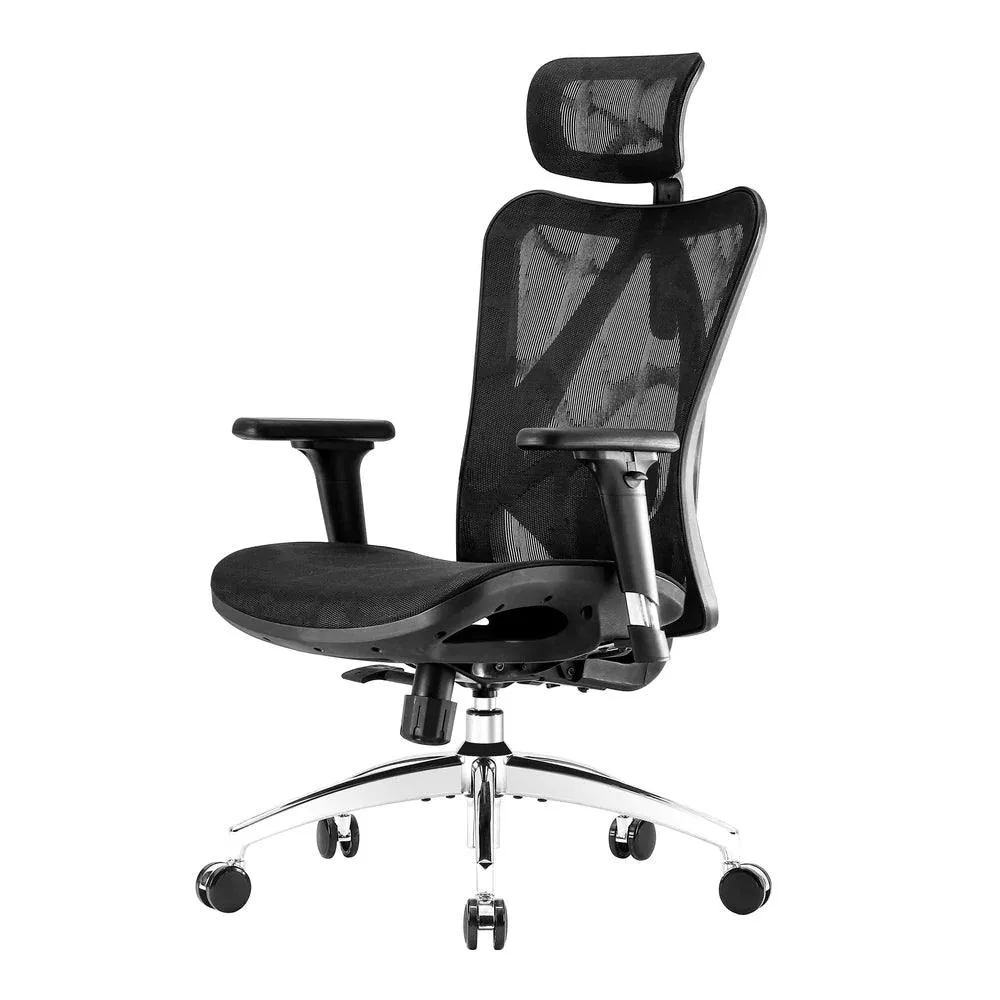
The Sihoo M57 ($239.99, list $319.99) swaps the padding for mesh on both the seat and the back, which keeps you cooler in a warm room. It adds 3D adjustable armrests, plus adjustable lumbar support, a 126-degree recline and a 330-pound capacity.
Who it's for: warm climates and people who run hot. Keep in mind: some sitters find a mesh seat firmer at the front edge; if you are short, check that your feet still reach the floor.
3. Best mid-range chair: Sihoo Doro C300
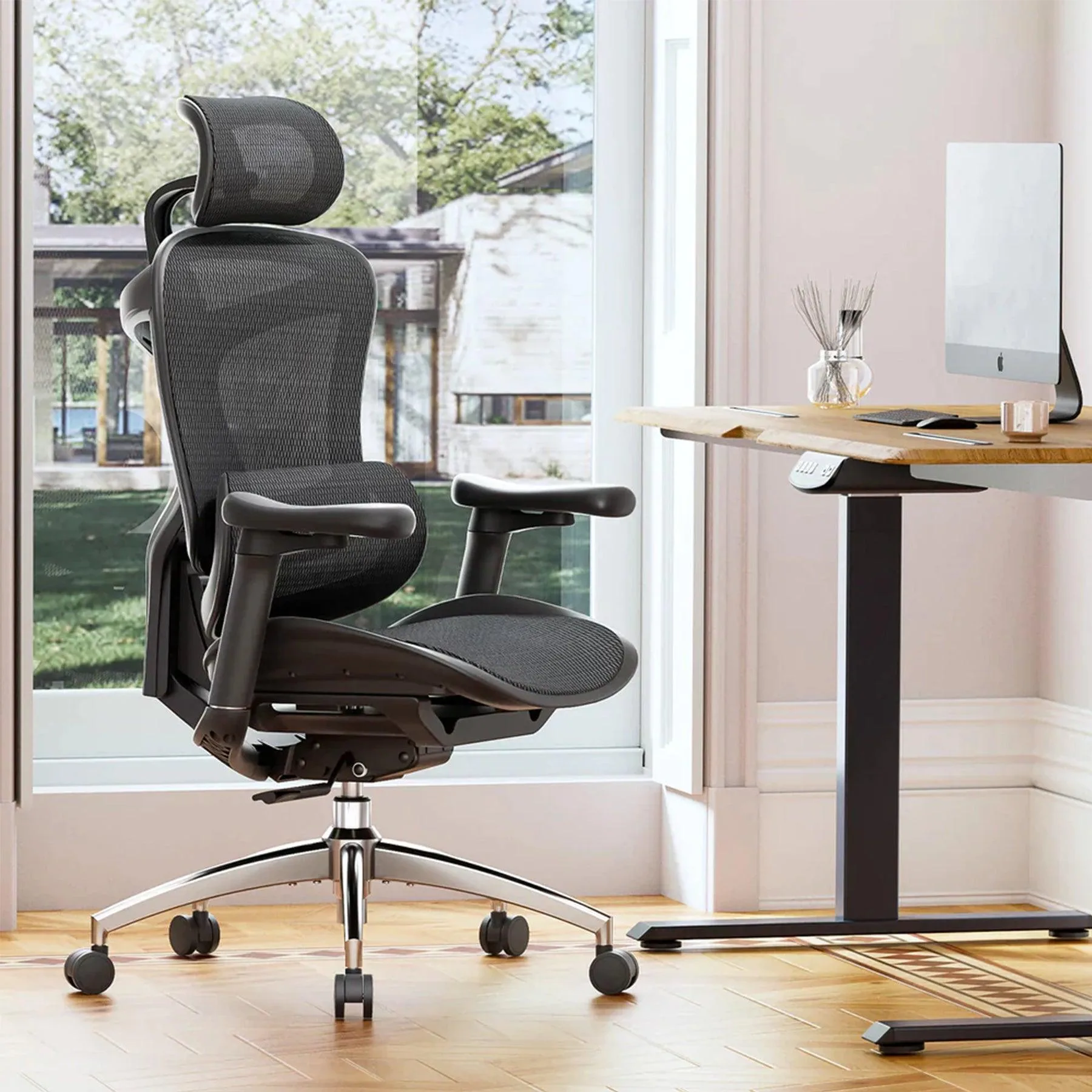
The Sihoo Doro C300 ($269.99, list $559.99) is the pick for most people. Its weight-sensing mechanism sets the recline resistance for you, the backrest flexes to follow your back as you lean, the 4D armrests move in every direction and the headrest is wide and adjustable. A version with a pull-out footrest costs $319.99.
Who it's for: long days in the chair, with calls and breaks in between. Keep in mind: automatic recline means fewer knobs but less fine-tuning if you want a very firm back.
4. Best premium Sihoo: Doro S300
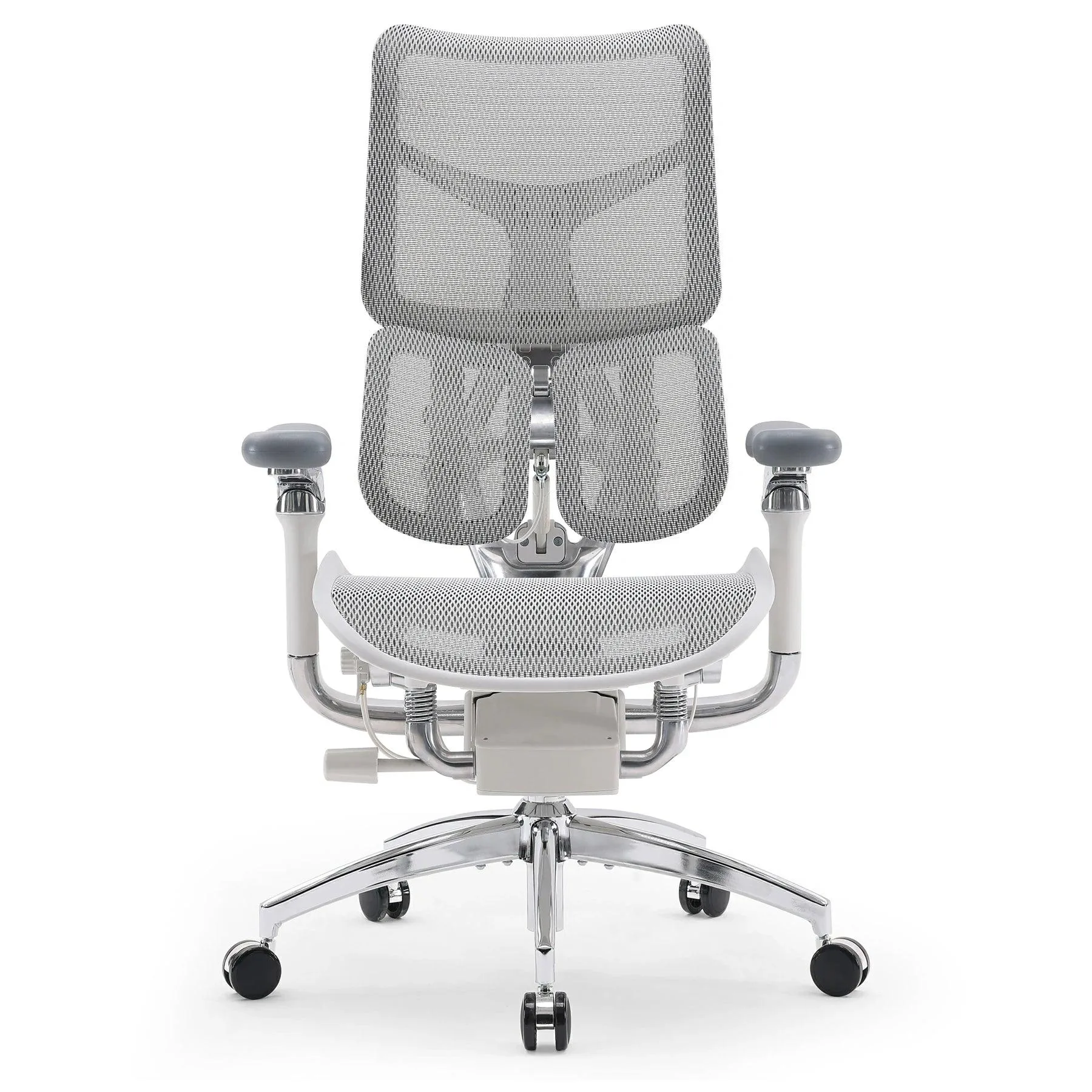
The Sihoo Doro S300 ($579.99 in black and $589.99 in white, list $999.99) is the brand's top chair. Its backrest adjusts to five heights to fit different torsos, two independent lumbar pads move with you, the 6D armrests have the widest range here and the recline is designed to feel weightless. It holds up to 330 pounds.
Who it's for: tall or broad sitters, and people who spend most of the day reclined while reading or on calls. Keep in mind: it costs more than twice the C300, and the extra money buys adjustment range more than basic comfort.
5. Best simple, long-warranty chair: Humanscale World LM
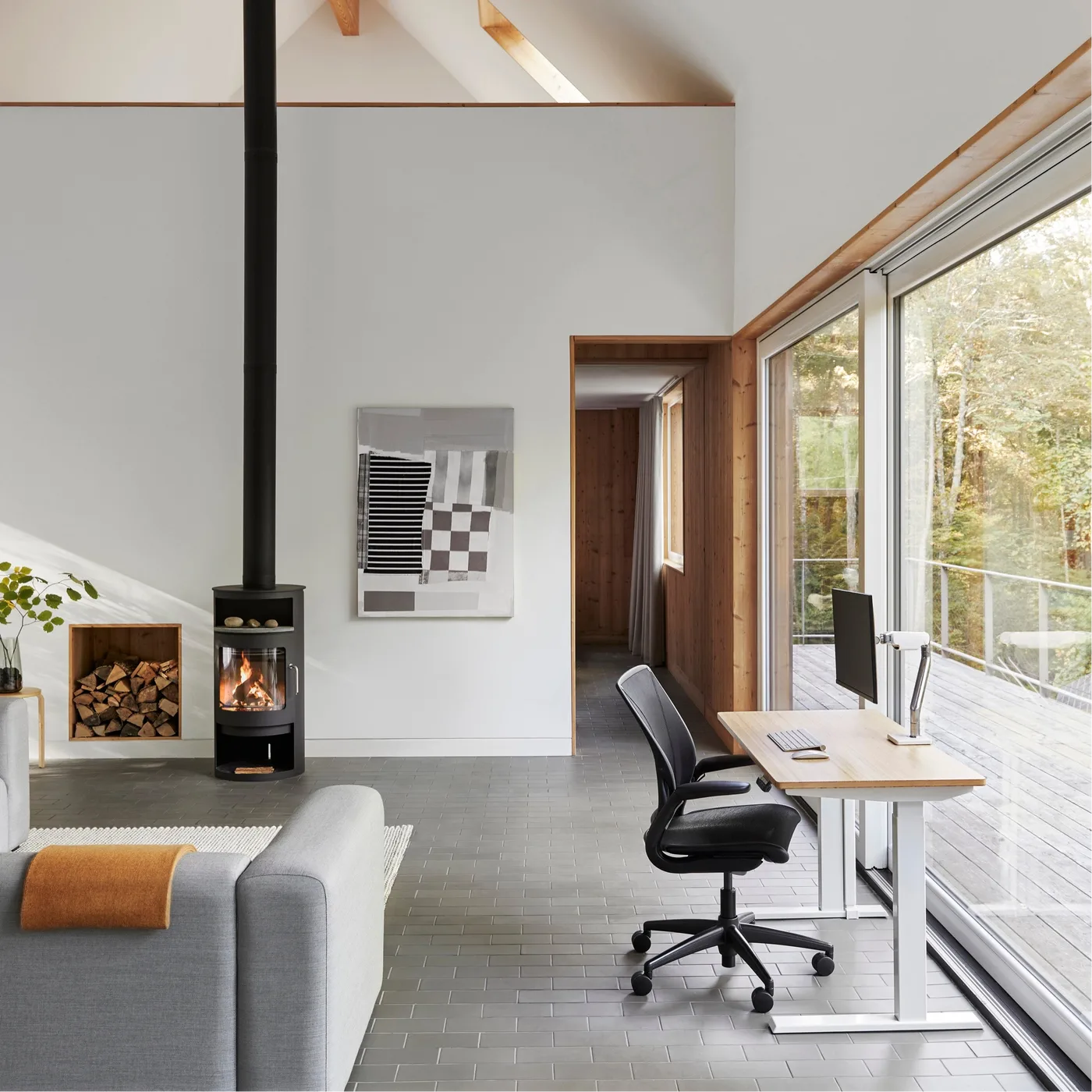
The Humanscale World LM Task Chair ($545) has almost no levers. Its three-panel mesh back shapes itself to your spine for lumbar support, the recline adjusts to your body weight without a tension knob, and the armrests are fixed to the backrest so they move with you. It is light, quick to assemble and has a 12-year warranty.
Who it's for: people who never touch chair settings, and shared desks. Keep in mind: fewer adjustments also means fewer ways to fix a poor fit, so check the seat dimensions on the listing first.
6. Best monitor arm: Humanscale M2 Pro
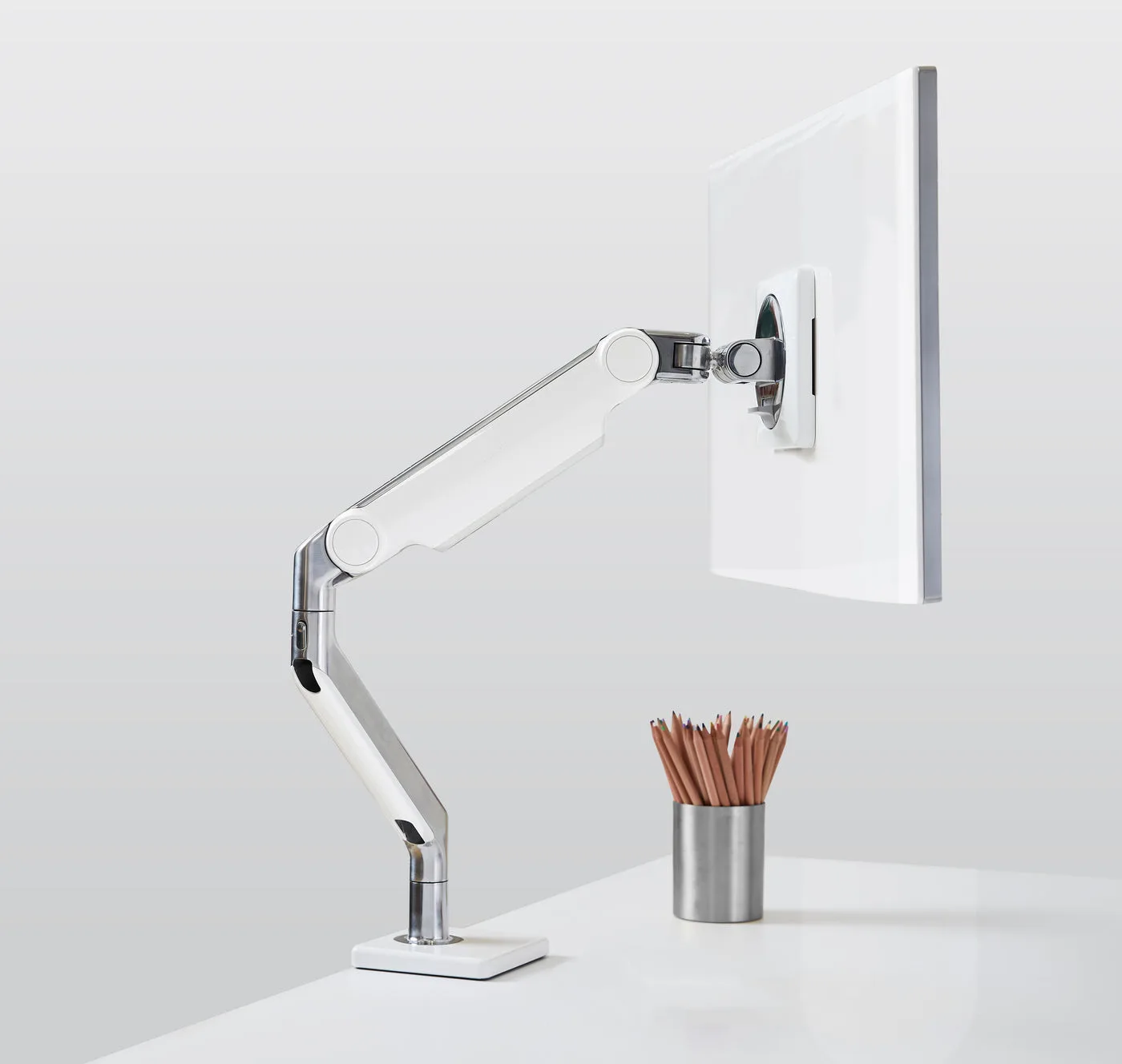
The Humanscale M2 Pro Single Monitor Arm (from $434) holds screens up to 22 pounds and uses a spring that balances the weight, so you raise, lower and pull the monitor by hand with no knobs. Cables run inside the arm, a stop keeps it from swinging into the wall, and it clamps to the desk edge or mounts through a grommet hole.
Who it's for: anyone whose screen sits too low or too far away, and laptop users who add an external monitor. Keep in mind: check your monitor's weight and VESA mount before ordering; heavy or curved screens need a stronger arm.
7. Best keyboard tray: Humanscale 6GSM Keyboard System
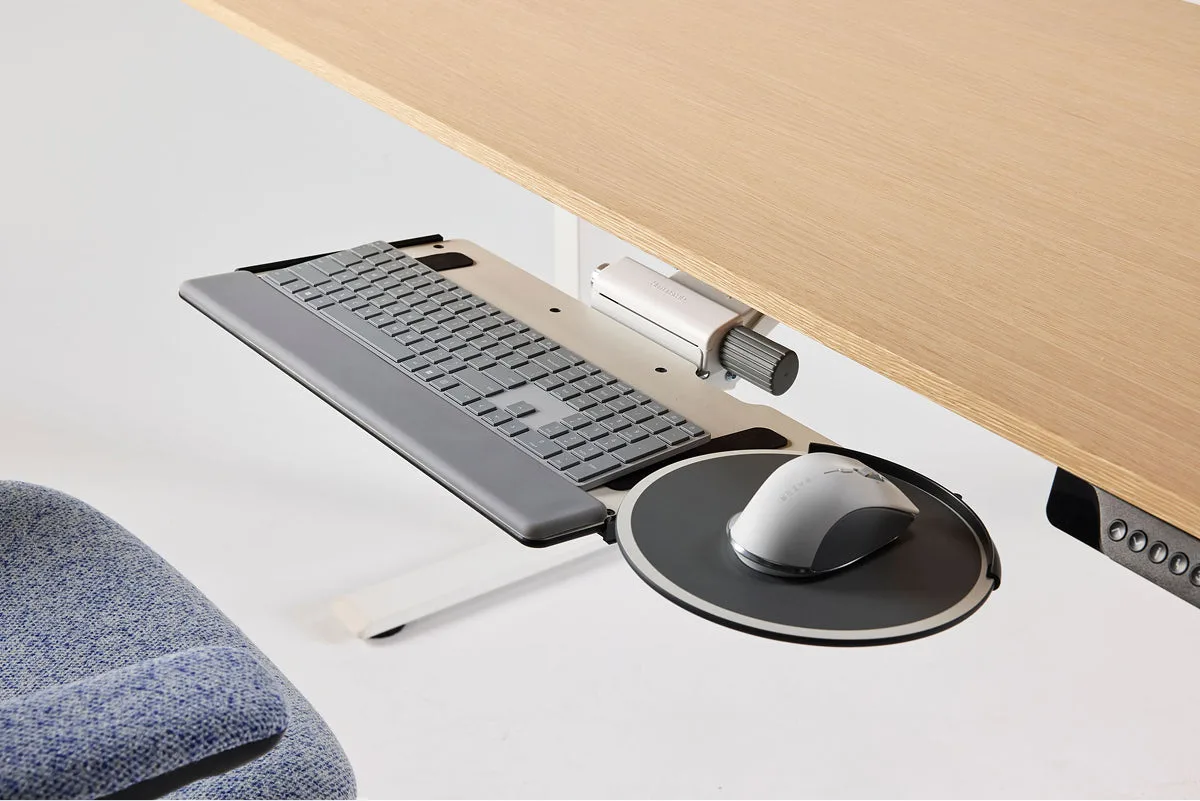
The Humanscale 6GSM Keyboard System for height-adjustable tables ($515) mounts under the desk and lowers the keyboard below desk height with a slight negative tilt, which keeps wrists straight. Its compact mechanism leaves room for a sit-stand desk to move, and you choose the track length and a gel or slim palm rest.
Who it's for: desks that are too high for typing when you sit with your feet flat. Keep in mind: it is expensive and needs room under the desktop; a lower desk or a footrest may solve the same problem for less.
8. Best footrest: Humanscale FR300
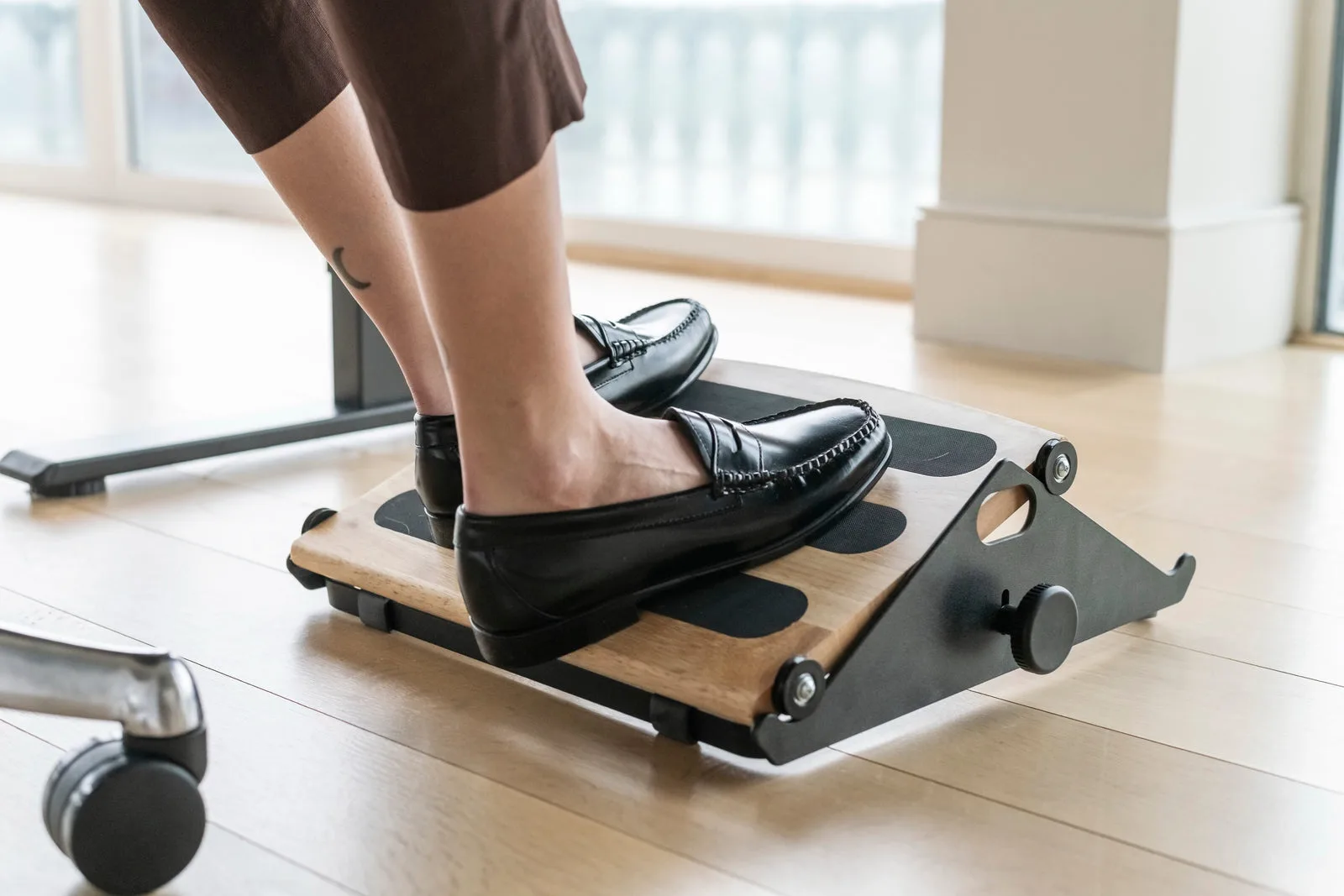
The Humanscale FR300 footrest ($150) raises your feet when the desk forces your seat up, and its ball-bearing rollers let you rock your feet as you work. It adjusts over 3 inches of height and has a non-slip surface.
Who it's for: shorter people and anyone at a fixed-height desk. Keep in mind: it only helps if your feet do not reach the floor flat; otherwise it is a nice extra, not a fix.
By budget
Under $300: the M18, the M57 or the Doro C300, plus the FR300 if you need it. Around $600: the Doro S300, or the World LM. With a monitor arm and keyboard tray, a full Humanscale setup passes $1,400.
Before you order
Sihoo ships free within the contiguous United States and most of Canada, in three to seven business days. It accepts returns within 30 days of delivery for unused items in their original packaging, and its chairs have a three-year limited warranty. Keep the box until you are sure.
Humanscale's online store offers a 30-day return guarantee with a prepaid return label; returns between 30 and 90 days are at the company's discretion with a 15% restocking fee. It does not deliver to PO boxes, and the brand advertises free shipping within the continental US and Canada.
How to get it right
Adjust before you buy more: raise the screen, bring the keyboard to elbow height and plant your feet. Then buy the one piece that still does not fit.