How to choose a mini PC for home and office: eight picks from GEEKOM and Minisforum
A desktop the size of a paperback can run a home office, a family computer or a small server. Here is what to check before you buy, and eight models from $319.
Culturera may earn a commission if you buy through the links on this page. As an Amazon Associate I earn from qualifying purchases. The selection is ours alone.
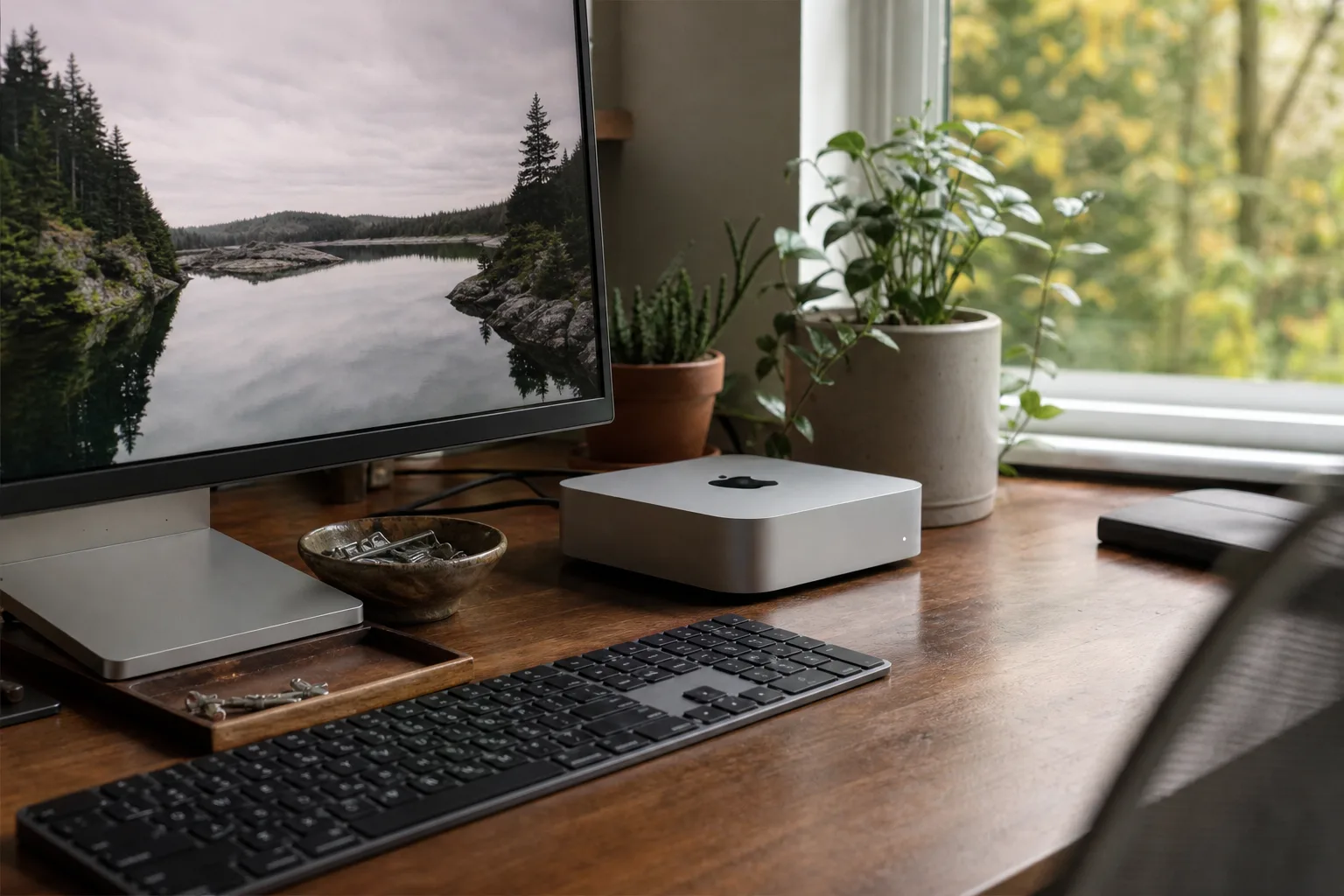
A mini PC is a full Windows desktop in a box about 5 inches square. It hides behind a monitor, draws a fraction of the power of a tower and, for email, documents, video calls and spreadsheets, does the same job. GEEKOM and Minisforum are two of the best-known makers and both sell direct from their own stores. We have not tested these computers. The eight below are chosen from the specifications each store publishes, matched to the kind of work they suit.
Prices are each store's sale prices in Nov 2026 and they change often, especially around holiday sales. GEEKOM sells every model ready to use, with Windows 11 Pro installed. Minisforum's lowest prices are for barebone kits, which we explain below.
Before you buy: four things to check
The processor tier. For browsing, office apps and video calls, a recent Ryzen 5, Core i5 or even a Pentium-class chip is enough. Photo and video editing, many browser tabs or several monitors call for a Ryzen 7 or 9, or an Intel Core Ultra. Pay for power you will use, not for benchmark numbers.
Memory and storage. 16 GB of RAM is the comfortable minimum for Windows today; 8 GB works for light use only. Check that memory sits in SO-DIMM slots rather than soldered to the board, so you can add more later. A 1 TB SSD leaves room for photos and a few years of files.
Ports and screens. Count the monitors you have and the cables they use. HDMI is the most common; USB4 or USB-C with DisplayPort lets one cable carry video, and on some setups power and data too. A 2.5 Gb Ethernet port matters if you move large files over a home network.
Barebone or ready to use. A barebone kit has no memory, no SSD and no operating system. It is cheaper only if you already have parts or a Windows license and are comfortable installing them. Otherwise, compare the configured price.
1. Best on a tight budget: GEEKOM Air12
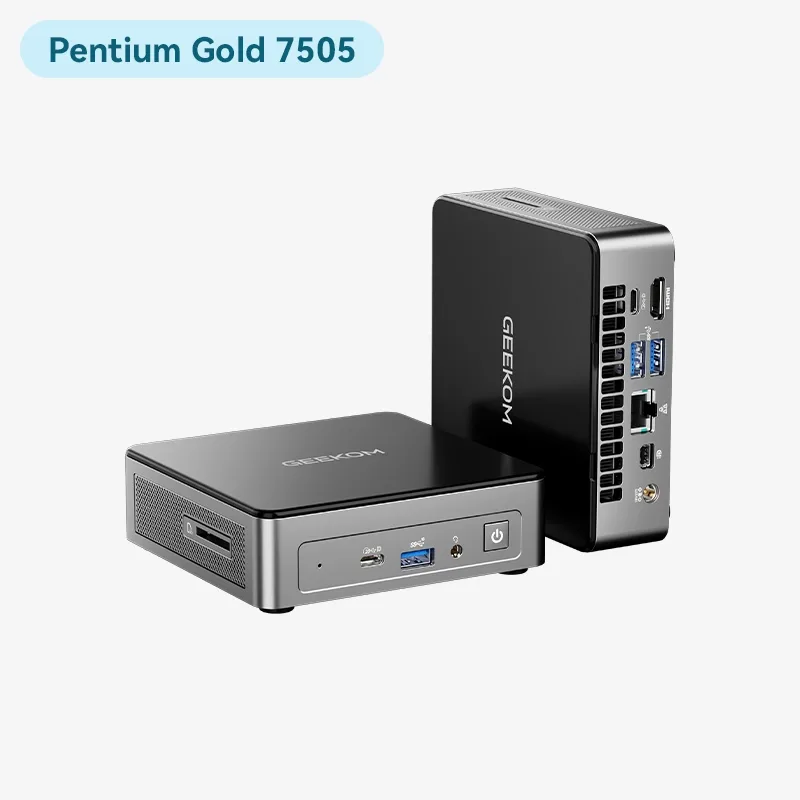
The GEEKOM Air12 2026 Edition starts at $319 (list $499) with an Intel Pentium Gold 7505, 8 GB of RAM and a 256 GB SSD. It drives up to three 4K screens through HDMI, Mini DisplayPort and USB-C, has an SD card reader, and takes up to 32 GB of memory in two slots. The case is 0.45 liters.
Who it's for: a family computer, a student desk or a second PC for email and streaming. Keep in mind: 8 GB is tight for Windows 11; the 16 GB version costs $475, and at that price the next pick is a better buy.
2. Best for everyday office work: GEEKOM A5 Pro 2026 Edition
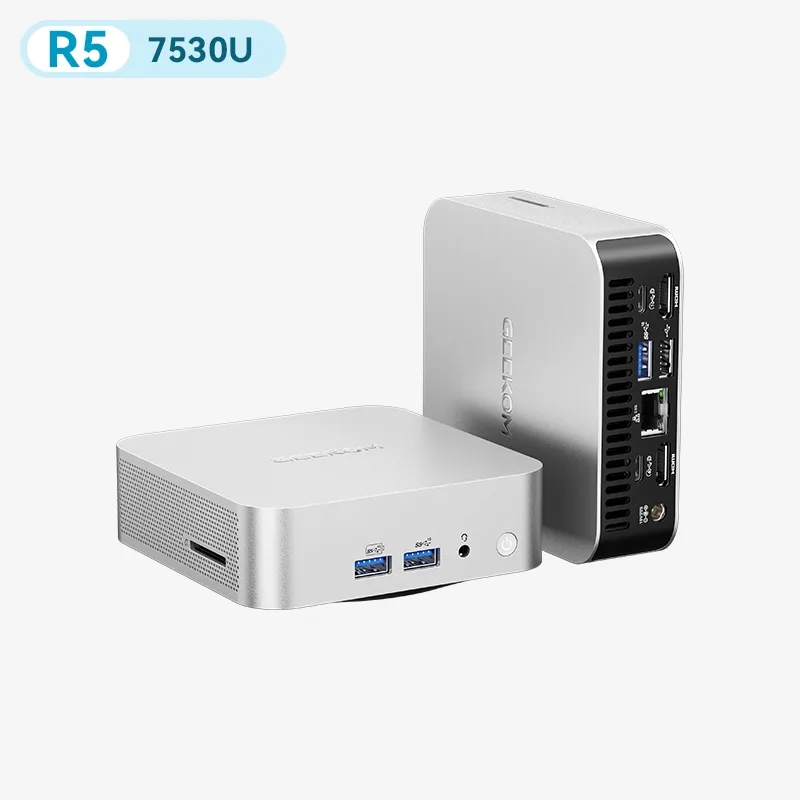
The GEEKOM A5 Pro 2026 Edition costs $569 (list $749) with an AMD Ryzen 5 7530U (six cores, up to 4.5 GHz), 16 GB of RAM and a 1 TB SSD. Two HDMI and two USB-C ports support up to four displays, memory goes to 64 GB, and there is room inside for a second 2.5-inch drive. It measures 4.6 by 4.4 by 1.9 inches.
Who it's for: spreadsheets, documents and video calls all day, on two or three screens. Keep in mind: the Ryzen 5 7530U is an efficient laptop-class chip, fine for office work but not for gaming or heavy video editing.
3. Best value: GEEKOM A6
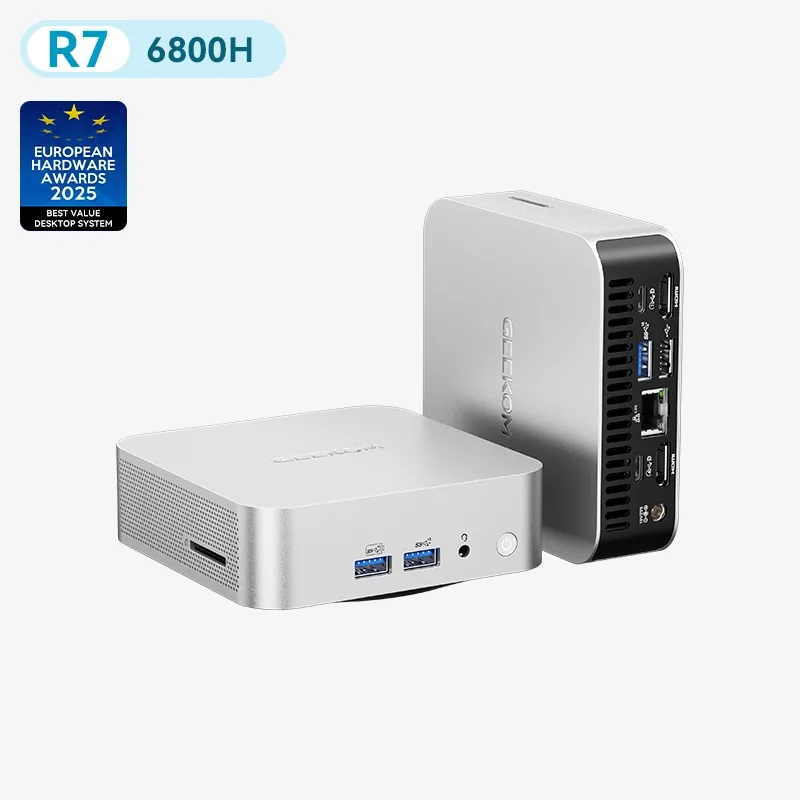
For $80 more, the GEEKOM A6 ($649, list $899, with 16 GB and 1 TB) steps up to a Ryzen 7 6800H with eight cores, up to 4.7 GHz, and Radeon 680M graphics. It adds a 40 Gbps USB4 port, 2.5 Gb Ethernet and Wi-Fi 6E, drives four 4K displays and holds up to 64 GB of DDR5. It is 4.4 inches square and 1.5 inches tall.
Who it's for: most home offices, plus light photo editing and older games. Keep in mind: there is one internal SSD slot, so plan on the 1 TB version or an external drive.
4. Best for several monitors and creative work: GEEKOM GT13 Max
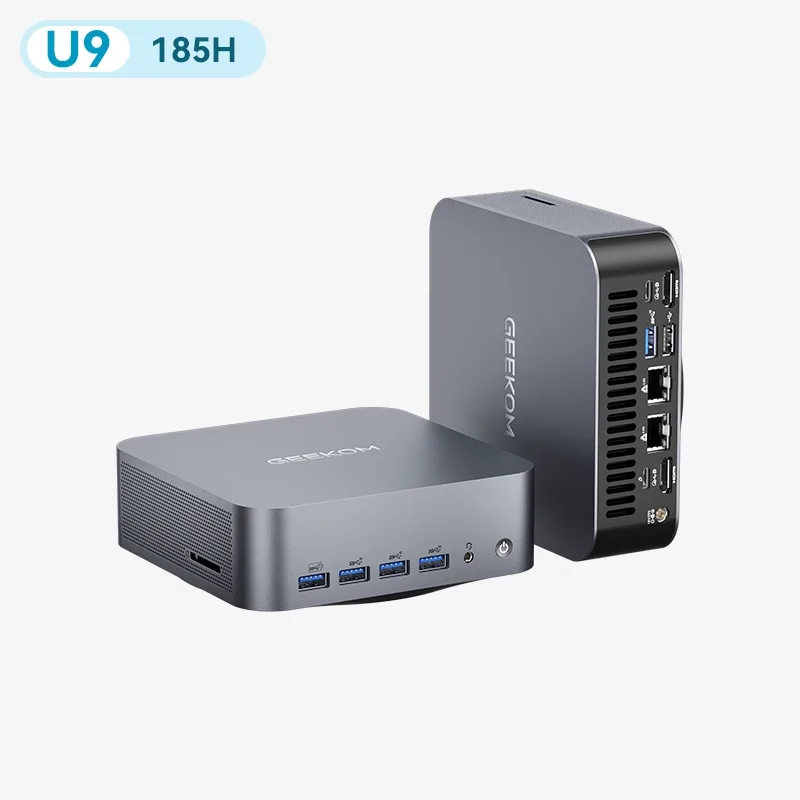
The GEEKOM GT13 Max ($849, list $1,299) has an Intel Core Ultra 9 185H with 16 cores and Intel Arc graphics, 16 GB of RAM and a 1 TB SSD. Its eight USB ports include two 40 Gbps USB4, and with two HDMI and a Mini DisplayPort it supports four 4K displays. Two 2.5 Gb Ethernet ports, Wi-Fi 7 and an SD 4.0 card reader complete it, and memory goes to 64 GB.
Who it's for: photographers, designers and anyone who works with a wall of screens. Keep in mind: 16 GB will feel small for video work; budget for a memory upgrade.
5. Best for tinkerers on a budget: Minisforum UM870 Slim
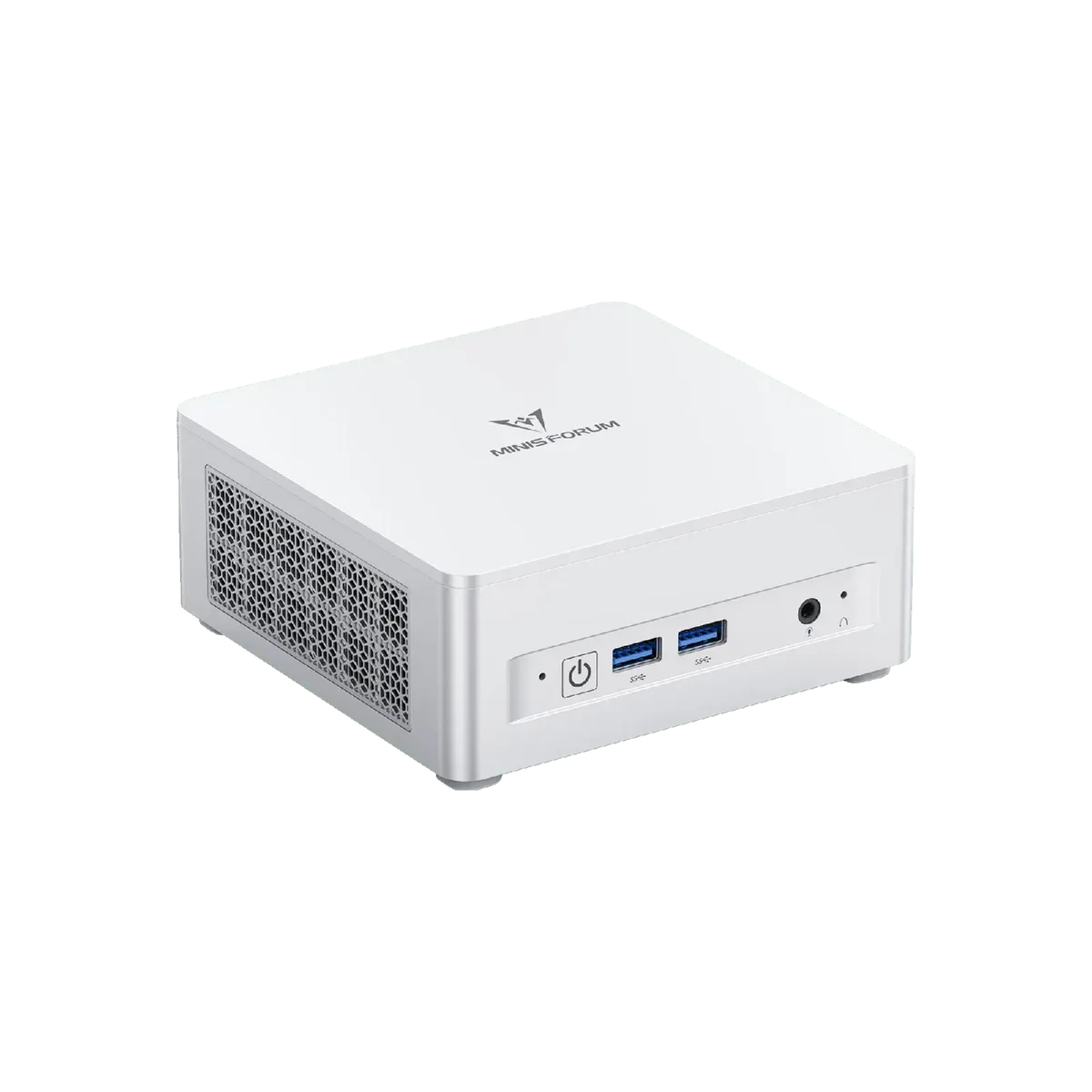
The Minisforum UM870 Slim is $327 (list $409) as a barebone kit, or $815 (list $1,019) with 32 GB of RAM and a 500 GB SSD. Inside is a Ryzen 7 8745H with eight cores and Radeon 780M graphics, two M.2 slots for SSDs and room for up to 96 GB of DDR5. It has USB4, 2.5 Gb Ethernet and Wi-Fi 6E, and the store says it stays under 35 dB at full load.
Who it's for: anyone with spare memory and an SSD, or who wants to pick their own. Keep in mind: the barebone needs RAM, storage and a Windows license bought separately; unless you already have them, compare the configured price.
6. Best for a home lab: Minisforum MS-01
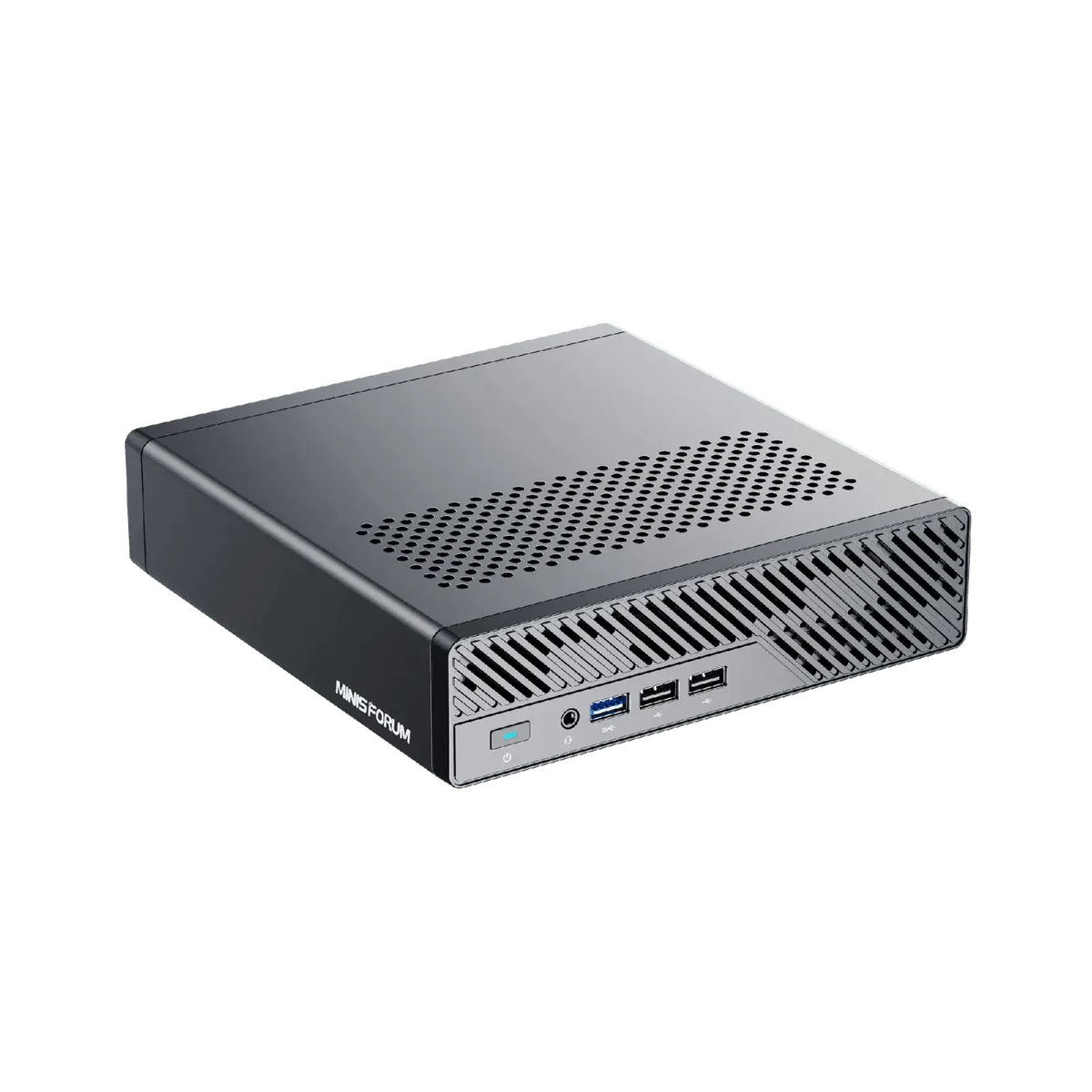
The Minisforum MS-01 is built for networks and servers more than for a desk. The barebone starts at $469 (list $589) with a Core i5-12600H, and $1,079 (list $1,349) buys it with 32 GB and 1 TB. It has two 10 Gb SFP+ ports, two 2.5 Gb Ethernet ports, two USB4 ports, three M.2 slots and a full-size PCIe slot that runs at x8.
Who it's for: home servers, network storage, virtual machines and anyone who knows what an SFP+ module is. Keep in mind: it is overkill for office work, and the 10 Gb ports need compatible cables or modules, sold separately.
7. Best for running AI models at home: Minisforum AI X1 Pro-470
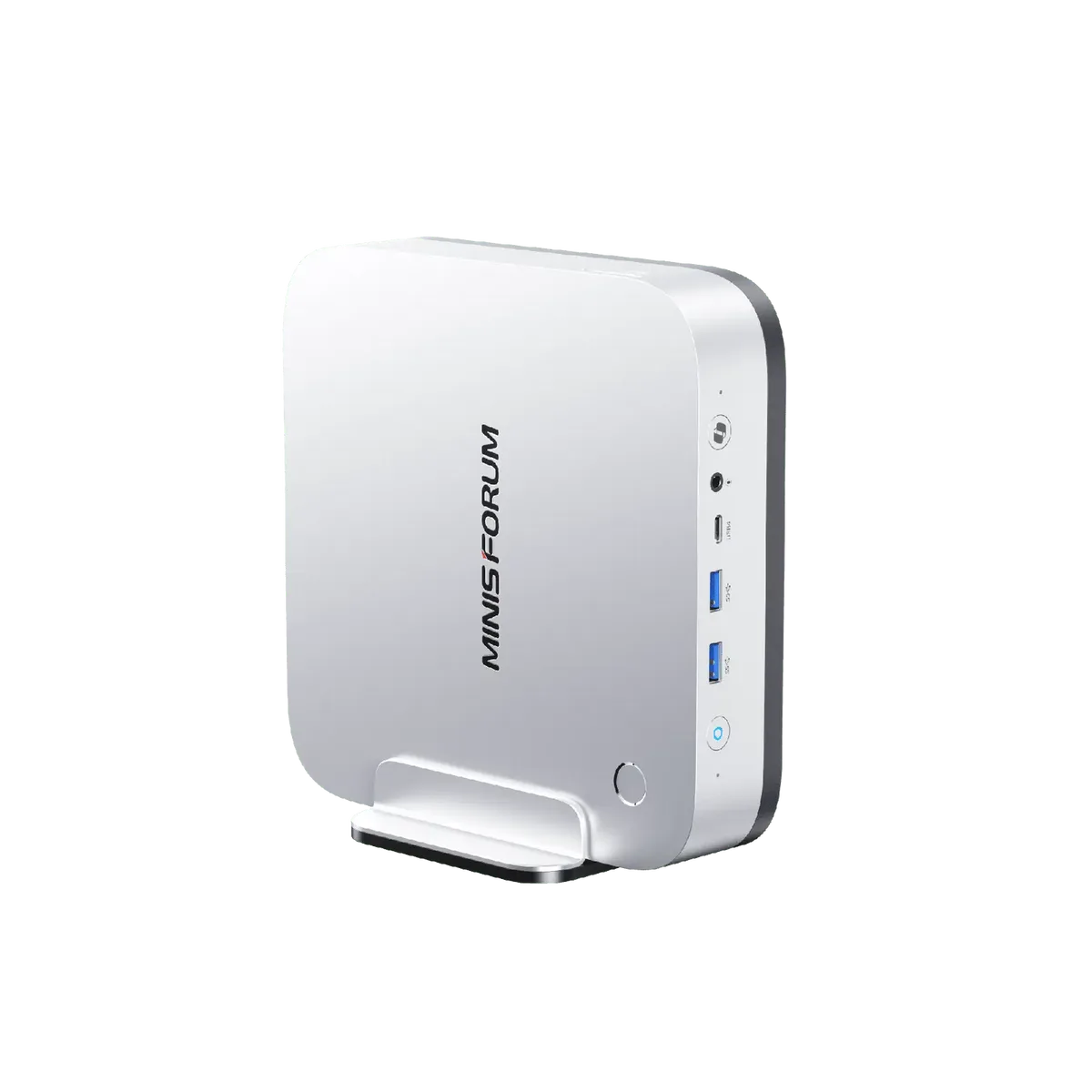
The Minisforum AI X1 Pro-470 costs $1,327 (list $1,659) with 32 GB and 1 TB, or $727 as a barebone. Its Ryzen AI 9 HX 470 has 12 cores and a 55 TOPS neural processor, which qualifies it as a Copilot+ PC, and it takes up to 128 GB of memory and three SSDs. An OCuLink port connects an external graphics card, the power supply is built in, and there is a fingerprint reader for Windows Hello.
Who it's for: developers and creators who want to run language or image models locally. Keep in mind: at 7.7 inches square and 3.3 pounds it is bigger than the other picks, and local AI work rewards the 64 GB version ($1,719).
8. The splurge: GEEKOM GT15 Max
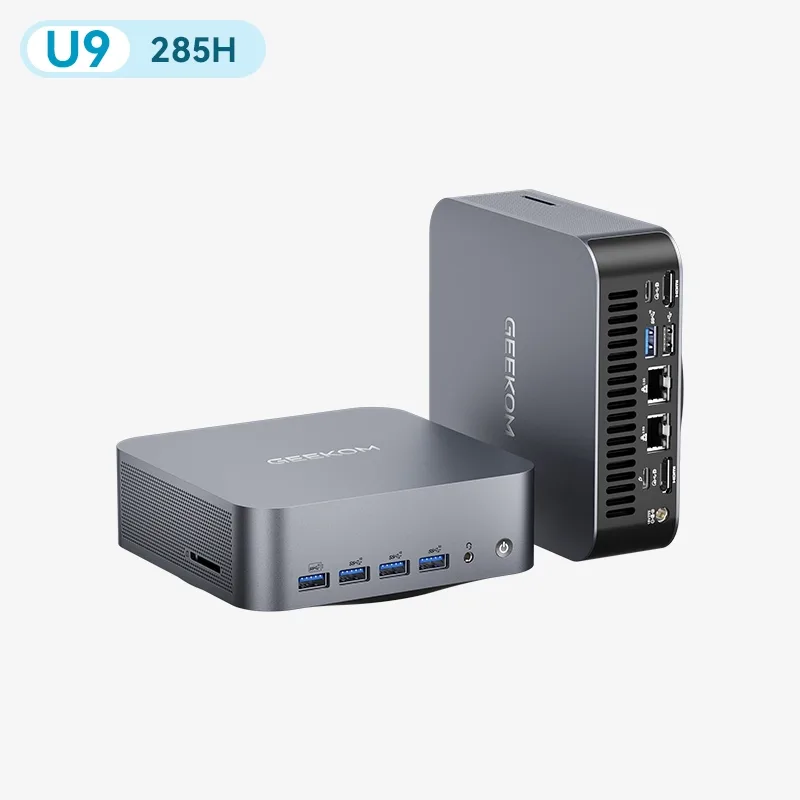
The GEEKOM GT15 Max ($1,399, list $1,699) pairs an Intel Core Ultra 9 285H, 16 cores up to 5.4 GHz, with Arc 140T graphics, 32 GB of RAM and a 1 TB SSD. It supports up to 128 GB of DDR5, four 4K displays, two 2.5 Gb Ethernet ports and Wi-Fi 7, and it can be mounted behind a monitor with a VESA bracket.
Who it's for: someone replacing a desktop tower who wants the most power in GEEKOM's range, ready to use. Keep in mind: for most office work the A6 does the job for less than half the price.
By budget
Under $600: the Air12 and the A5 Pro, or the UM870 Slim barebone if you have parts. $600 to $900: the A6 and the GT13 Max. Over $1,000: the MS-01 configured, the AI X1 Pro-470 and the GT15 Max.
Before you order
GEEKOM ships free within the United States. It offers 30-day returns of unused items in their original condition; returns for a change of mind carry the shipping cost and, under its policy, a handling fee of up to 5%. Its mini PCs have a three-year warranty.
Minisforum ships free on US orders over $90 from a US warehouse, and also delivers to Canada, Mexico, Europe, the UK, Japan and Australia from regional warehouses. Returns are accepted within 30 days for any reason, but you pay return shipping unless the item arrived faulty. PCs bought directly from the store have a two-year warranty. Check the estimated ship date on each listing: some configurations show late-November dispatch.
How to get it right
Buy for the screens and the memory you need, not the processor name. A mid-range mini PC with 16 GB, a 1 TB SSD and the right video ports will outlast a faster one you have to fight with.