reMarkable or Kindle Scribe: which e-ink notebook to give in 2026
Kindle Scribe for readers who annotate, reMarkable for people who think on paper: the 2026 lineups compared, from the $399 Paper Pure to the color Scribe Colorsoft, and which one suits whom.
Culturera may earn a commission if you buy through the links on this page. As an Amazon Associate I earn from qualifying purchases. The selection is ours alone.
At a glance
- Best for readersAmazon Kindle Scribe (2025, with front light)Amazon
- Best valuereMarkable Paper PureAmazon
- Best for writingreMarkable Paper ProAmazon
- Most portablereMarkable Paper Pro MoveAmazon
- Best in colorAmazon Kindle Scribe ColorsoftAmazon
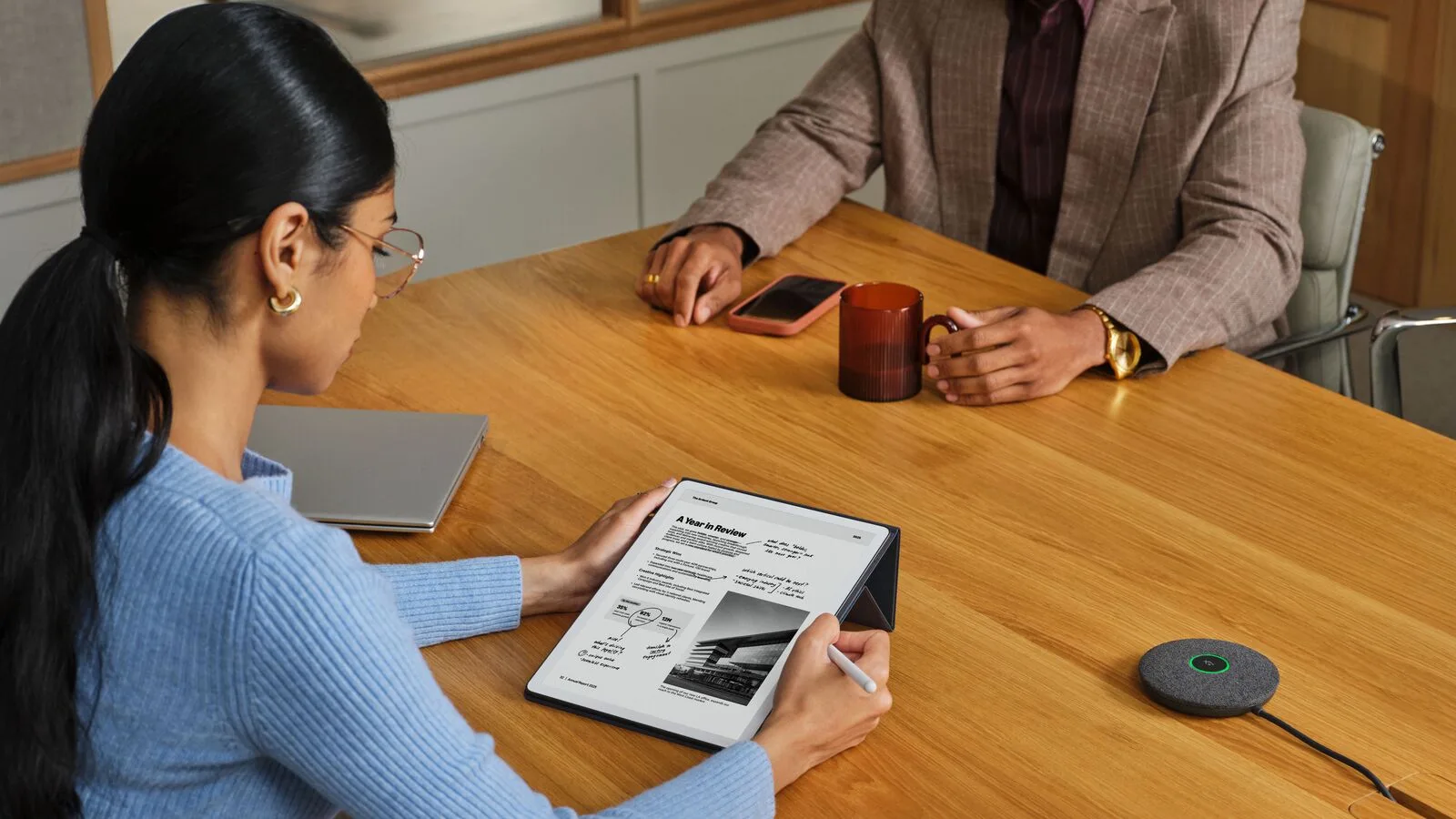
If the person mostly reads and marks up books and documents, give the Kindle Scribe: an 11-inch e-ink screen that feels like paper, a pen in the box, the whole Kindle store, and handwritten notebooks, for $499.99. If they mostly write, sketch and plan, give a reMarkable: the new Paper Pure, at $399, is the simplest and lightest way to replace paper notebooks, and the Paper Pro adds color and a reading light. We have not tested these devices; this guide compares what Amazon and reMarkable publish, and independent reviews where we cite them.
Prices are list prices on November 23, 2026; both brands discount around Black Friday. The Kindle Scribe models are sold by Amazon.com. On Amazon US, reMarkable tablets are sold by a third-party store, TTP Retail, and mostly as bundles with a pen upgrade or a case, so the reMarkable links open a search; compare with the base price on reMarkable's own site, which sells them directly. For e-readers without a pen, see our guide to which Kindle or Kobo to buy.
What should you check before buying an e-ink notebook?
Reading or writing first. A Kindle Scribe is a large Kindle you can write on. A reMarkable is a paper notebook that syncs; it opens PDFs and e-books you load, but has no bookstore. That single question settles most choices.
Light. A front light lets you read and write in bed or on a plane. The reMarkable Paper Pure and the cheapest Kindle Scribe have none, like paper, so they need a lamp. For someone who reads in bed every night, that alone decides it.
Size and weight. An 11- or 12-inch screen is close to a letter-size page and suits documents and sketching; a smaller device fits in a coat pocket but feels more like a notebook than a desk pad.
Subscriptions. Kindle needs none. reMarkable's optional Connect plan ($3.99 a month, after a 50-day trial) adds unlimited cloud storage and handwriting sync with phone and computer apps; without it, the basic sync still works within limits.
Which one is for you?
- A reader, student or editor who marks up books and documents
- Someone who fills paper notebooks and wants them searchable and in one place
- A writer, designer or planner who wants the best writing feel and color
- Someone who wants a pocket notebook for lists, ideas and meetings on the go
- A reader of comics, cookbooks or textbooks who highlights in color
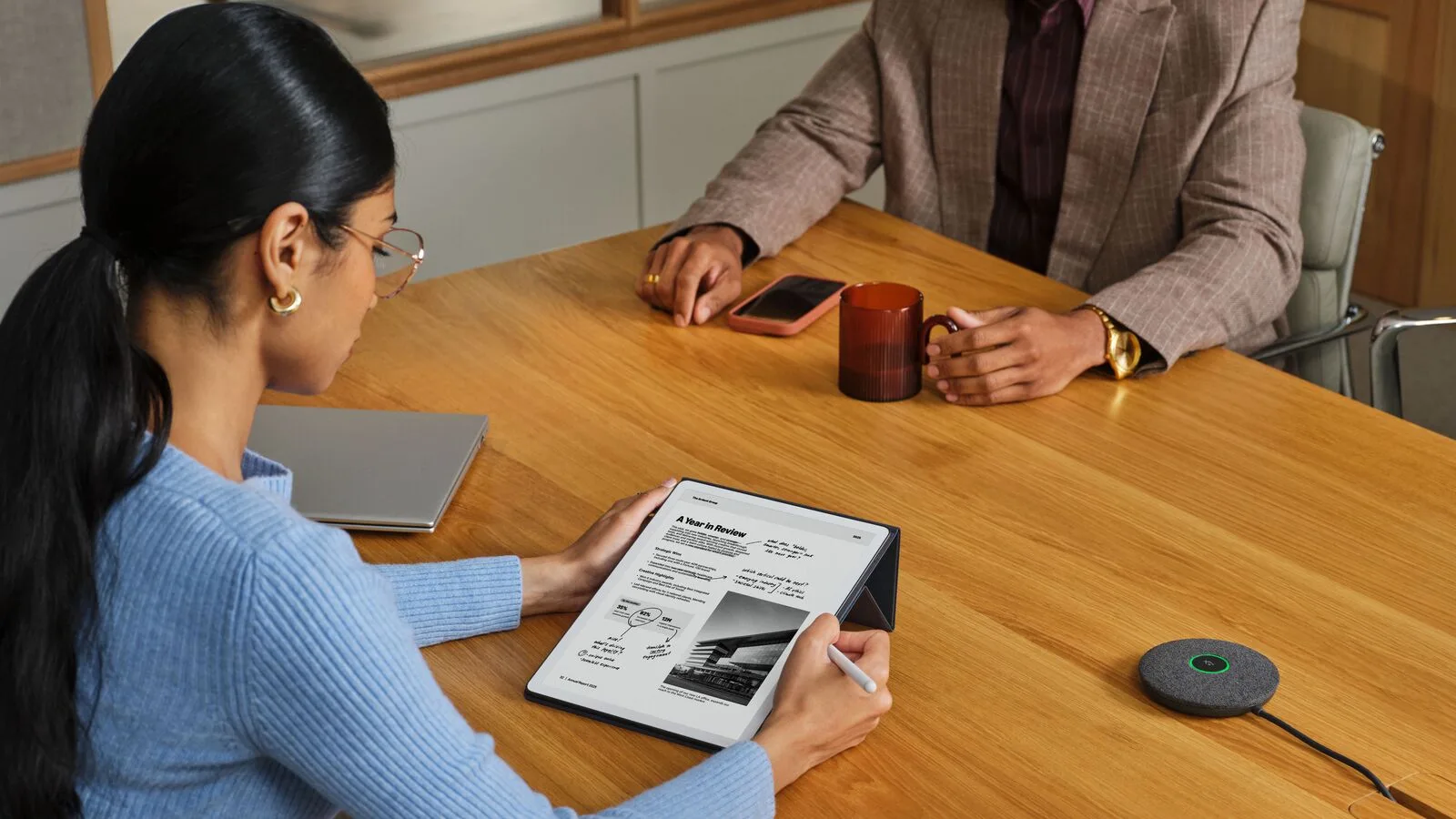
Best for readers
1. Amazon Kindle Scribe (2025, with front light)
Best for: A reader, student or editor who marks up books and documents
A thin 11-inch Kindle with a pen, AI note tools and the whole Kindle store.
See it at AmazonCheck the current price at the store.
The redesigned Kindle Scribe ($499.99 list, 32 GB) has an 11-inch glare-free display with a paper-like texture and a front light, is 5.4 mm thin, weighs 400 grams and, Amazon says, is 40 percent faster for writing and page turns than before. The Premium Pen is included. You can write in notebooks or directly in Kindle books and PDFs, import documents from Google Drive and OneDrive and export annotated PDFs, and send notebooks to OneNote. Built-in AI can search notebooks in plain language, summarize up to 15 pages and turn handwriting into a tidy typed font.
Who it's for: someone who already lives in Kindle books. Keep in mind: organizing many notebooks is simpler on a reMarkable, and some Alexa features need Prime or Alexa+.
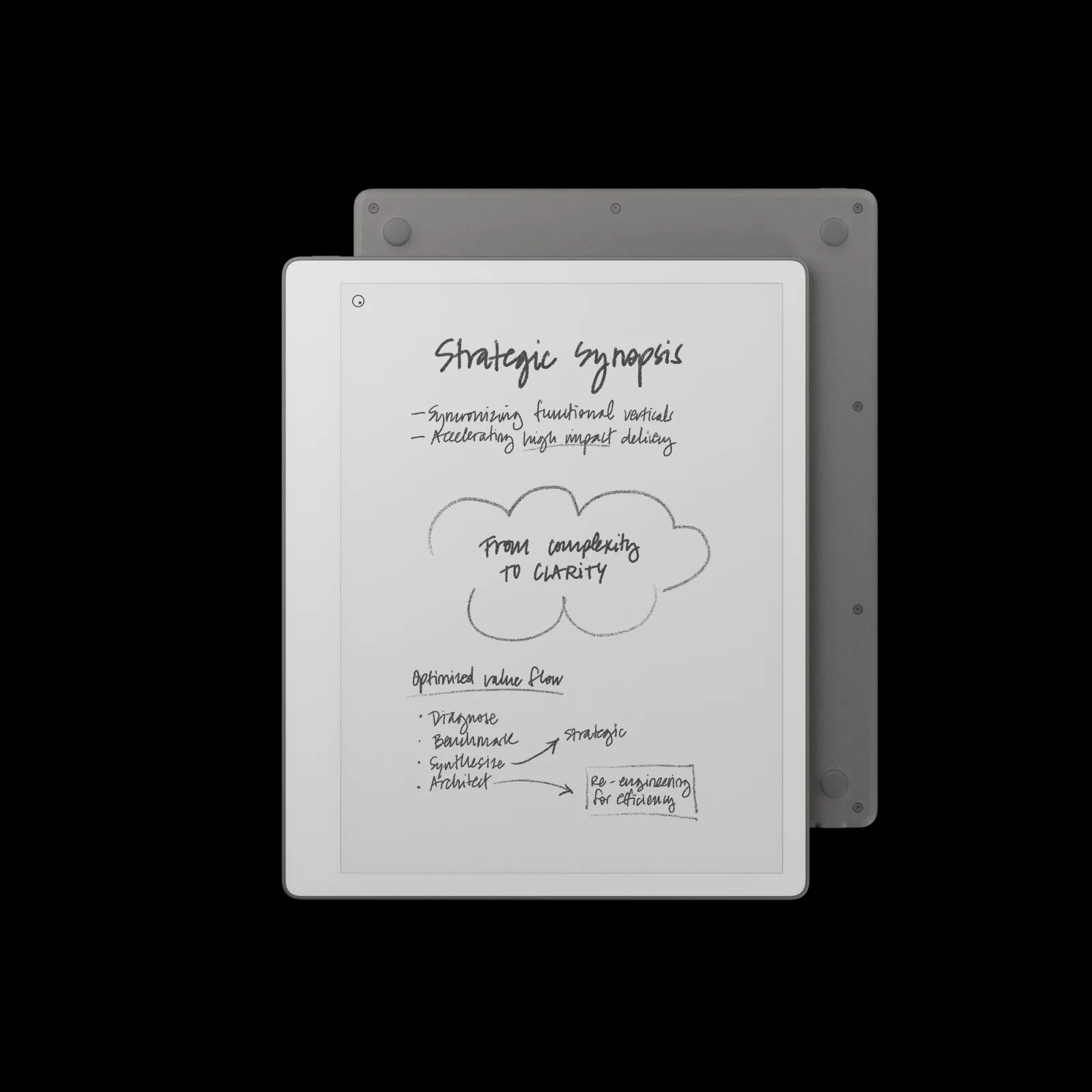
Best value
2. reMarkable Paper Pure
Best for: Someone who fills paper notebooks and wants them searchable and in one place
reMarkable's new, light, simple paper tablet, with three weeks of battery.
See it at AmazonCheck the current price at the store.
The reMarkable Paper Pure (from $399 with Marker), new in 2026, has a 10.3-inch black-and-white display at 226 pixels per inch, weighs 360 grams and lasts up to three weeks per charge. TechRadar praised its "flawless" pen-and-paper feel. Like every reMarkable, it does one thing: notebooks, PDFs and e-books you load, without apps, notifications or a browser.
Who it's for: a journal keeper, a student, a manager who takes meeting notes by hand. Keep in mind: there is no reading light, which TechRadar called one of its only complaints; on Amazon US it is sold as a bundle with a folio, at more than the base price.
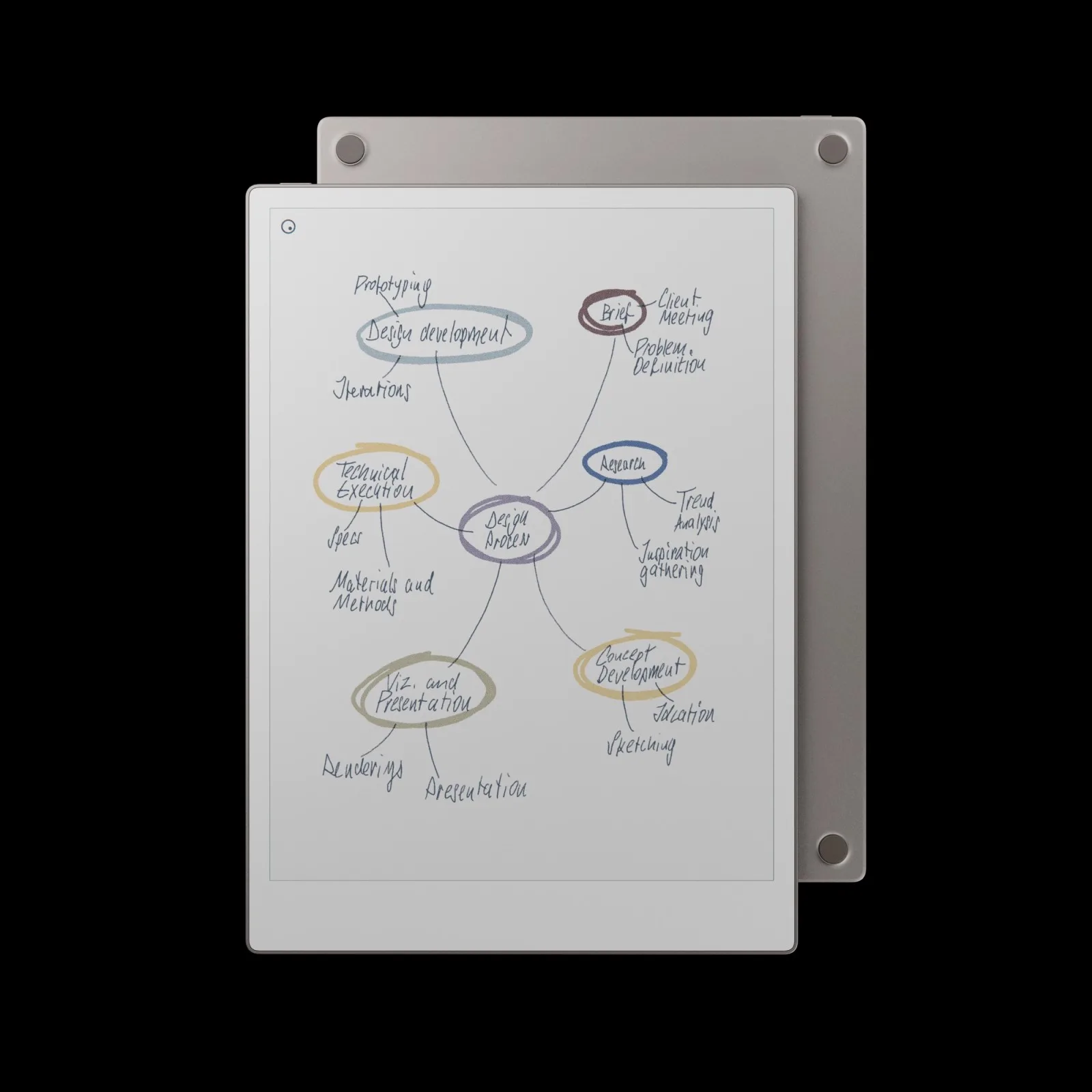
Best for writing
3. reMarkable Paper Pro
Best for: A writer, designer or planner who wants the best writing feel and color
A large color paper tablet with a reading light and reMarkable's best pen feel.
See it at AmazonCheck the current price at the store.
The reMarkable Paper Pro (from $629 with Marker; Amazon listings include the Marker Plus, which adds an eraser) has an 11.8-inch color display at 229 pixels per inch, an adjustable reading light, an aluminum frame and up to two weeks of battery. It weighs 525 grams. Engadget calls it its pick for focused writing; color is muted, meant for highlighting and diagrams rather than photos.
Who it's for: someone who writes or sketches every day and can justify the price. Keep in mind: it is the most expensive device here, and it is not a good e-reader for Kindle books, which it can't open.

Most portable
4. reMarkable Paper Pro Move
Best for: Someone who wants a pocket notebook for lists, ideas and meetings on the go
A phone-sized reMarkable with a reading light that fits in a coat pocket.
See it at AmazonCheck the current price at the store.
The reMarkable Paper Pro Move (from $449 with Marker, $499 with Marker Plus) is reMarkable's small model, which TechRadar describes as small enough to slip into a back pocket. It has a textured glass display, a reading light, up to two weeks of battery and charges to 90 percent in under 45 minutes.
Who it's for: a journalist, a teacher, someone who carries a Moleskine everywhere. Keep in mind: a small screen is cramped for reading PDFs or marking up documents.
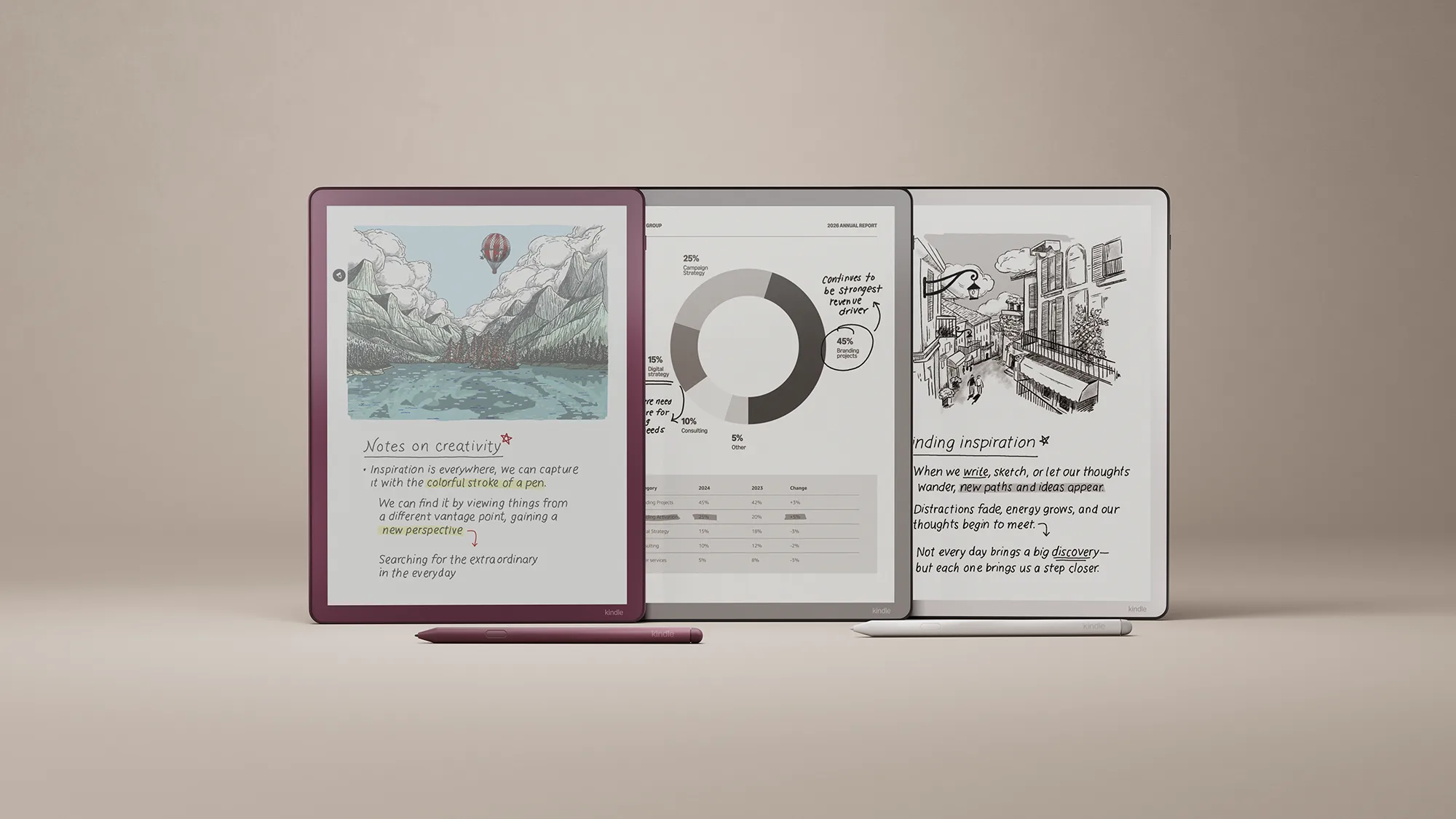
Best in color
5. Amazon Kindle Scribe Colorsoft
Best for: A reader of comics, cookbooks or textbooks who highlights in color
The Kindle Scribe with a color e-ink screen and colored pens and highlighters.
See it at AmazonCheck the current price at the store.
The Kindle Scribe Colorsoft ($629.99 list, 32 GB) adds Amazon's Colorsoft color display to the same thin, light design, so highlights, pen colors, book covers and charts appear in color. It also has a system-wide dark mode. Everything else, from the pen to the AI notebook tools, matches the Kindle Scribe.
Who it's for: a student or a reader of illustrated books. Keep in mind: e-ink color is soft, and for plain reading and writing the regular Scribe does the same job for $130 less.
What about cheaper or more flexible options?
The Kindle Scribe without front light ($429.99, 16 GB) is the same thin Scribe without a light, a fair trade for someone who writes at a desk by day. For someone who wants apps, BOOX's Note Air tablets run Android with the Google Play store on an e-ink screen, more flexible but more distracting, and Supernote's Manta is admired for organizing handwritten notes, though it has no front light.
Kindle Scribe or reMarkable: which feels more like paper?
Reviewers generally give reMarkable the edge for the feel of the pen on the screen, which is the brand's whole focus. The Kindle Scribe's writing is close and its reading experience is far better, with the Kindle store, Whispersync and adjustable fonts. If you're unsure whether the person reads more or writes more, look at their bag: a paperback points to the Scribe, a notebook to the reMarkable.
Can you type or convert handwriting?
Both convert handwriting to text: the Kindle Scribe with its AI tools, reMarkable with Connect and its apps. reMarkable also sells a keyboard folio for the Paper Pro, but these are notebooks first; someone who mainly types is better served by a laptop or a tablet.
Is an e-ink notebook good for a student?
Often, yes. A student can carry every course reader as a PDF, annotate it with the pen, and keep handwritten notes in one place, organized by subject, without the distractions of a laptop or tablet in class. The Kindle Scribe is the better pick when the reading list is mostly books available on Kindle; a reMarkable suits a student who works from PDFs and wants handwriting to feel natural. For math and science, the larger screens of the Scribe and the Paper Pro leave room for equations and diagrams. Check the school's rules, since some exams don't allow any device.
What about battery, durability and updates?
E-ink sips power: these devices last weeks, not hours, between charges, so the battery rarely matters day to day. The screens are glass or a hard plastic layer, so a case is worth adding for a bag. Pen tips wear down with use, faster on textured screens; reMarkable includes spare tips in the box, and both brands sell more. Both companies have kept adding features to their devices through software updates, such as Amazon's AI notebook tools and reMarkable's improvements to handwriting conversion, which makes either a safer long-term buy than lesser-known brands.
Which one at each price?
Around $400: the reMarkable Paper Pure, $399, or the Kindle Scribe without front light, $429.99.
Around $450 to $500: the reMarkable Paper Pro Move, $449, or the Kindle Scribe, $499.99.
Around $630: the reMarkable Paper Pro, $629, or the Kindle Scribe Colorsoft, $629.99.
Before you order
Check what's in the box: every model here includes a pen, but reMarkable's base Marker has no eraser, and neither brand includes a case. Amazon's listings for reMarkable are bundles, so compare them with the base price on reMarkable's site. Amazon US usually extends its return window for gifts bought during the holidays; check the exact dates on the listing before you buy. For smaller gifts for the same person, see our gifts for writers and journal keepers.
How to get it right
For a reader who annotates, the Kindle Scribe; for someone who fills paper notebooks, the reMarkable Paper Pure; for a daily writer or designer, the reMarkable Paper Pro; for a pocket notebook, the Paper Pro Move; and for color, the Kindle Scribe Colorsoft.