Which streaming stick to buy: Fire TV, Google or Apple TV
The new Fire TV Stick 4K, Fire TV Stick HD, Fire TV Stick 4K Max, Google TV Streamer and the new Apple TV 4K compared: picture formats, apps, ads and what each one costs after this year's price rises.
Culturera may earn a commission if you buy through the links on this page. As an Amazon Associate I earn from qualifying purchases. The selection is ours alone.
At a glance
- Best for most 4K TVsAmazon Fire TV Stick 4K (2026)Amazon
- Best budgetAmazon Fire TV Stick HD (2026)Amazon
- Best for Dolby VisionAmazon Fire TV Stick 4K Max (2nd Gen)Amazon
- Best for Google homesGoogle TV Streamer (4K)Amazon
- Best without adsApple TV 4K (4th generation)Amazon
The streaming stick to buy for most 4K TVs is the new Fire TV Stick 4K, $59.99 at list price: it is fast, it runs off the TV's USB port and it comes with Amazon's redesigned remote. If your TV supports Dolby Vision, pay more for the Fire TV Stick 4K Max, because the new stick leaves that format out. And if you want a home screen without ads, the answer is the new Apple TV 4K, at five times the price. We have not tested these devices; we chose them from the makers' published specifications.
Prices are the makers' list prices on November 25, 2026. This was the year streaming players got more expensive: Amazon, Google and Roku all raised their list prices over the summer, citing the cost of memory chips, as The Verge and TechRepublic reported in August. The Fire TV Stick 4K Max went from $59.99 to $84.99 and the Google TV Streamer from $99.99 to $149.99. Sticks are also among the most discounted products of Black Friday week, so check the current price before you decide; the gap between two models is often smaller than the list prices suggest.
What should you check before buying a streaming stick?
Your TV's resolution. A 4K stick works on a Full HD television, but you pay for pixels you will not see. For a 1080p bedroom or kitchen TV, the Fire TV Stick HD is enough. For any 4K TV, buy a 4K model.
The HDR formats your TV supports. HDR10 works everywhere. Dolby Vision and HDR10+ are the two formats that adjust brightness scene by scene, and televisions split between them: LG and Sony sets use Dolby Vision, Samsung sets use HDR10+, and many others take both. Look up your TV's model before you choose, because the new Fire TV Stick 4K has HDR10+ but no Dolby Vision.
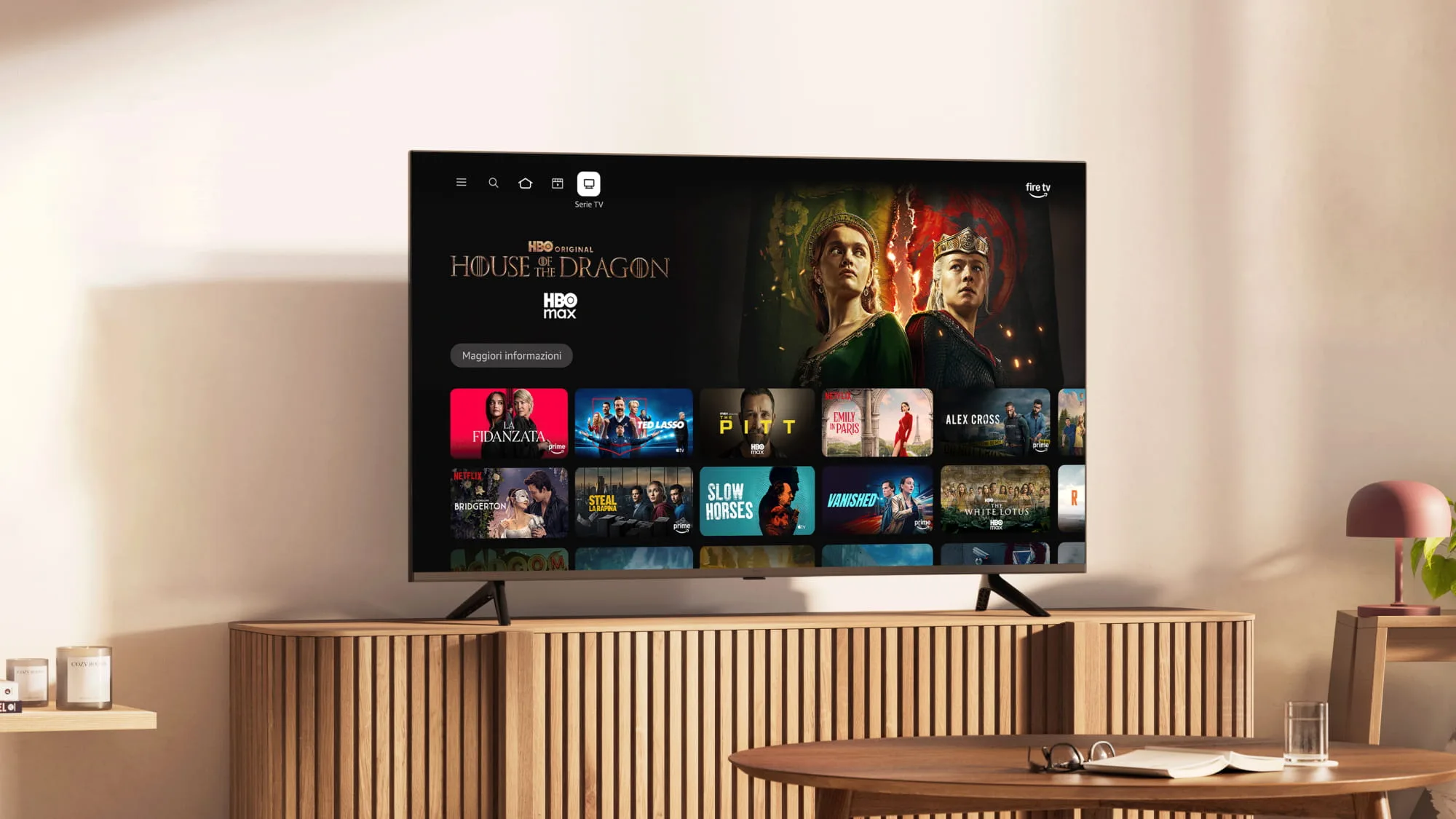
The system and the home screen. Fire TV pushes Prime Video and sponsored rows; Google TV recommends across services and also shows promoted content; Apple TV shows a plain grid of apps. All of them carry the big services (Netflix, Disney+, YouTube, Prime Video, HBO Max). If you rely on one small or regional app, check that it exists on the system you are about to buy.
Wi-Fi or cable. A stick hides behind the TV, which is the worst place in the room for Wi-Fi reception. If the router is far away, look for Wi-Fi 6 or 6E and consider an Ethernet adapter. The Google TV Streamer and the Apple TV 4K have an Ethernet port built in.
Power. The 2026 Fire TV sticks draw power from the TV's USB port with the included cable, so no wall adapter is needed. Older and more powerful models still want their own plug.
Which one is for you?
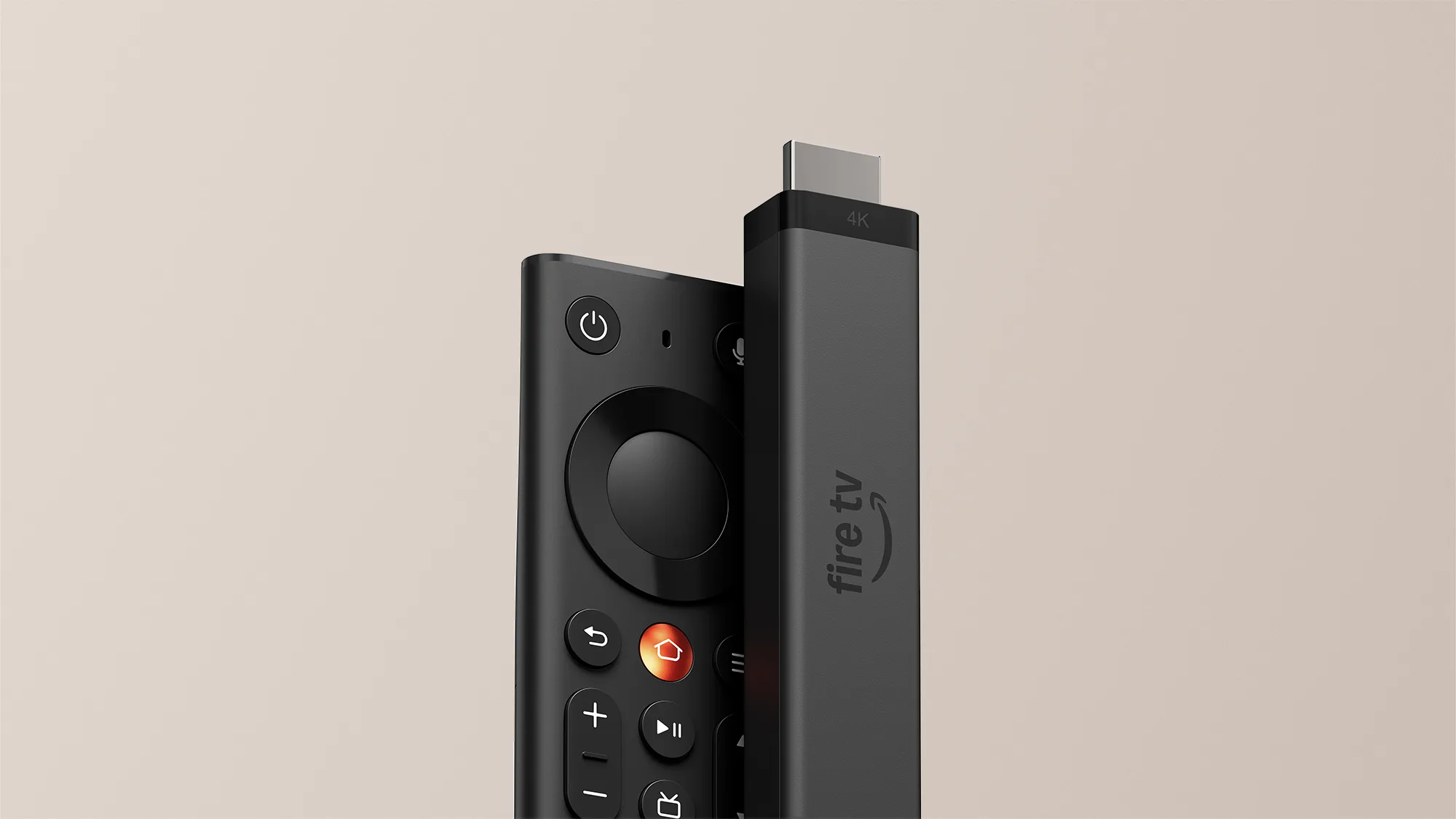
Best for most 4K TVs
1. Amazon Fire TV Stick 4K (2026)
Best for: A 4K TV without Dolby Vision, or a second TV
4K with HDR10+, Wi-Fi 6, power from the TV's USB port and the new Fire TV Remote for $59.99.
See it at AmazonCheck the current price at the store.
The Amazon Fire TV Stick 4K ($59.99 list, launched September 30, 2026) replaces the Fire TV Stick 4K Select and 4K Plus. Amazon lists 4K at up to 60 frames per second, HDR10, HDR10+ and HLG, a 1.7 GHz quad-core processor, 8 GB of storage, Wi-Fi 6 and Bluetooth 5.3. It is powered by the TV's USB port and ships with the new Fire TV Remote, which has a metal home button, keys shaped to be found by touch and a star button you can assign to one app. Amazon says the stick gets to content 20 to 40 percent faster than a similarly priced rival.
Who it's for: most people with a 4K TV who want the main apps and a quick menu. Keep in mind: the Fire TV Stick 4K has no Dolby Vision, and AFTVnews notes that it passes Dolby audio through HDMI and does not decode it itself. It runs Amazon's Vega system, not the older Android-based Fire OS, so apps cannot be sideloaded and the catalog is smaller, although Amazon says it has added more than 2,000 apps since Vega launched.
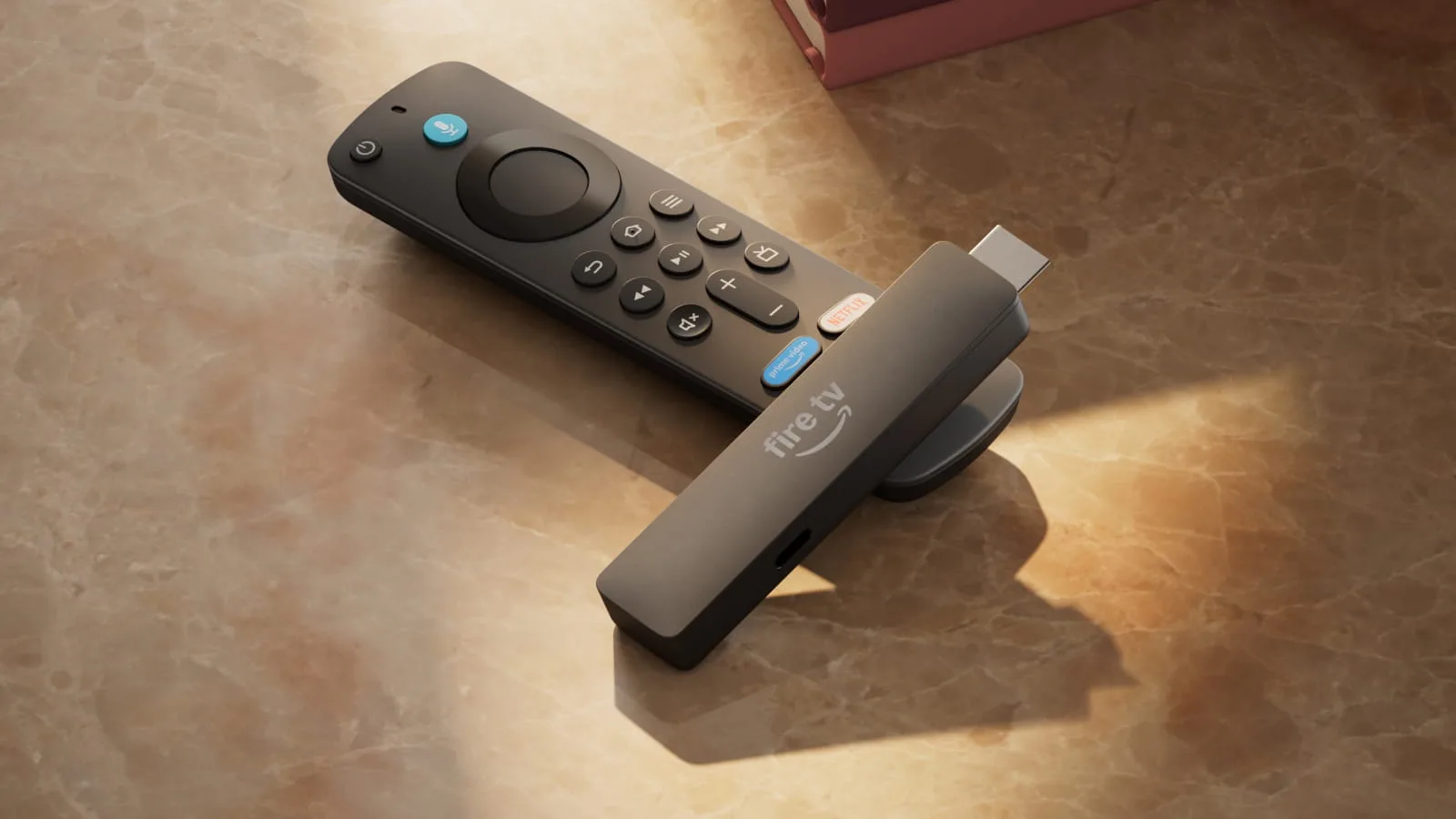
Best budget
2. Amazon Fire TV Stick HD (2026)
Best for: A Full HD TV in a bedroom, kitchen or guest room
Amazon's smallest and cheapest stick, powered by the TV, for 1080p screens.
See it at AmazonCheck the current price at the store.
The Amazon Fire TV Stick HD ($39.99 list; it launched in April 2026 at $34.99) streams in 1080p Full HD. Amazon describes it as about 30 percent smaller than the previous HD stick and 30 percent faster on average, and it is powered from the TV's USB port with the included USB-C cable. It comes with an Alexa Voice Remote that also controls the TV's power and volume.
Who it's for: anyone giving a second life to an older Full HD television, and travelers who want a stick that needs no wall plug. Keep in mind: the Fire TV Stick HD does not output 4K or the scene-by-scene HDR formats, so it is the wrong choice for a main 4K TV, even at this price.
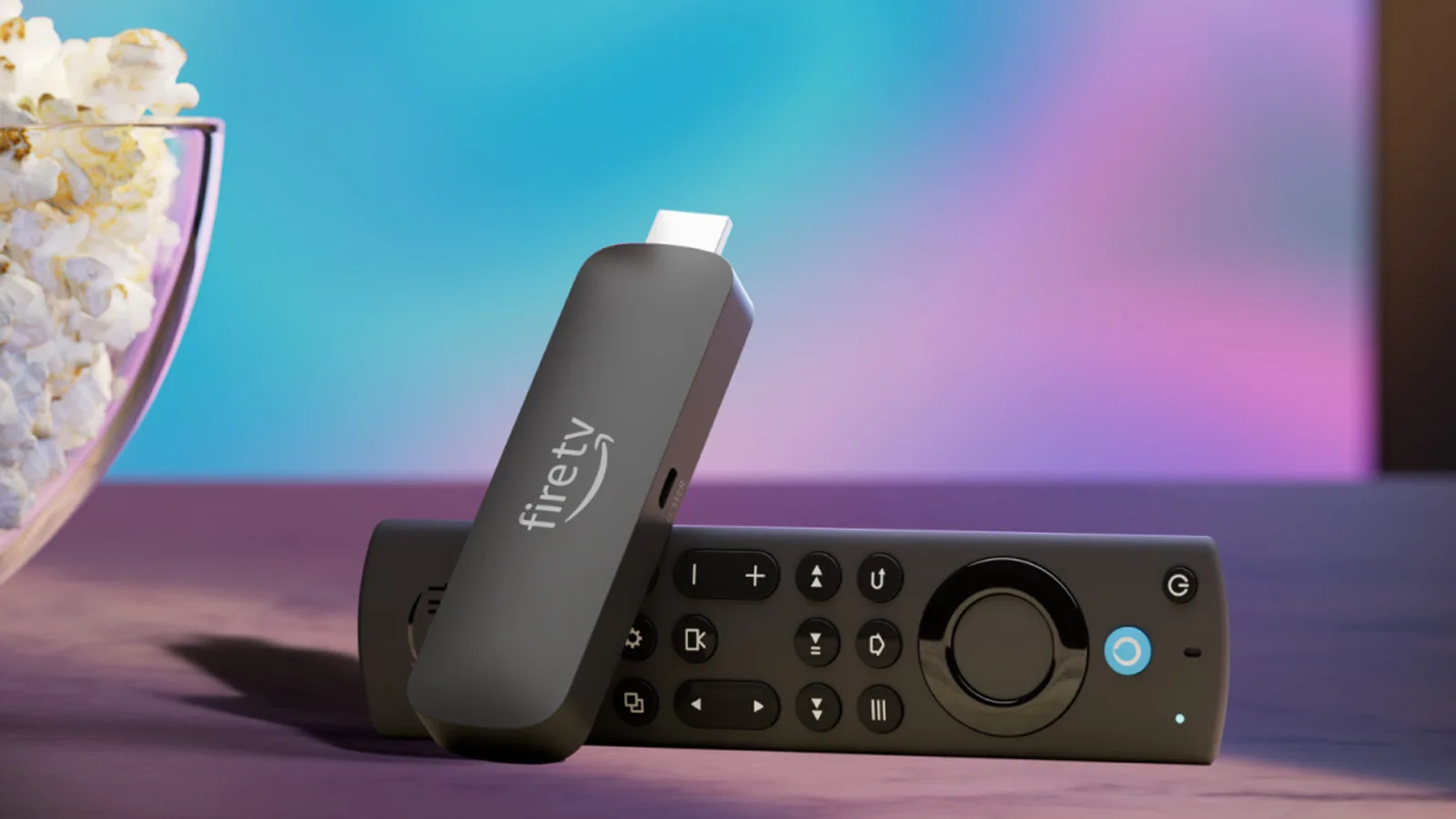
Best for Dolby Vision
3. Amazon Fire TV Stick 4K Max (2nd Gen)
Best for: Dolby Vision TVs, cloud gaming and crowded Wi-Fi
Dolby Vision, Dolby Atmos, Wi-Fi 6E and 16 GB of storage in a stick.
See it at AmazonCheck the current price at the store.
The Amazon Fire TV Stick 4K Max ($84.99 list since August 2026; it launched in 2023 at $59.99) is the stick for televisions that support Dolby Vision. Amazon lists 4K with Dolby Vision, HDR10+ and Dolby Atmos, a 2.0 GHz quad-core processor, 16 GB of storage, double the new 4K stick, and Wi-Fi 6E. It also has the Fire TV Ambient Experience, which shows art and widgets when the TV is idle. Because it runs the Android-based Fire OS, it keeps the larger app catalog.
Who it's for: owners of an LG, Sony or other Dolby Vision TV, people who play through Xbox cloud gaming or Amazon Luna, and homes with a Wi-Fi 6E router. Keep in mind: the Fire TV Stick 4K Max is a 2023 design that needs its own power adapter, and at its new list price it only makes sense when discounted or when you will use Dolby Vision.
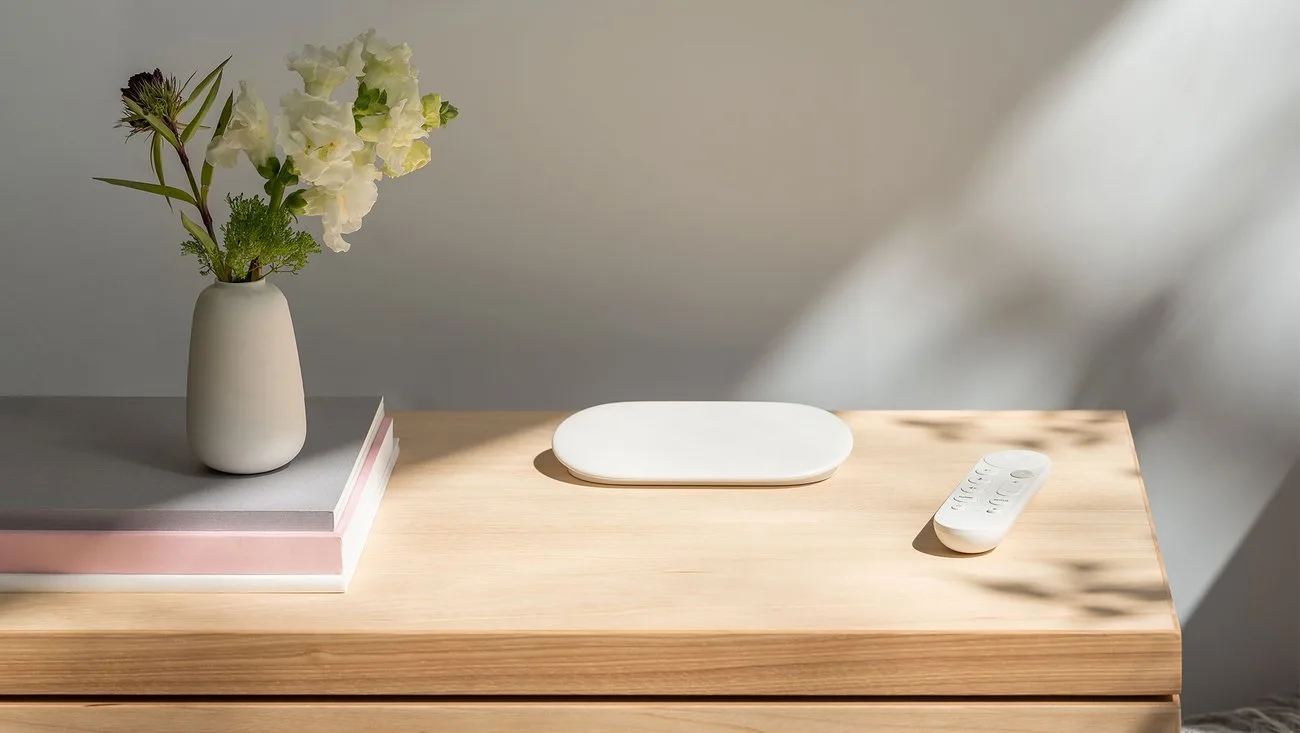
Best for Google homes
4. Google TV Streamer (4K)
Best for: Android phones, Nest speakers and smart home devices
A small box with 32 GB of storage, Ethernet, Dolby Vision and a smart home hub.
See it at AmazonCheck the current price at the store.
The Google TV Streamer ($149.99 in the Google Store; it launched in 2024 at $99.99) is a low box that sits in front of the TV, not a stick. Google lists 4K HDR with Dolby Vision and Dolby Atmos, 32 GB of storage, an Ethernet port, Thread and Matter for smart home devices, and Gemini for voice questions. Its remote has a customizable button, and a button on the back of the box makes a lost remote beep. An HDMI cable is not included.
Who it's for: households that already use Google Home, Chromecast casting from Android phones or Google Photos on the TV. Keep in mind: the Google TV Streamer costs $50 more than it did a year ago, it needs a spot on the furniture and an HDMI cable you buy separately, and its home screen mixes recommendations with promoted titles.
Best without ads
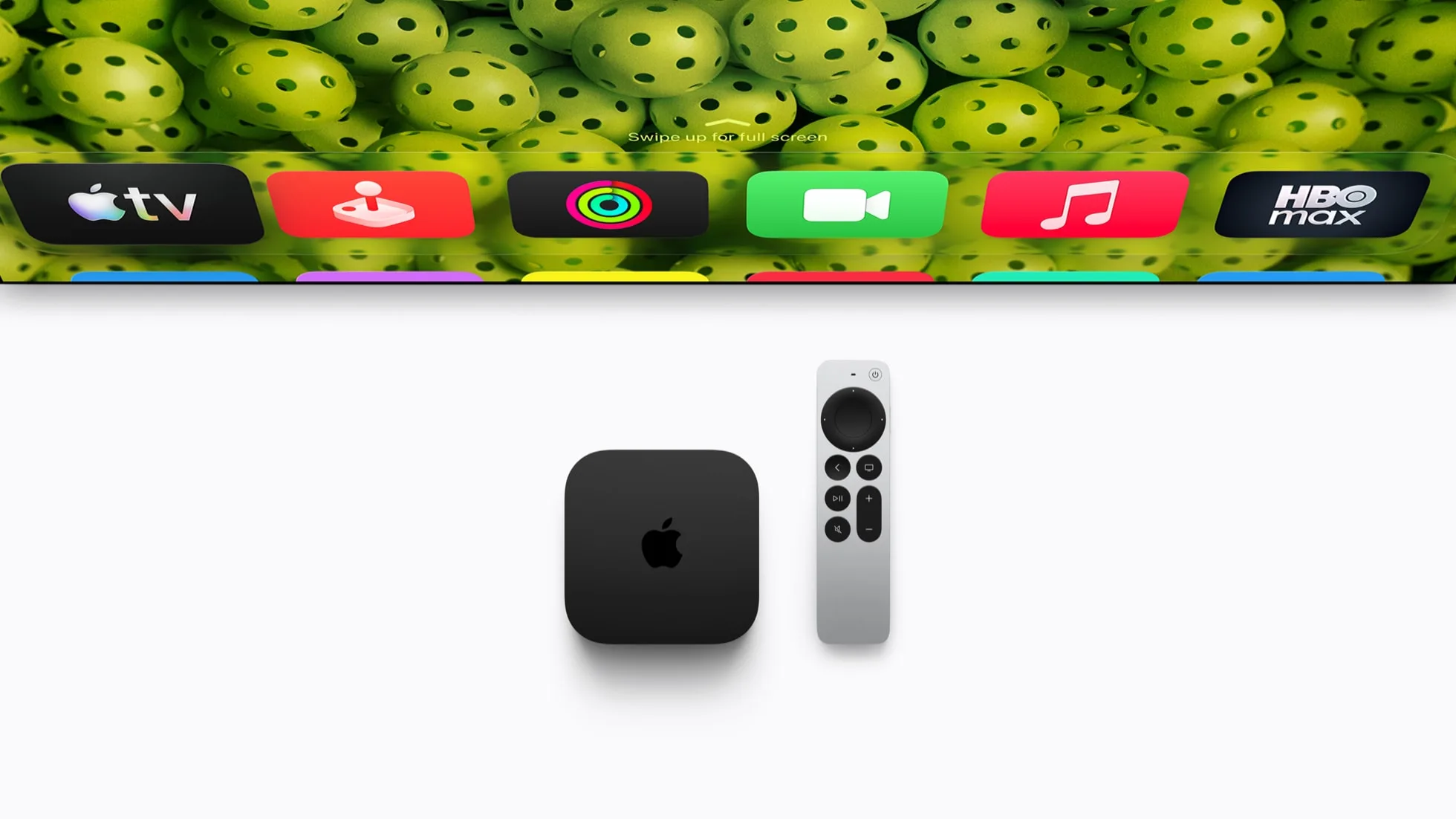
5. Apple TV 4K (4th generation)
Best for: iPhone households and home theater setups
The fastest box, a clean grid of apps and hands-free Siri, at $299.
See it at AmazonCheck the current price at the store.
The Apple TV 4K (4th generation, $299) was announced on October 13, 2026 and reached stores on November 13. Apple gives it the A19 chip, which it says is up to 50 percent faster than the previous model, a dedicated AV1 decoder, three far-field microphones for hands-free Siri, built-in Wi-Fi and Thread, and a new Siri Remote that can be located with Find My. It supports 4K Dolby Vision, HDR10+ and Dolby Atmos, and it can drive a four-speaker surround setup with HomePod speakers.
Who it's for: people with iPhones, AirPlay, Apple Fitness+ or HomeKit devices, and anyone tired of sponsored rows on the home screen. Keep in mind: the Apple TV 4K costs five times as much as the Fire TV Stick 4K for the same Netflix picture, and the Amazon listing we link was temporarily out of stock when we checked.
What about Roku and the Fire TV Cube?
Roku is the neutral choice in the United States: a simple grid of apps and no stake in which service you watch. The Roku Streaming Stick Plus lists for $59.99 on roku.com with 4K and HDR10+, and the Roku Streaming Stick 4K for $79.99 with Dolby Vision and a long-range Wi-Fi receiver; both cost $20 to $30 more than before Roku's summer increase. On Amazon, check that the seller is Amazon or Roku.
The Fire TV Cube ($199.99 list since August, up from $139.99) is Amazon's box for enthusiasts: an eight-core processor, Wi-Fi 6E, an Ethernet port, an HDMI input for a cable box and microphones for hands-free Alexa. It dates from 2022, so wait for a discount.
Do you need a streaming stick if you already have a smart TV?
Often not. If your TV is recent, its own apps play the same streams. A stick earns its place in three cases: the TV's menu has become slow, the maker has stopped updating its apps, or one service you pay for is missing. Amazon claims the new Fire TV Stick 4K started content faster than the built-in systems of three 4K smart TVs it tested, and a $40 to $60 stick is a much cheaper fix than a new television.
Vega or Fire OS: what changes with Amazon's new sticks?
Since 2025 Amazon's new sticks run Vega, its own system, in place of Fire OS, which was built on Android. For most people the difference is invisible: the same home screen, the same big apps, Alexa+ included. Two groups should care. People who sideload apps, such as Kodi builds or apps from outside Amazon's store, cannot do it on Vega. And people who use niche apps should check Amazon's store first. In this guide, the Fire TV Stick HD and Fire TV Stick 4K run Vega; the Fire TV Stick 4K Max and Fire TV Cube run Fire OS.
How do you set one up?
Plug the stick into a free HDMI port, connect the USB cable to the TV's USB port or the wall adapter, and switch the TV to that HDMI input. Sign in with the account for the system (Amazon, Google or Apple), join the Wi-Fi and let it update, which can take ten minutes. Then install only the apps you pay for, and in the settings turn off autoplaying previews and limit ad tracking. If the picture drops out, the usual cause is a TV USB port that supplies too little power: use the wall adapter.
Which streaming stick fits your budget?
Amazon Fire TV Stick HD, $39.99: the cheapest way to make a Full HD television smart.
Amazon Fire TV Stick 4K (2026), $59.99: the best balance of speed and price for a 4K TV without Dolby Vision.
Amazon Fire TV Stick 4K Max, $84.99: Dolby Vision, Dolby Atmos and more storage.
Google TV Streamer, $149.99: Ethernet, 32 GB and a smart home hub for Google households.
Apple TV 4K, $299: the fastest box and a home screen without ads.
Before you order
Count your TV's free HDMI ports and check whether it has a USB port to power the stick. Buy the listing sold by Amazon or by the maker: streaming sticks are a common target for look-alike products and "jailbroken" resales. If the gift is for someone else, find out which account they already use, because a Fire TV is most useful with Prime and an Apple TV with an iPhone. Amazon's list prices changed in August, so a discount shown against the new list price may simply be last year's price. For the rest of the living room, see our guides to mini projectors and to which Echo to buy.
How to get it right
For a Full HD TV, the Fire TV Stick HD; for most 4K TVs, the Fire TV Stick 4K; for a Dolby Vision TV, the Fire TV Stick 4K Max; for a Google home, the Google TV Streamer; and for no ads and an iPhone in your pocket, the Apple TV 4K.